Film cameras
Kodak Six-20 Brownie model C Camera User manual
User manual for Kodak Six-20 Brownie model C Camera. 4 pages in English. Read the original PDF, download or print a copy without registration.
4 pagesEnglish1.3 MB PDF
Loading your manual…Open PDF directly
Document details
- Brand
- Kodak
- Model / document
- Kodak Six-20 Brownie model C Camera
- Document type
- User manual
- Language
- English
- Pages
- 4
- File size
- 1.3 MB
- Category
- Film cameras
- Document date
- Not specified in catalog
Search available document text
Find a term, then jump to its page in the original PDF. Image-only pages may not be searchable; check the PDF for exact wording and diagrams.
Page 1 · Read text
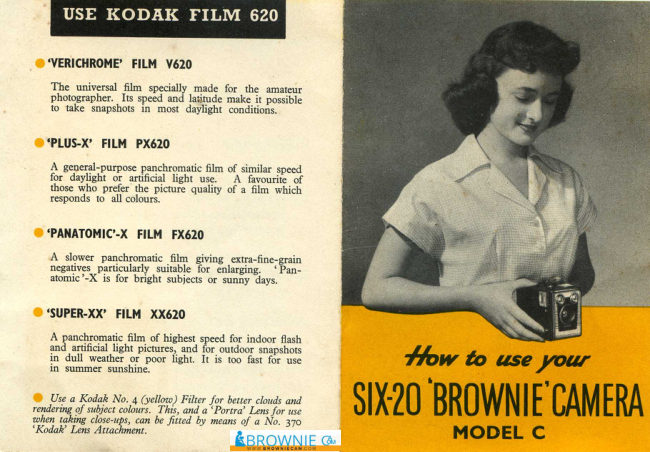
USE KODAK FILM 620

“VERICHROME’ FILM 620

The univer fim speci
photographer. Its speed and 1
fo ake snapshots In most di

ade fr the amatir
t conditions.

"PLUS-X’ FILM PX620

A general-purpose panchromatic fim of sinila
foctdayiit or adic ght use" “A favourite of

those who prefer the picture quality of a fil which
responds t¢ all colours.

"PANATOMIC-X FILM FX620

‘A slower panchromatic film giving extrafin
‘negatives particularly suitble for enlarging
stomic'-X'is for bright subjects or sunny ays

“SUPER-XX’ FILM. XX620

A paschromatic film of highest speed for indoor fash

ruil light pictures, and for outdoor snapshots
in dull weather or poor light. It me

Bl wen oe How to use your

seguatnesyecnerse SIMO BROWNIE CAMERA

Closeups, can Be fited by means of @ No” 370

"Kodal’ Lens: Avtachent. RBROWNIE @ MODEL C
View original page 1
Page 2 · Read text
SNAPSHOTS

LSet Control Lever to
ST” nstantaneous)
for all. snapshots.

2 Look in the red
window to make
certain that you have
advanced the film,

3. Check the distance. Do not photograph subject
neater than 8 feet from the camera unless you use
supplementary close-up lens such as a Kodak
“Portea’ 4-1 lens.

A. Check the light, The subject can be in bright or
hhazy sunlight, between an hour after sunrise and
an hour before sunset

5S Compose the picture. Decide whether it should
bbe horizontal or eral. The Viewfinder tells
you what your picture will include.

6 Hold the camera steady. Camera shake will blur
the picture. Press the Shutter Button inwards
with a gentle squeezing action.

Printed in Balad
‘es/o[tsTe 150355 KODAK LIMITED LONDON

When there is not enough light for a snapshot, a Brief

‘Time Exposure is made. ‘he camera on a firm

suport Bey sure the camer font + within, 20 3
from the edge $0 support does not

show inthe Never bold the camera in the

finds oe B? exposures

Set the control lever to “B)

‘Steady the camera and press. in the shutter button

Slowly, | ‘The shutter will ‘emain open for as long as

the shutter bution is held in. It will close when the

Fa are
Geese

‘The exposure time, needed will depend on, the lta
Tas evo, ng ot Cano be apace al
Enh lowing wil give some guidance"

‘Near sunrise or
View original page 2
Related documents and language editions

KodakPDF
Kodak Six-20 Brownie model C & D
User manual
5 pages · DutchRead →
KodakPDF
Kodak Brownie 44B flash
User manual
4 pages · EnglishRead →

KodakPDF
Kodak Brownie Cameras
User manual
4 pages · EnglishRead →
KodakPDF
Kodak Brownie Fiesta
User manual
8 pages · EnglishRead →
KodakPDF
Kodak Brownie Flashmite 20
User manual
9 pages · EnglishRead →
KodakPDF
Kodak Brownie Junior No. 2
User manual
7 pages · EnglishRead →
KodakPDF
Kodak Brownie No. 2 and 2A
User manual
16 pages · EnglishRead →
KodakPDF
Kodak Brownie Popular
User manual
3 pages · EnglishRead →
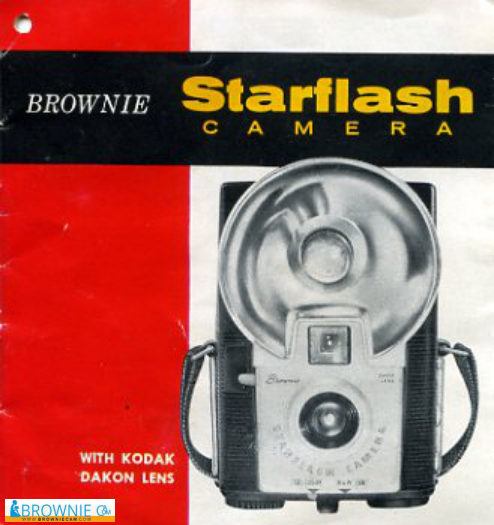
KodakPDF
Kodak Brownie Starflash
User manual
9 pages · EnglishRead →
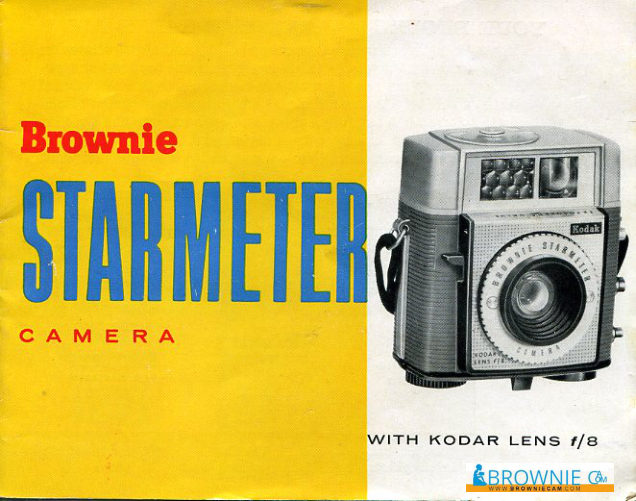
KodakPDF
Kodak Brownie Starmeter
User manual
10 pages · EnglishRead →

KodakPDF
Kodak Brownie Starmite II
User manual
16 pages · EnglishRead →
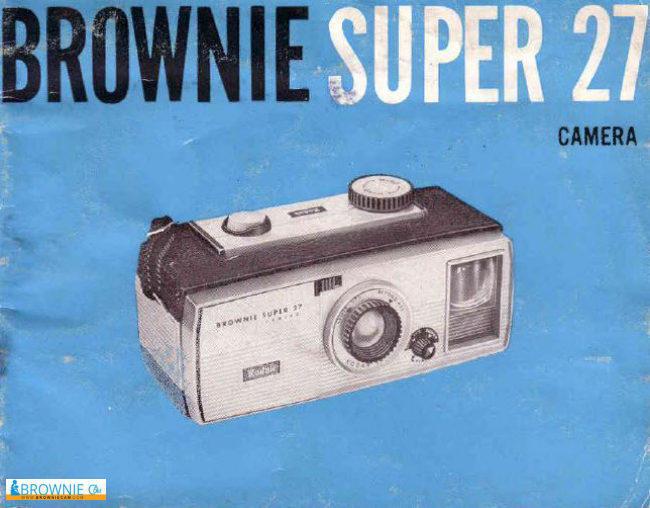
KodakPDF
Kodak Brownie Super 27
User manual
13 pages · EnglishRead →
From the M. Butkus archive. Original publisher and archive notices are retained.
Check the model and edition against your equipment.
PDF verified 2026-10-10.