Film cameras
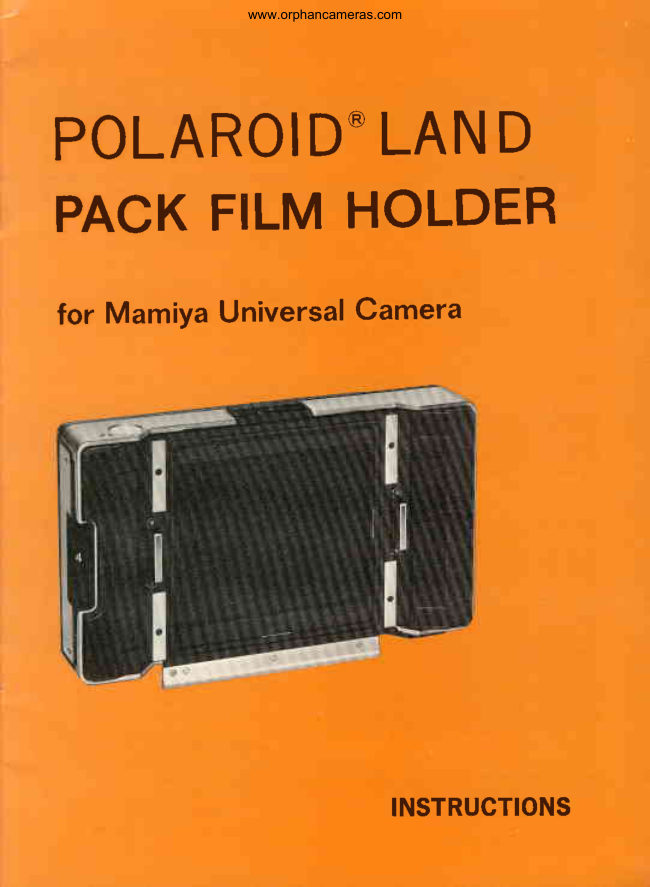
Mamiya Universal Polaroid Land Film Pack Holder User manual
User manual for Mamiya Universal Polaroid Land Film Pack Holder. 24 pages in English. Read the original PDF, download or print a copy without registration.
24 pagesEnglish3.6 MB PDF
Loading your manual…Open PDF directly
Document details
- Brand
- Mamiya
- Model / document
- Mamiya Universal Polaroid Land Film Pack Holder
- Document type
- User manual
- Language
- English
- Pages
- 24
- File size
- 3.6 MB
- Category
- Film cameras
- Document date
- Not specified in catalog
Search available document text
Find a term, then jump to its page in the original PDF. Image-only pages may not be searchable; check the PDF for exact wording and diagrams.
Page 2 · Read text
‘www orphancameras.com

POLAROID* LAND
PACK FILM HOLDER

for Mamiya Universal Camera

INSTRUCTIONS
View original page 2
Page 3 · Read text
www. orphancameras.com

Just a Minute, Please

Eager as you may be to get at your
new holder and begin making pictures,
please take the time to go through this
booklet carefully before loading film.

As you read the text and look at the
pictures, go through all the motions of
Using the holder—without film,

Once you get the simple operating
routine down pat, load a film pack. We
suggest that you start with black and
white. Please remember that even the
finest holder and film need some help
from the photographer if they are to
produce good pictures, That help can
be summed up in one sentence: Plan
and think before you shoot. As a
starter, read carefully the instruction
sheet packed with your film. Those
instructions may change from time to
time, so it's a good idea to review them
‘occasionally.

As a quick guide to help you get a
good picture every time, here are seven
helpful hints. They're important,

1. Be careful about exposure.
2, Move in close, to get a big image

Choose colorful subjects for your
color pictures.
Pick a good background, particular-
ly with flash.
. Pull the tab correctly.
Time development carefully.
Keep an eye on the temperature.
‘As you go through this booklet you'll
find these seven points explained in
detail. They can make the difference
between getting good pictures and poor
ones,

Noo Rw

The Film

Two kinds of Polaroid Land film packs
are available for use with this holder.
Each provides eight pictures measuring
3% x4% in,

For color pictures, use Polaroid Pola-
color® film, Type 108.

For black and white pictures, use
Polaroid 3000 speed film, Type 107.

Complete instructions for loading and
using these film packs are given else.
where in this booklet and in the instruc-

in the print. tion sheet packed with the film.
CONTENTS

Just a Minute, Please 1 How to Use the ND Filter..s.cssess 12
The Film 1 Temperature is Important 13
Open the Film Package 2 Protect Film and Holder from Heat 13
Disk for Recording Data 2 The Cold-Clip 14
How to Load a Film Pack 3 Pointers for Good Natural Light

It There's No White Tab .. 5 Pictures 15

How to Attach the Holder to the
Camera
How to Insert the Dark Slide
Picture Format and
Viewfinder Frame ...-. 7
How to Determine the Field of View 7
How to Develop the Picture
If No Yellow Tab Pops Out as
You Pull the White Tab
How to Get Correct Exposure

1

How to Lighten or Darken Pictures... 15
Black and White Prints must be
Coated
Care of the Holder
Possible Picture Problems
When Using a Tripod
Focusing Hood Model P. .
Optical Viewfinder Model P for
75mm/100mm/127mm lenses ... 22
View original page 3
Related documents and language editions
From the M. Butkus archive. Original publisher and archive notices are retained.
Check the model and edition against your equipment.
PDF verified 2026-10-10.