Film cameras
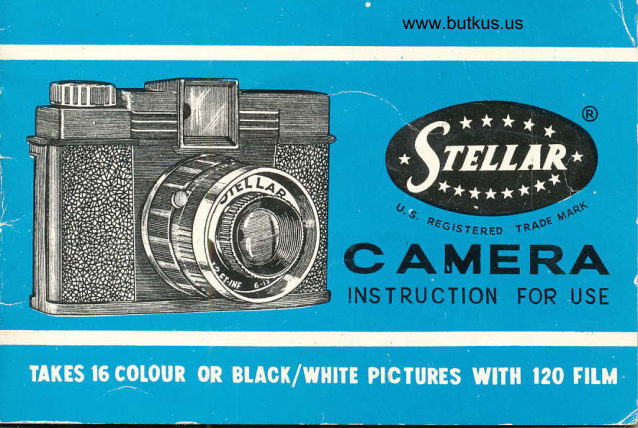
Stellar Camera User manual
User manual for Stellar Camera. 10 pages in English. Read the original PDF, download or print a copy without registration.
10 pagesEnglish2.3 MB PDF
Loading your manual…Open PDF directly
Document details
- Brand
- Stellar
- Model / document
- Stellar Camera
- Document type
- User manual
- Language
- English
- Pages
- 10
- File size
- 2.3 MB
- Category
- Film cameras
- Document date
- Not specified in catalog
Search available document text
Find a term, then jump to its page in the original PDF. Image-only pages may not be searchable; check the PDF for exact wording and diagrams.
Page 2 · Read text
You can take lb  {.,r,irxrr $r
Blaci<iWhite  pict urcs, size 4-,1x4ir
cm. on one roil  ,:i  i\ii:.  \2{)
filrn. The pictur:e )n tihe rigirt
shows you the ao-t,:al size ancl
it can be enlarqer{ if you so
wish.
It'is adviseable to takt.-- colour
pictures in -"urrny ',lays.
View original page 2Page 3 · Read text
www.butkus.us


IT IS IMPORTANT VTHEN
LOADING OR UNLOADING
FILM TO KEEP CAMERA
AWAY FROM DIRECT
LIGHT.
To open the camera turn the
catch at the bottorn to the word
"OPEN", then pull the back'
cover downwatds.
View original page 3
Page 6 · Read text
Venmo @mike-butkus-camera  Ph. 2083
PayPal Name  Lynn@butkus.org      www.PayPal.me/lynnbutkus
View original page 6
Page 7 · Read text
To close the camera put the
                            back cover in position and turn
www.butkus.us                    the catch at the bottom to the
                        word "LOCK"
                          Turn the winding knob in the
                                   direction of the arrow untrl the
                          nunrber  3( l"  appears in the
                            red window.
View original page 7Page 9 · Read text
Look through the view finder
again and compose the pic-
ture. Then press the shutter
release slowly downwards.
The picture is taken.
Turn the winding knob until
the next number is seen in the
red window. Repeat the above
procedure until l6  pictures
have been t.aken.
View original page 9
Page 10 · Read text
www.butkus.us

Turn the r.r"inriing i<nob uniii the fiim
is completeil' wound into the taking
spool.
Open the camera as indic-ated at,ove
and take ou.t the exposed film for
{eveioping.

The "Bulb" shutter is only used when
taking pictures indoor  where  the
l'ight is insufficient. On pressing down
the shutter iever the lens remains
open rrntil reieased. ln "riew of this
ii is important that the camera must
be put on a 6rnr place and kePt
steady.
View original page 10From the M. Butkus archive. Original publisher and archive notices are retained.
Check the model and edition against your equipment.
PDF verified 2026-10-10.