Camera accessories
Sunpak Remote Sensor RS-005 User manual
User manual for Sunpak Remote Sensor RS-005. 6 pages in English. Read the original PDF, download or print a copy without registration.
6 pagesEnglish0.6 MB PDF
Loading your manual…Open PDF directly
Document details
- Brand
- Sunpak
- Model / document
- Sunpak Remote Sensor RS-005
- Document type
- User manual
- Language
- English
- Pages
- 6
- File size
- 0.6 MB
- Category
- Camera accessories
- Document date
- Not specified in catalog
Search available document text
Find a term, then jump to its page in the original PDF. Image-only pages may not be searchable; check the PDF for exact wording and diagrams.
Page 1 · Read text
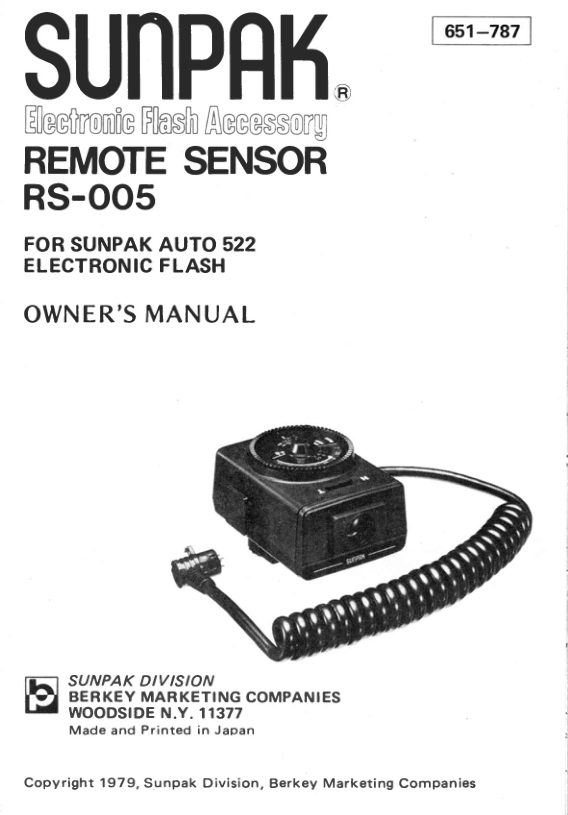
leeting
REMOTE
RS-005

FOR SUNPAK AUTO 522
ELECTRONIC FLASH

OWNER’S MANUAL

(iS) Sunpak o1vision

fy Berkey manKeTinc companies

WOODSIDE N.¥. 11377
Made and Printed in Japan

Copyright 1979, Sunpak Division, Berkey Marketing Companies
View original page 1
Page 2 · Read text
Introduction:

Your Sunpak Remote Sensor RS-008 is
designed for use with your Sunpak Auto
522 Thyristor and has unique features

that provide many picture taking benefits,

such as a wide range of auto apertures,
legible illuminated indicators, and dual
angle sensoring for normal and telephoto
photography. Because many of the fine
features of your Remote Sensor (RS-005)
are so unique, please take a few minutes
to read this owner's manual carefully.

(1) Description of Parts

Auto Exposure Control Dial

Auxiliary Mounting Foot

Film Speed index

Film Speed Window

Film Speed Knob

Auto Distance Scale

‘Auto Aperture Number

Dual Index for Auto Aperture and

Auto Effective Distance

‘Sensor Angle Selector
Normal 15°
Telephoto 8°

BNO TPENH

Average Reading
Central Reading

10. Auto Sensor Eye
11. Sensor Connector
12, Connector Lock Ring
dy’ Indicator
‘auto mode’ Indicator

15. ‘auto OK" Indicator
16. Test (Open Flash) Button
17. Knurled Lock Ring

18. Hot Shoe Contact

19. Jack/PC Cord Socket
View original page 2
From the M. Butkus archive. Original publisher and archive notices are retained.
Check the model and edition against your equipment.
PDF verified 2026-10-10.