Film cameras
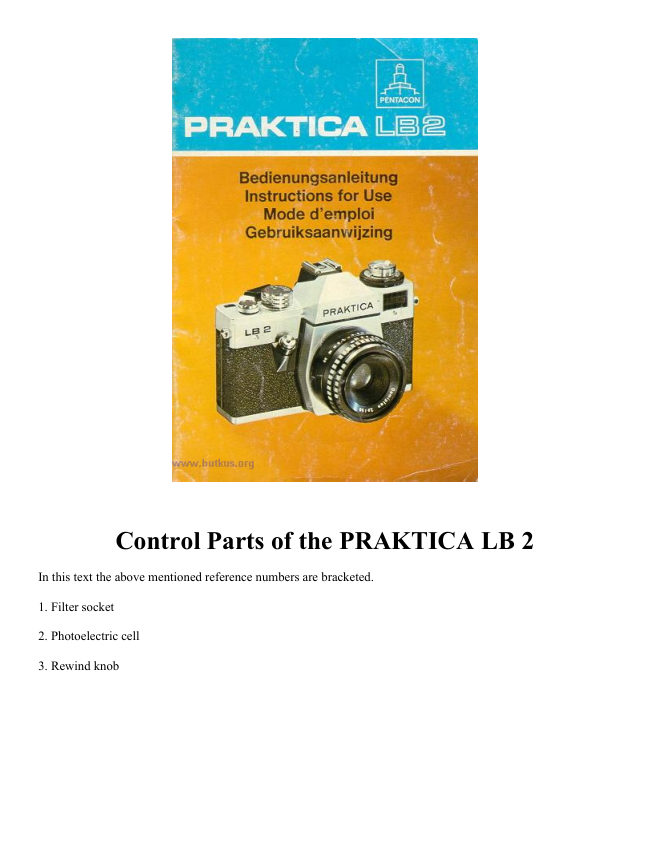
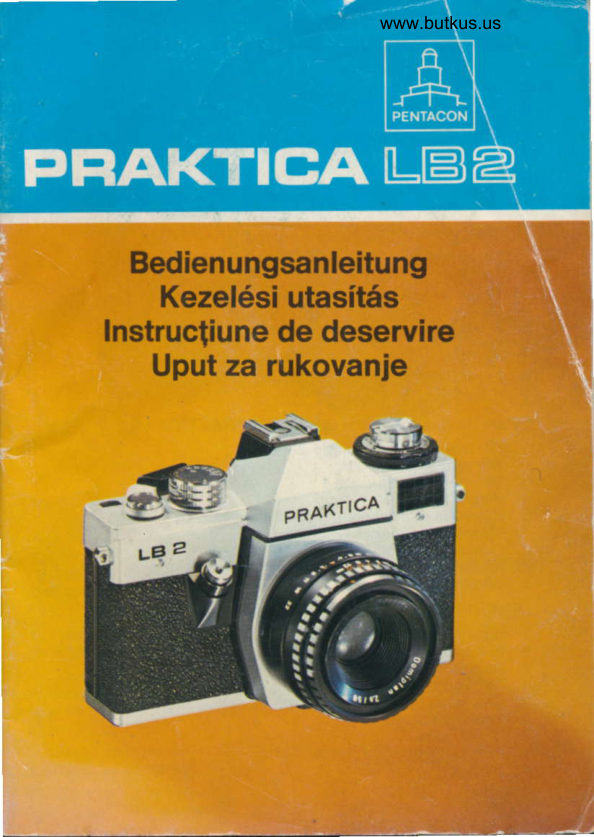
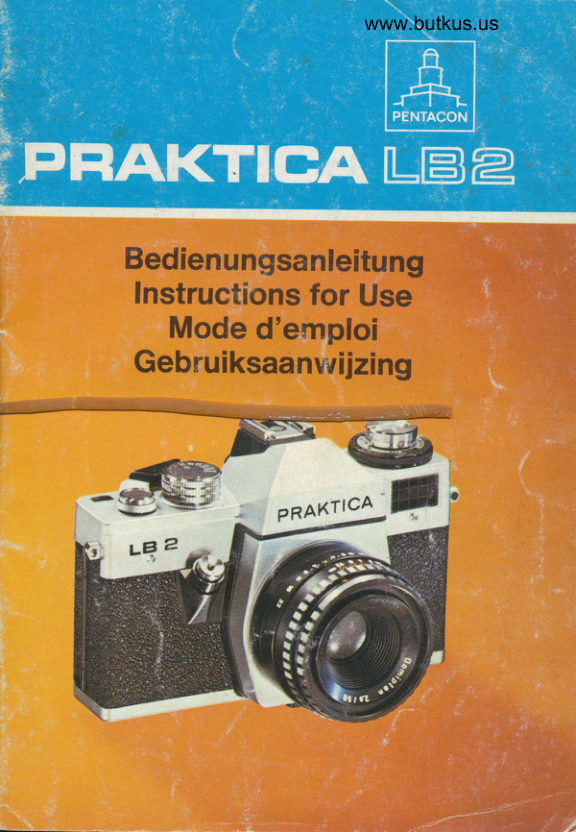
Praktica LB2 User manual
User manual for Praktica LB2. 13 pages in English. Read the original PDF, download or print a copy without registration.
13 pagesEnglish1.5 MB PDF
Loading your manual…Open PDF directly
Document details
- Brand
- Praktica
- Model / document
- Praktica LB2
- Document type
- User manual
- Language
- English
- Pages
- 13
- File size
- 1.5 MB
- Category
- Film cameras
- Document date
- Not specified in catalog
Search available document text
Find a term, then jump to its page in the original PDF. Image-only pages may not be searchable; check the PDF for exact wording and diagrams.
Page 2 · Read text
Control Parts of the PRAKTICA LB 2

In this text the above mentioned reference numbers are bracketed.

1. Filter socket

2. Photoelectric cell

3. Rewind knob
View original page 2
Page 4 · Read text
12. Depth-of-field scale

13. Knob

14. Knurled graduated fir:

15. Index for ASA values

16. Window for ASA dial

17. Rewind crank

18. Graduated ring with aperture numerals

19. Index for DIN values

20. Window for DIN dial

21. Window for meter needle

22. Center flash contact.
View original page 4
Page 5 · Read text
www.butkus.us


23. Exposure speed index

24. Ocular mount with fitting for accessories

25. Rewind catch

26. Cartridge chamber

27. Metal-blade focal-plane Putter

28. Film transport sprocket

29. Supporting piece
View original page 5
Page 6 · Read text
30. Take-up spool

31. Marking point for inserting the film

32. Wire bracket

33. Tripod socket

34. Rewind release knob

We wish you every success in working with this modern reflex camera. You own a camera which has a novel
metal-blade focal plane shutter the special features of which are high time stability and short synchro speeds for
electronic flash exposure. The built in external exposure meter guarantees you proper determination of
diaphragm and shutter speeds.

Opening the camera back
Pull rewind knob (3) upwards until you feel hard resistance. The camera back is thus unlocked and can be
hinged open. The exposure counter (7) will automatically jump to zero position.


Inserting the film
Insert the film cartridge. The wire brackets (32) should not stand upwards. Should this happen to be the case,
rotate the milled flange of the spool. Pull the leading edge of the film to the green mark (31) and push it from
above below the supporting piece (29). The teeth of the film transport sprocket should engage with the
perforation of the film.


If the film tends to strong warping, bring one wire bracket to rest on the film by turning the milled flange
of the spool.
Depress rewind knob (3) again and turn it somewhat, if necessary.

Closing the camera back
On the side of its locking means, press the camera back firmly on the camera body. It locks automatically.
View original page 6
Page 7 · Read text
www.butkus.us


Preparation for the exposure
The winding lever (6) has an idle stroke of about 15° so that it can be moved from its resting position into
readiness for action. (Easy grasping for serial shots.) Swing the winding lever (6) around as far as it will go,
move it back again, and depress shutter release button (9). Repeat these operations and then wind the shutter
once more. The automatic exposure counter (7) now stands on number "1 ".


Light metering
By turning knob (13), set the indices (15) and (19), reap. to the speed of the film loaded in the camera.
How to proceed for light metering: Direct your camera to the subject. Attention! Don't cover the window of
photoelectric cell (2)! Bring the meter needle in window (21) to rest in the center of the circular mark by
rotating the outer knurled graduated ring (14). So the diaphragm numerals (graduated ring 18) stand opposite
the shutter-speed values. This combination of aperture and shutter speed values will give exactly the right
exposure.
View original page 7
Page 8 · Read text
The combination most suitable for your subject to be taken is then transferred to the diaphragm setting ring (10)
of the lens or to the shutter-speed setting knob (5) (e.g.: aperture f/8--shutter speed '/125s sec.).

If the meter needle cannot be centered in the circular mark, the luminous density of the subject to be taken is off
the operating range of your exposure meter.


Setting the shutter speed


                                           intended for pictures to be taken with the
Symbol                                       electronic flash (about '/125s sec.);

                                                setting intended for slow-speed exposures.
B                                           Shutter remains open as long as the shutter
                                              release is being depressed

                                             (green) intended for taking subjects of low
2 sec. to 60 sec.                               brightness. Use of a tripod is
                                     recommended;
View original page 8Page 9 · Read text
www.butkus.us


1 sec. to'/15S sec.                          (orange color) intended for subjects of low
                                               brightness. Use of a tripod is
                                     recommended.

                                             (white) for taking subjects of
                                           unobjectionable brightness. Rotate knob
1/25 sec. to1/1000 sec.                        (5) until the desired numeral stands
                                            opposite the orange triangle. Intermediate
                                           values cannot be set!


 Setting the diaphragm numeral
Set the diaphragm numeral on diaphragm setting ring (10) to the mark of the lens mount. On lenses with
automatic pressure diaphragm (ADP) the aperture remains fully open, and only when the shutter is released it
will close to the set value. In the PRAKTICA LB 2 the diaphragm opens immediately after the shutter has run
down. Certain lenses permit manual stopping down of the diaphragm for evaluation of the depth of field in the
viewfinder. According to lens design this can be made by pressing the manual stop down key (left-hand
illustration on page 22) or by changing the diaphragm selector from A (automatic) to M (manual) (right-hand
illustration on Dane 22).
View original page 9Page 10 · Read text
Image-
                     Microprism
Signal   brightening                      Circular ground glass area
                       screen
         Fresnel lens


Focusing
Focusing is possible as to the microprism screen of circular ground glass area.

Focusing on the microprism screen
The correct sharpness is set when the image becomes visible clearly and free from fuzziness within the
microprism screen.


Focusing on the circular ground glass area
Turn the distance-setting ring until the subject appears clearly and distinctly within the circular ground glass
area. This is also the focusing method for macro- and microphotography as well as when lenses are used having
a small relatively aperture (diaphragm numeral higher than 4). The ground Fresnel area is not meant to be used
for focusing.
View original page 10Page 11 · Read text
www.butkus.us

Depth-of-field indication
The limits of the depth-of-field range can be read from the depth of-field scale (12) for the relevant aperture.
Example: 3 m at f/8 aperture zone of sharpness between 2 m and 6 m For evaluation of the depth of field in the
viewfinder refer to section "Setting the diaphragm". For infrared exposures the focusing point has to be slightly
modified. Set the determined distance value opposite the infrared point.


Releasing and winding the shutter
Before releasing the shutter, please note the following:

1. If the signal is visible in the left viewfinder, the camera is not ready for exposing. Swivel the winding lever
(6) to its stop.

2. For shutter speeds of 1/15 sec. and slower tripod and cable release should be used. Depress the shutter release
(9) steadily --never with a jerk--past the soft-running limit. After the exposure the shutter has to be wound to
make the camera ready for taking again.


Changing the film
Take into consideration the number of exposures (12, 20, or 36 frames) which can be made with the loaded
film, and observe this number on the exposure counter. When the film has been exposed, depress rewind release
knob (34) (it locks in). Fold the rewind crank (17) out of the rewind knob (3) and rotate it not too quickly in
direction of the arrow (indicated on crank 17). Termination of rewinding becomes noticeable by greater
resistance and subsequent ease of actuation. Pull the knob upwards to its stop. Unlock camera back. Film
cartridge can be removed.


Attention! If more exposures have been made than indicated on the film packet, at the end the winding
lever might not be swiveled around completely. Don't apply force! Rewind the film.
View original page 11
Page 12 · Read text
Exchanging lenses
All lenses provided with the international PRAKTICA M 42 x 1 thread can be applied. (Pentax thread mount)
You take hold of the lens body and unscrew it by turning it to the left. Installation is by turning it to the right to
its stop.


Flash exposures
Flash bulbs as well as electronic flash units can be synchronized. Push the flash unit with its center contact onto

the accessory shoe (4). Set the relevant symbol for the flash unit used, "bulb image" or    on the shutter-speed
setting knob. Flash units fined with a synchro cable are connected with the flash socket in the accessory shoe of
the PRAKTICA LB 2 by means of an adapter piece. Take into consideration the guide number of the flash unit,
particularly when determining diaphragm or distance values. For this purpose use the calculating dial on the
flash unit.

The use of flash bulbs
If bulbs for short flash duration are used, set to the g: symbol as to a shutter speed longer than 1/30 sec. The
ignition circuit is only closed while the shutter runs down.
View original page 12
Page 13 · Read text
www.butkus.us

The use of electronic flash units

Synchronization is by setting to the    symbol which corresponds to a shutter speed of about Is sec. Longer
shutter speeds can be used, too.


Maintenance and care of the Camera
Unobjectionable functioning of the highly valuable precision instrument depends very largely on proper
handling and careful maintenance. Protect the camera against shock, impact, and moisture. In certain intervals
clean the cartridge and spool chambers, film track and camera back with a soft brush. Neither depress the metal
blades of the shutter nor touch them with your fingers. Dust the mirror only in urgent cases by means of a hair
brush.

Please follow these Instructions for Use carefully. Improper handling of the camera may cause damage for
which we can accept no liability.

Further development of the PRAKTICA LB 2 may lead to slight alterations of the details given in this booklet.
View original page 13
Related documents and language editions
From the M. Butkus archive. Original publisher and archive notices are retained.
Check the model and edition against your equipment.
PDF verified 2026-10-10.