Film cameras
Just The User manual
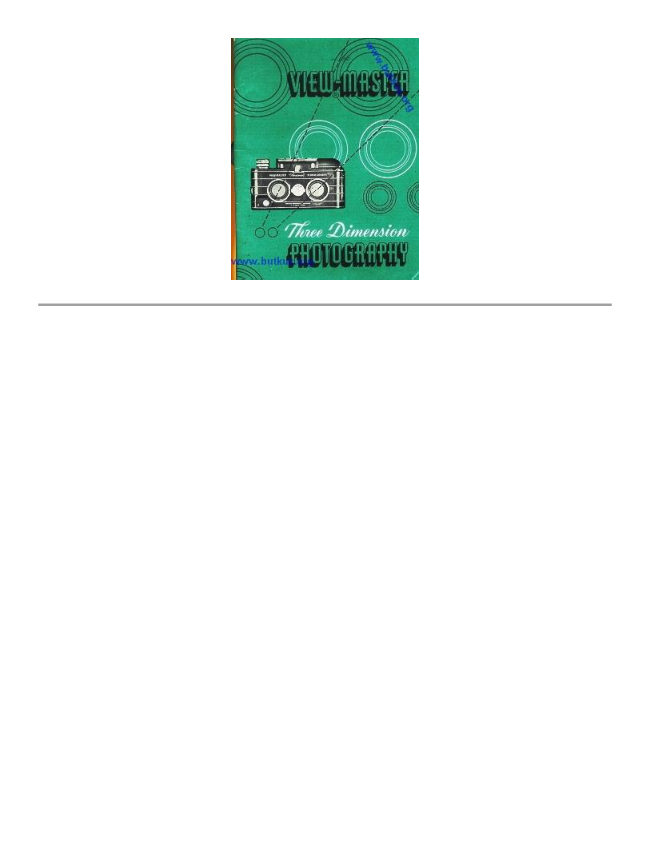
User manual for Just The. 29 pages in English. Read the original PDF, download or print a copy without registration.
29 pagesEnglish5.9 MB PDF
Loading your manual…Open PDF directly
Document details
- Brand
- Various brands
- Model / document
- Just The
- Document type
- User manual
- Language
- English
- Pages
- 29
- File size
- 5.9 MB
- Category
- Film cameras
- Document date
- Not specified in catalog
Search available document text
Find a term, then jump to its page in the original PDF. Image-only pages may not be searchable; check the PDF for exact wording and diagrams.
Page 3 · Read text
PRE-*SAPANS BNE spor

If this opening shows BLACK,
it is safe to open the camera.

If it shows RED, the camera is
loaded. In this case, check the
counter (see page 13) to see if it
is safe to open the camera.

... IF SHIFT KNOB IS
AT "BY .. 2...

SHIFT KNOB
TO “A"

Turn until black

squore disappears.
This will lock the lenses
in their lower position.

SHIFT KNOB should look like this 4
when you start to lood your camera,
View original page 3
Page 15 · Read text
INFORMATION SECTION

How the Lens Shift Works  19
Sky Brightness Pictures  20 Exposure-the Full Story . . . 21, 22, 23
Flash Pictures  24 & 25
Picture Taking Hints  26, 27, 28
Care of the Camera  29 & 30
Camera Accessories  31
Viewing Accessories  32
View original page 15
Related documents and language editions
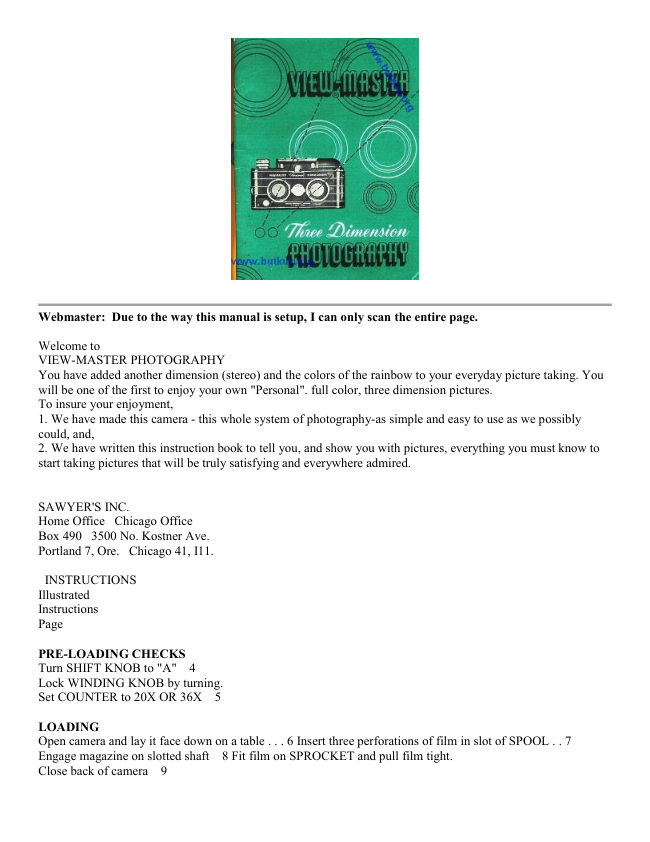
From the M. Butkus archive. Original publisher and archive notices are retained.
Check the model and edition against your equipment.
PDF verified 2026-10-10.