Film cameras
View-Master User manual
User manual for View-Master. 30 pages in English. Read the original PDF, download or print a copy without registration.
30 pagesEnglish5.9 MB PDF
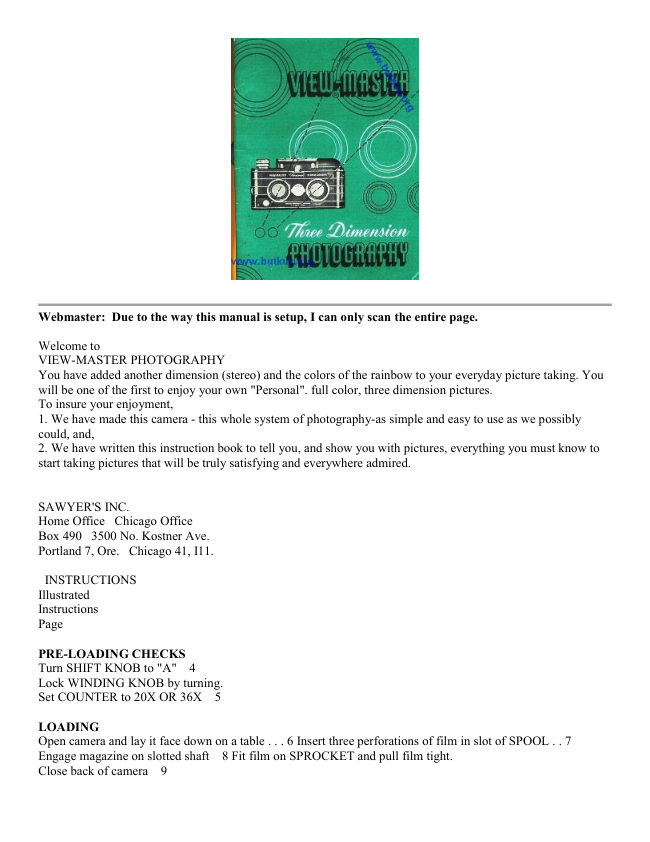
Loading your manual…Open PDF directly
Document details
- Brand
- View-Master
- Model / document
- View-Master
- Document type
- User manual
- Language
- English
- Pages
- 30
- File size
- 5.9 MB
- Category
- Film cameras
- Document date
- Not specified in catalog
Search available document text
Find a term, then jump to its page in the original PDF. Image-only pages may not be searchable; check the PDF for exact wording and diagrams.
Page 2 · Read text
Webmaster: Due to the way this manual is setup, I can only scan the entire page.

Welcome to
VIEW-MASTER PHOTOGRAPHY
You have added another dimension (stereo) and the colors of the rainbow to your everyday picture taking. You
will be one of the first to enjoy your own "Personal". full color, three dimension pictures.
To insure your enjoyment,
1. We have made this camera - this whole system of photography-as simple and easy to use as we possibly
could, and,
2. We have written this instruction book to tell you, and show you with pictures, everything you must know to
start taking pictures that will be truly satisfying and everywhere admired.


SAWYER'S INC.
Home Office  Chicago Office
Box 490 3500 No. Kostner Ave.
Portland 7, Ore.  Chicago 41, I11.

 INSTRUCTIONS
Illustrated
Instructions
Page

PRE-LOADING CHECKS
Turn SHIFT KNOB to "A"  4
Lock WINDING KNOB by turning.
Set COUNTER to 20X OR 36X  5

LOADING
Open camera and lay it face down on a table . . . 6 Insert three perforations of film in slot of SPOOL . . 7
Engage magazine on slotted shaft  8 Fit film on SPROCKET and pull film tight.
Close back of camera  9
View original page 2
Page 3 · Read text
INITIAL WINDING
Turn WINDING KNOB three full turns  10
Check FILM ADVANCE INDICATOR  10

EXPOSURE-EASY METHOD
Set CENTER DIAL for FILM SPEED.
Set SHUTTER at 1/50.
Match proper SKY BRIGHTNESS to correct SUBJECT COLOR by turning the LENS OPENING DIAL . . 11

ADVANCING THE FILM
Turn WINDING KNOB a full turn after each exposure.
When Winding Knob LOCKS and
Shutter will not CLICK, you have
reached the important HALFWAY POINT . . . . 12
. . . then . . .

Turn SHIFT KNOB to "B".
Take last picture when COUNTER reads "19" or "36". Wind FOUR times before unloading  13

UNLOADING
Unload in subdued light.
Tell processor, "Don't cut my roll"  14

PERSONAL REEL MOUNTING  14 & 15

LABELED VIEW OF CAMERA  16 & 17
View original page 3
Page 16 · Read text
INFORMATION SECTION

How the Lens Shift Works  19
Sky Brightness Pictures  20 Exposure-the Full Story . . . 21, 22, 23
Flash Pictures  24 & 25
Picture Taking Hints  26, 27, 28
Care of the Camera  29 & 30
Camera Accessories  31
Viewing Accessories  32
View original page 16
Related documents and language editions
From the M. Butkus archive. Original publisher and archive notices are retained.
Check the model and edition against your equipment.
PDF verified 2026-10-10.