Film cameras
WISTA 45 RF / WISTA 45 SP - VX User manual
User manual for WISTA 45 RF / WISTA 45 SP - VX. 7 pages in English. Read the original PDF, download or print a copy without registration.
7 pagesEnglish1.5 MB PDF

Loading your manual…Open PDF directly
Document details
- Brand
- Wista
- Model / document
- WISTA 45 RF / WISTA 45 SP - VX
- Document type
- User manual
- Language
- English
- Pages
- 7
- File size
- 1.5 MB
- Category
- Film cameras
- Document date
- Not specified in catalog
Search available document text
Find a term, then jump to its page in the original PDF. Image-only pages may not be searchable; check the PDF for exact wording and diagrams.
Page 3 · Read text
6 3 = U
tr0EEtfiftEi6fr#                                                                                                                                   ' t v > i                                                 5 11A4                  l 5 O@r)EEtffitott                                                                                                                                                                                -i                        .:"                                               -i
7 z 4 > F-OqU*h,TE6LEEHft=t*1ffi(51A. B )25\2 )fr        r-T-]                                                                                            L)'"''    T{          BEH$-#*rffih,TLr* d" zolirynr>Xotr,L'HFE (EFH,) t*63mmTd"
J t],I* OtrERL E U & ) (.EERD5 OfrIgrJFE a)flJNI d.
h / -1h4D Df,T, E1)fr+hr> TDb,^.=f:&L*, Eo)B
att(;Etrr;v(ts$(.@ffi(.3   ap.H!ffiATFffdn . h t
- 1h4D ER T EDfr+hr > *'rhh O/ \- 7 = - -3TFIOF
ffdt'L . EEHfiEtt*ERL,>z(irxL) *g                                     * t h I -1k425'5-F,      7v4>g-#fR8l                                       "
TEDfrrytJr>7D5,^.cf:&l*Htr(,tt-7  = --BtrErE
                              '>                                           -L,T &ERv > 7t;,\,  A d.'ft   T Et,fr MJV> 7h\ B a 2 ) A&.h\ E&T R 6n    .l.     ; OF9trffi
AO@ffi(- *  : T Et'h\ D O 2 ) aE Xfttl;64ld       tf /: L e . tO?qStrEEEEt E *,  TmL, tct-ta
75\EEffiEtTt.WlSrA4sRFt*.;O-81*6*tffiffi&ttJffiL,(b'r*C75t.      EEEET)F!JEd6;L75\E
  -c0t   t* /d'< C >  | e bt  X'n ) t:b a#E   t L,T fitJffiL T L) * C                                                                         "

Focusing with the Coupled Range Finder
On the right and left side of the viewfinder (50) are the two round windows (5lA,B)  of the
range-finder. Distance between the centersof the lensesof the left and right round windws of
the rangefinder(baseJength)is 63mm.
Distance is measured by the angle of both eyes. The image from the left lens, looking from
the back of the camera is reflected by Minor A.  It can be rotated on an axis perpendicular to
the diagram and reflected by the half mirror in the front of the objective lens and enters the
eye piece ofthe range finder.
The image through the right objective lens is transmitted through the half-mirror B and
entersthe eye piece ofthe range finder.
The two images from the lenses can be viewed as overlapped images. When these two
images are coincided by rotating mirror A, the distance from the subject is shown by the
scale. Wista 45RF Camera employs this coincidence focusing system rangefinder but the
purpose is not for measuring distancesbut merely to use it for focusing.
(l"r;ESEESEttfr
wlsrA45RF[*,ffEeuf-t  ) /dEEHff=th\h / -ot8Bt;^
HdnTb, tdoJnH    . h /-OtgB  fi,v t( qLA

c>  l-.1i-7ETii:tffi,  YO
,H,t=X3?Orgfrt>/\- t-h l^AffH -* ? (HtE-dEEHffiEt

JOEEH$Et+*ER
t ,
tt  3. ,>X[d2 4 )l/]^tt-EFl)8!(;ffi,€-il6)&)(;#
E L f: LO z5\1eFlEEH$Et#iffT q .
:- Affiffit b :  t WISTA45RF[* .,, *ftFR)Hf' B J < EEEHftt T
})no?&stfri'fi  t- (+J, 7 t -h>>t'    / )aft#-, H rffi                        -fft & r (EEH$Et^OFII*XAFIdtf t  : StdHLe> Fb\                                                               45(G,R,O,Y)6:rL.)5-  L ef,tF-r*d"
View original page 3Page 4 · Read text
www.butkus.us
CoupledRangeFinder System
A rangefinderis built in to the Wista 45RF Camera.When focusingis donewith the ground
glassby rotatingthe focusingknob (30) on the upperhack (40) of the camera,the extension
from infinity is designedto couple with the rotating movementof Mirror A in the
rangefinderby threecouplingleversand cams.In otherwords,whenthe imagesarecoincid-
ed by rotatingthe focusingknob, The lensis automaticallyfocusedon the film. Wista 45 RF
Cameraemploysthis systemto assurethat the subjectsfrom infinity to close-updistances
will be in focus when the imagesin the rangefinderare coincided                                                                                                                                                                       Digitallybysignedrotatingby mike butkusthe focusing
                                                                                                                               cn=mike butkus,knob.                                                                                                                  DN:o=orphancameras,                                                                                                                                                    ou=29,                                mike butkus email=mike@butkus.org, c=US
G)  IEHV>ALilDf;N'*{F                                                                                       Date: 2017.12.18 21:26:18 -05'00'
EgrEEffiE+T C>  | e bt X'n ) EAtd .,  y aR,fi EEEEt  . t affinv > 7a= &,offipRif;.z.l-'y / \
-(45){nE&cIAffi               OiEfl nAA32h\,z,t)*.bf:*'f  f T(;-#Edf, irutratJ r'Ltd/d',e,ldA,"
Coupling Adjustmentsfor the Lens to be used
Whenfocusingby usingthe coupledrangefinder,focal lengthof the lens,the positionof the
infinitiy stopsfor the lensandcouplingcammustbe setto the properposition.

WISTA45RF[*. 135mm.150mm.180mmO3AA>> 7l-
EFlrd6t -l:3)AhAz5\A{4(;#EUTbL) *d.  .Oh
l^O;&E(-g t)ft)Z  t-h>>t'      / 7(3q t-& L)frRL)UU
 I i,v t(34)&1h4(-tl* 5 * ('=et-fi*, xnT Td Lr"
,\.t:hAa&94 p )U(41)&94p )VLO*qtAf,rAt;@L
,l'f   ffi , > z o R,€.EEHff*,f e@4 + +gtr"(43)(- 6 b t(  T d Lr                 -                                            "; O ffiEEHffEtO  EI*.(*ffi FRif; (' 6 FIt- T L)/.r'tJt?,Id /d, *
t Ar"
Adjustment of Cam
Three cams are fixed in the body of the Wista 45RF
Cameracouplewith 135mm, 150mm, l80mm lenses.
To set the cam, first compressthe extention track (34)
till  it completely stops at the back by rotating the focusing knob (30). Then rotate the cam
change dial (41) towards the arrow mark on the dial and match the focal length of the lens
(42) to the index (43). At this time, the overlapped images in the rangefinder must coincide
at infinity.
lEHv>^ tu>*frfr)  Afr9Eilah.yrt-E*tD5.
m=)   . h Al-aIEL,tdA Ufr ,€ffiffiO v > 7X h I = A v > 77f,- F'lRt+t+t-*E L t t"  )tc I T rl
L*&9  4 ts)V(4 1)LA ffimV>.Afr ,fiEEHEfi,fEL E UeO = €,*FFif;z F y / \- (45)O4.A \T X _L
8 F i,v 2 .tTi  Z L,V > {ifIE    | 3 S L ? A at(38)Xl, ->h\ L))  t A,T V > Alflt*BRfi    .z'F'y / \
-t;439((TdL).

Set the Lens to the Infinite Stopper
Mount a lenswith the samefocal lengthas the cam on to the lensboard.Then lift the infinity
stop(45) on the uppertrack whosecolor is the sameas the focal lengthof the lensbeing
usedandsqueezethe pull out knob(38) andpull out the lensbracetill it meetsthe infinite stop-
per.
View original page 4Page 5 · Read text
135mm'150mmV> ztDleeHtffi  | i'v  t ( CDAJEffitffiL)
,t,|.zI i'v tG4)JEffit*E-OfiffiT1FffiL * d. 1BOmml/>7
Offit*h 17 t-l625\cT 611!ffi1),9,t  I i'v  t -LA7?O'LBBl-'
7,v 2o,v D r/\-(3g)A+ff(-ElL)(r06e).t8fi |i'v  tt
l6mmfEEBl3H,L* t  t  lhT'v J L.LBBFi'v tl=fr6rlA
trEL t dD btgB I j,y D o,y j V )\_Xilfre>crJ(Td L.\.                                                                  -DIT(. trF,]EEHH=tI'f ffiT O;TE+RIFI* H T T I  E I- . EEEffi=t                                               "
E{Az5\ffiFFiH(;6*t-(Lr T b . t Tyt&EtrAC> F75\CyFt
- 7LTGc(L\/d'L)iEAH , V>77 ->yRF-EEEE75\ffiiEL       -f( Lr *  n D= E o*FRif;z f,v )\-(45) AffiEXffigd5,Z,g
h\6,  t d. JEt. m r,H L l-.j ,yt34)t7    t -hy>5    / )
t- *  t Fft * T L''>h\ L)#-L))',n, RL) UL' F i v D E v 2 V ) \-(29D&@EL t t"   : O L eEEtrE+:
ERHFFHTAII L ( Lr/cl'HfLH'4, * itA,. ? dt;tS  F i'v D (40Ld) = Ed)*f  ;* x F'v/ \-
(45)Xr06 d)Bfl T I 5 ili# t- L t  t   nL\T v > 1EEE | 3,9 L ? * ar38)dwftl''  Hf# L ( *FFiE                                      "                                     * t  . € 2 F06o  t:ffiF_Tv 2 THft(3 1)ttb     . =€O*FRl&EfiX C> Ft  - ^ LTiEL < 6bU
if;z F'v/ \-(4 5)X#fi1,T VvzEft(;4  E E ( raU@L T=EO*F$f; z F'vi \-(45)tEE L * t.                      -              Ee6*6H   gv  9i.  ^ LTfrll=C>  Fz5tdz ( Lt ra'Hft td/d'U t U 4,"l1t TEilffi ffE=+d)
Settingof the Upper Track
Whenusing 135mmlenses,the front edgeof the uppertrack (40) andthe front edgeof the
extensiontrack (34) mustbe aligned.Whenusingthe l80mm lens,loosenthe uppertrack
lock lever (39) on the right side facing the cameraby pulling them towardsthe front of the
cameraandthenpressthe couplingsetlever (38) down.By pulling out the uppertrack about
l6mm the couplingsetleverslips into the uppertrack with a click andwill be locked,tighten
the uppertrack lock lever.Now you havecompletedthe settingfor usingthe coupledrange
finder.If the imagesin the rangefindercoincideat infinity but the subjectis out of focuson the
groundglassthe positionof the infinity stopsmustbe adjustedasthe lensflangefocal dis-
tanceis different. First, retractthe extensiontrack to the end with the focusingknob and lock
the extensiontrack lever.In this case,imagesin the rangefindermustcoincideat infinity.
Thenloosenthe infinity stopson the uppertrack so that infinity stopscanbe moved.Next pinch
the lensstandardpull out knobsandmovethe standardbackandforth to focusthe subjectto
infinity correctlyon the groundglass.Lock the lens standardwhenthe subjectis in focus.Move
the infinity stopstill they meetthe lensstandardandsecurethemwith a screwdriver.

+R*L-yL)7 >r-h)  Y 5 / 7(30X-*6  -Ee6*H'ff   BEEEEE+ffio)#ERv > z.ff52a+,1't-E L (
EAE < * )  t; %e;. &t:Bfls- !E'f*€T ea t u E ft tr,1'TAII8 t5   t  )  fi : (Td Lt"
8 V > A & MNL ( OTEflEE$S=+qffiRfuffiffiH)Ad)E U T'.
 Ifr,fiEn$   1F6mnVrTld*ffi;**,  0.95m*T
 Ifr,fiEE#  l5lmntt7 7l**pFE* U 1.11m*T
IfrHEEEE 180mmLz)A(d*FFE*U1.4m*T
                                      -!E&h\fqrUToiEHEd)r;6H7 ^-h>>,   /7aRrft'Hff     t;*,                  6tfht*i*iLrb*,       *                           - :f nYRU,gL t* # L'T L  E&Aflfish\ tL * c (  t 16 EA t* i€fiffiffi X fr iT  r\ 6 Z t X rlL' * C. ?ft:
 r,   ; f,rllTo rftwffiFiF,,azv F6bt(dirlgilEEEEE+t*ffi. * t /vD Bc>  vi.  ^ tT"ft  : (T3 Lt"
View original page 5Page 6 · Read text
www.butkus.us
tr 1) ZarJl-aEFWEtt* WlSTA4sffiNIKKORW135/150/1B0mmffiLL(;tEdn(L.)*E"  E
    +++6 a > > 7 t C tfrffiOH (- HE;IA#75'r,Z'gc q.
)+ 2 ) rZ  l-'y/\-d)ffi@, @5Y)[dF4ffiOAftdE#Td"6'+++5Ar>TLebtrfitr,DS-4        )\
      -r-Ja#rrJ,fFffiTdLr.
                    J4BEO,fi{*Tad* Tb F"56tT d Lr.
          WISTAHX8B TEL03-3931-2222 E-MailW|STA@nifty.com

Minimum  of Coupling Distances of Lenses
When taking a picture with the range finder focusing system, make sure that your pupil is
positioned in the center of the eye piece window of the range finder to seethe two images at
the center of the circle in the range finder.
Photographingrange of the coupled range finder used with the lensesis:
l35mm Lens Focal Distance     From Infinity to 0.95m (3.2')
l50mm Lens Focal Distance     From Infinity to 1.11m(3.64')
l80mm Lens Focal Distance     From Infinity to 1.4m (4.6')
For close distances,if the two images in the finder moves when the focusing knob is rotated
it means the lens is coupled within the range of the image movement. When the two images
in the finder stop moving and do not move when rotating the focusing knob it means that the
subject is beyond the coupling range. Therefore, as the coupled range finder cannot be used
for focusing subjectsat this distance,Focusing must be done on the ground glass.
Note: Flange Distance of RF Camera
The Flange Focus Distance of the 45RF Camera is pre-set for Nikkor 135mm, 150mm and
l80mm lenses.When using other lensesre-adjustmentis required. Re-adjustthe stopsto
match the infinity focus of your lens and lock it with a screwdriver.There is no need to
adjust the yellow stops (45Y) as it is a spare.


 ( Z ) 7 v 4 ! l -

WISTA4sRF[* . n I  - I-,BBDEEHEETtrLK(S1A . ga 2 2 OE affi(-)$il L t fi+n7 v 4 Y 9-(50) t
=t' L- +'' + +',h\bV i l n t 7 C d ) r ) d 9 "    I r      )r/\rFito  7f) +h )U7z 4 2 9-Tg DTSI/> 7O?F,ryt+75\HHlf,R(
 ( :3  L)ffiA,t:t+TRZAOT+RFiW;  Dffiffi&H:  I L)R6#h\,t,*tE.        t t;*'lAERDffiilOffi-
875\FrL)(L?&5140)@rt*L+HW++Li\t3<ffirer/d-L)*-(;-#E-tr(61)f-lh\.   T36/-(JB€td
7 z 4 )9-+*EFH(5 qDr>t-TR   A A)[']$$(Td    Lt.
Optical Finder
On the Wista 45RF Camera there is an independent direct viewfinder (50) between the two
range finder windows on the top of the camera. As this finder is an Albada system optical
finder, you will be able to clearly view the image area as the frames of the field of view for
lensesare marked by the yellow frames. Even if the eye moves a little, the finder is designed
so that there will be no difference between the image of the subject and the frame of the field
of view. We suggestyou have your eye at the center of the eye piece window (54) when
viewing through the finder.
View original page 6Page 7 · Read text
7 z 4 29-(50)H,  Tt6  t:ff45+XHd). Ln\€-6tl-t+H 120mmtrfrr>7D+HWh\Ri-A &.-           i
(; U A Ufc Z 07 y 4 Y 9-19#H0. 45l8OEP=tTg    t a+ESt+HXOE, Td           "                                             "                             "I*frl/> 712Omml-,27A&W++HFH€O-6j|.t+T9"   *t  135mm'1SOmm'1BOmmSl-,,>7A
&WH7 z 4Y9-AEtnYn&>>;{OftH,EFHEW/F-?Eff:tHH€t4h\YOffiWAz\rrL)t               ii
I   J AtB6 . ta7{t@t1*DF*ffin(; ij r  . 7 z 4 > I  - ++AO?EFtd?q5ffiEFHfi6mT 100%oAEaEIT I'#.'>7."                                                                                                      "      ffiFREO?.RE'frD+RFiF@m(:ijrrtd.724>9-t+    O+E*[de,$90o/o-tbpN*</.f-r*
g  Elt6. ftl3Rif;Fl@r1*[*7z 4 )9-t+o?HfflEFiffEB& L)10%^a^L96 *)  (;116,   &lh'b-  "
.OHEHU(TdL).  W|STA41RFaTz 4 2F-61&E'6O+EFiEEHft(;lilD(.H(-+FF7f*@r4*a    l
       -*                   l' t:lRF.X . 7 z 4 > g-t+h\ OY ff 6 & )  . ?H5{AEEHtrOffire(; & 5 7 2 4 2 9-lflRatrffi L
€urrecrtffiffiffil:4F#d6#8. EllSl\t i,v 2 ^4eM*Eh\l,T6L) td                                                                                "lft.'>T . &> > 7 t bz ^ - h > > i  / )  t. &.L)e,&L)H\,R4FL,( € . e ; T€iHEr\E Fi8!{-ffiEL
T 6L) * Cn\ 67 z 4 > 9-AOHH@,t+T&,1'L(5t    t d"
FramesofFieldView,MagnificationandParal|ax
The finderis designedto showasmuchaspossibleandalsoto view the field of a 120mm
wide-anglelens.The magnificationof this finderis 0.45x.Framesin the finderareexplained
below.The framefor l20mm wide-anglelensis light yellow (theoutermostframe.)Frames
for 135mm,l50mm and 180mmlensesaremarkedwith light yellow coloredframesmarked
the focallengths.In this case,the imagethroughthe finderis 100%at a distanceof 6M (20')      r
from the subject.Therefore,the field of view of the finder framewill be about90o/oof the              i
imageof a subjectin infinity. Accordingly,the actualimageof infinity is 10%largerthan
the areain the finder frame.The Wista 45RF flrnderis designedso that the field of the finder
alwayscoincideswith the actualimaging areaaccordingto the distancefrom the subject.
Wista45RFfinderhasa built-in parallaxcorrectionsystem.As lensesaremovedby rotating
the focusingknob,the parallaxis alwaysautomaticallycorrected.                                            ,
Note: The standardlensboardhasa lens-mountinehole cut at the centerof theboardto                   j
enablecorrection

,>  Rfi-  Fr(13)H,>  7Wt'ft lJni5\n> 5 -L6tJf:t-tDeE#t     t'T  ) v 4 Y 9- D )\-   i  'vD
716#h\Ttbn6 &){;-#Ett,T6L) *d                                           "

7 y 4 2 9-  f* EFK(54)(- (AiFSt+^ O?EW&e R B < I 6 fce>7z 4 2 I -+* ERJA (55)75\#8, (
6L) td"    t f:7 z 4 2t-+*ERH(54)t;8Si5'r=eAE(-8+HWi'+&RB<l6t;&>  t  . t/fr)v) 4 >
)7  t/-t^(s6)otrffiffiff&#kT7     z 4 > 9-+*ERK(54)td)t
EE=t t; L ( 6 L)t  I h\ 6tR7*L.Yt: ->T (J7 z 4 Y I -+* EFK
(J:,qx3l3,Hrrffi,fFffiTdLr.

Eye Piece Portion of the Finder
A rubber cup (55) is attachedto the finder eye piece win-   :
dow(54)sothattheviewintheviewfindercanbeseen
                                                                                                                      leasily. The eye cup is a collapsible type to enableyou to
place the eye as close to the eyepiecewindow in the find-
er to prevent the rotation of revolving frame from hitting
the eye piece (54) Make sure you pull out the finder I eye
piece window before taking pictures.
View original page 7Related documents and language editions

WistaPDF
WISTA 45 RF / WISTA 45 SP - VX
User manual
19 pages · EnglishRead →
WistaPDF
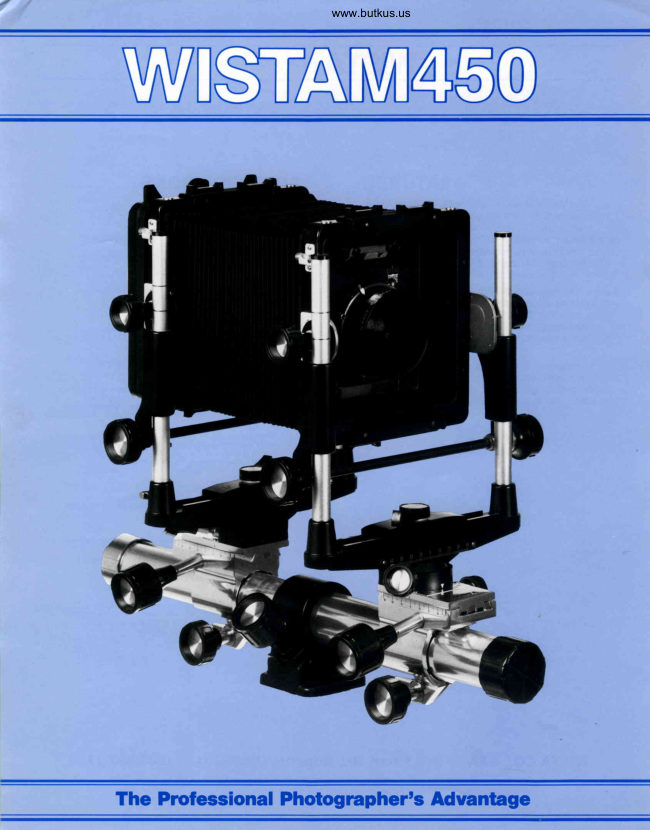
WISTA M450 Flier
User manual
13 pages · EnglishRead →
WistaPDF
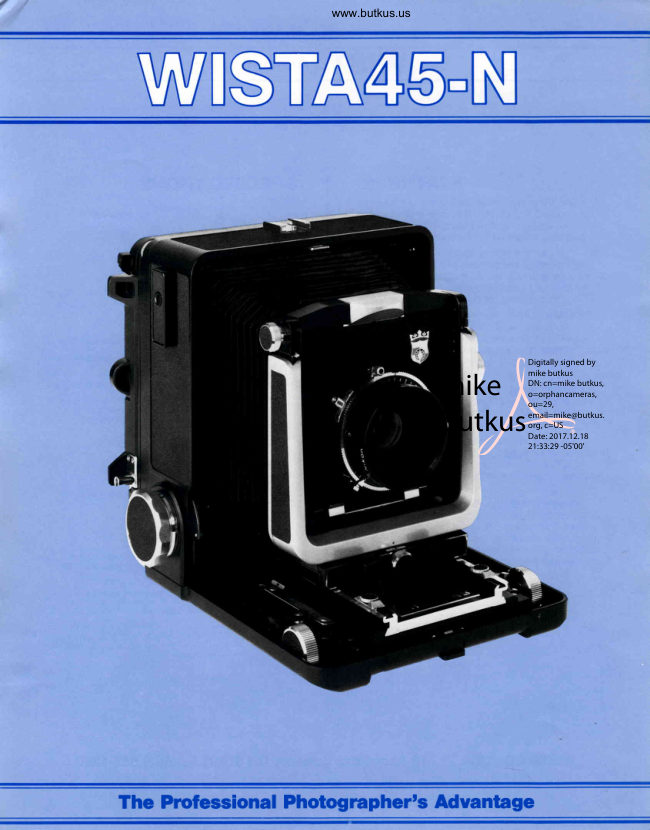
WISTA 45-N
User manual
3 pages · Not specifiedRead →

WistaPDF
WISTA 45SP
User manual
4 pages · Not specifiedRead →
WistaPDF
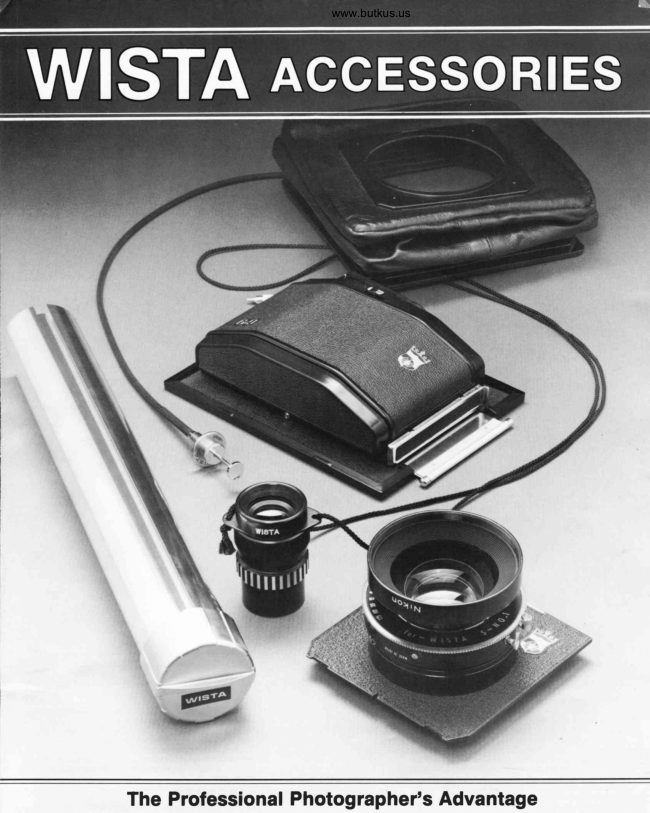
WISTA Accessories
User manual
5 pages · Not specifiedRead →

WistaPDF
WISTA FIELD-45DX
User manual
3 pages · Not specifiedRead →
WistaPDF
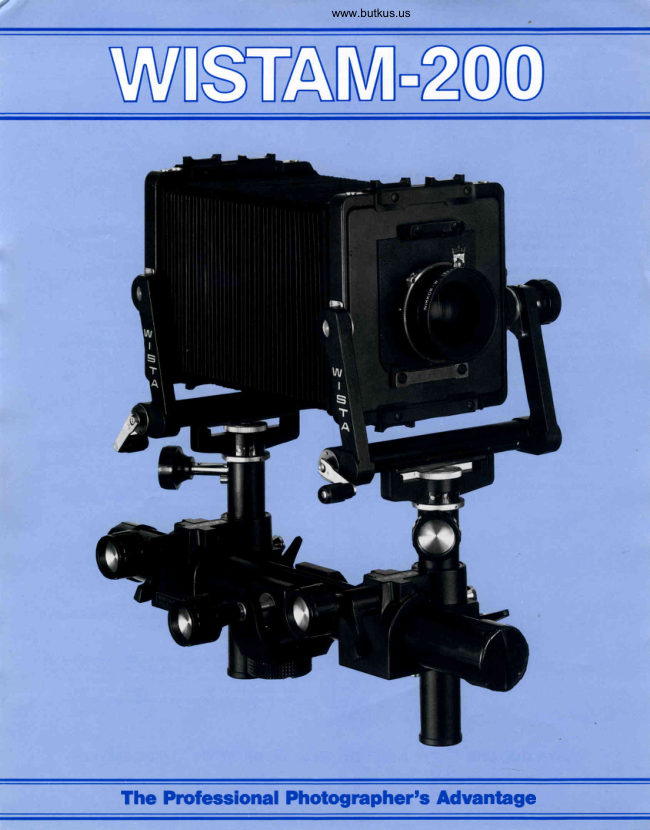
WISTA M-200
User manual
3 pages · Not specifiedRead →
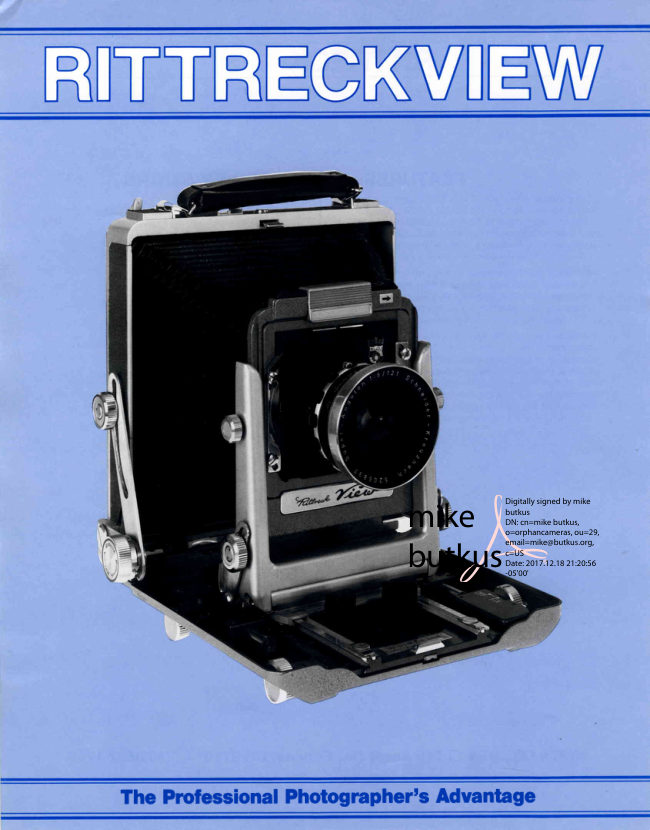
WistaPDF
WISTA RITTERCK VIEW
User manual
3 pages · Not specifiedRead →
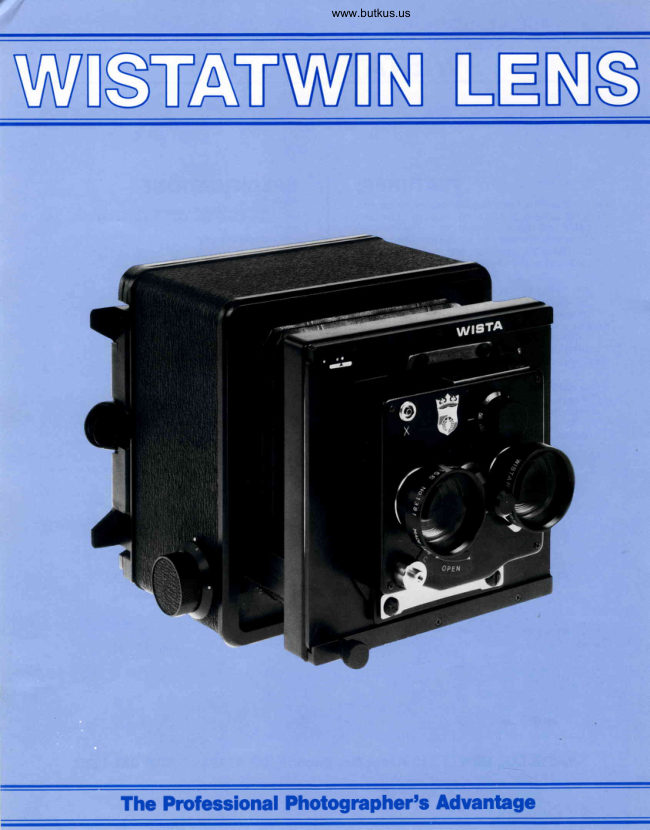
WistaPDF
WISTA TWIN LENS
User manual
3 pages · Not specifiedRead →
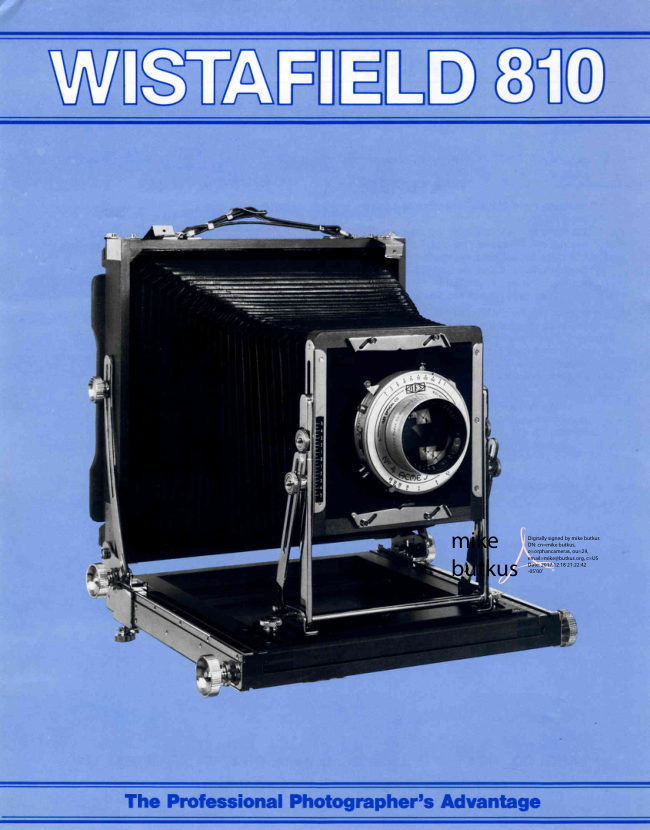
WistafieldPDF
WISTAFIELD 810
User manual
3 pages · Not specifiedRead →
From the M. Butkus archive. Original publisher and archive notices are retained.
Check the model and edition against your equipment.
PDF verified 2026-10-10.