Film cameras
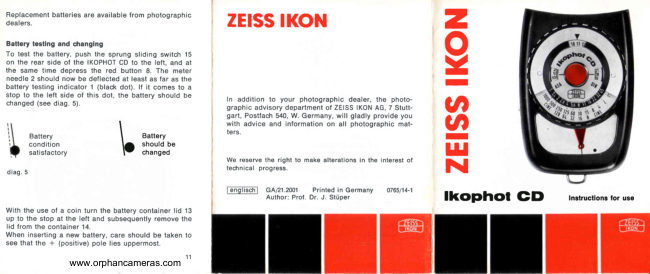
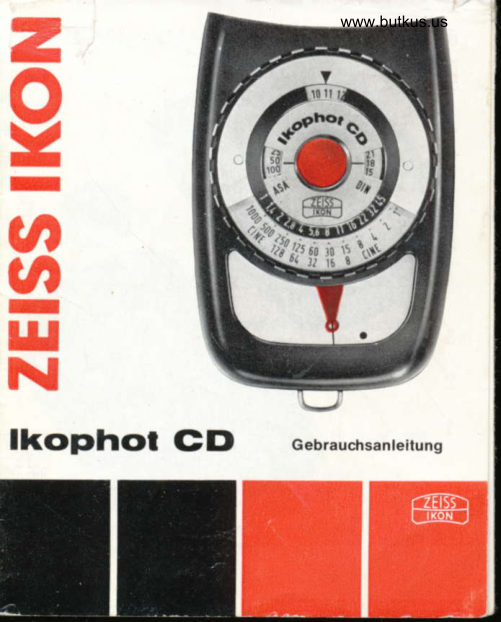
Zeiss Ikon Ikophot CD User manual
User manual for Zeiss Ikon Ikophot CD. 5 pages in German. Read the original PDF, download or print a copy without registration.
5 pagesGerman0.5 MB PDF
Loading your manual…Open PDF directly
Document details
- Brand
- Zeiss Ikon
- Model / document
- Zeiss Ikon Ikophot CD
- Document type
- User manual
- Language
- German
- Pages
- 5
- File size
- 0.5 MB
- Category
- Film cameras
- Document date
- Not specified in catalog
Search available document text
Find a term, then jump to its page in the original PDF. Image-only pages may not be searchable; check the PDF for exact wording and diagrams.
Page 2 · Read text
Replacement batteries are available from photographic
dealers.

Battery testing and changing

To test the battery, push the sprung sliding switch 15
fon the rear side of the IKOPHOT CD to the left, and at
the same time depress the red button 8. The meter
needle 2 should now be deflected at least as far as the
battery testing indicator 1 (black dot). I it comes to a
stop to the left side of this dot, the battery should be
changed (see diag. 5)

Battery Battery
condition should be
satisfactory changed

diag. 5

With the use of a coin turn the battery container lid 13
Up to the stop at the left and subsequently remove the
lig trom the container 14.

When inserting a new battery, care should be taken to
see that the + (positive) pole lies uppermost.

www.orphancameras.com

ZEISS IKON

In addition to your photographic dealer, the photo-
graphic advisory department of ZEISS IKON AG, 7 Stutt-
art, Postfach 540, W. Germany, will gladly provide you
with advice and information on all photographic mat-

We reserve the right to make alterations in the interest of
technical progress.

@nglisch] GA/21.2001 Printed in Germany 765/141
Author: Prof. Dr. J. StUper

ZEISS IKON

x

ophot CD

Instructions for use
View original page 2
Page 3 · Read text
18

www.orphancameras.com

The Instrument

Battery testing indicator (black dot)
Meter needle

Matching-needle

Shutter speed scale, and frame indicator for movie
Aperture scale

Film speed setting buttons

ASA film speed scale

Push-button switch

Exposure value setting indicator

Exposure value scale

DOIN film speed scale

Mille ring for operation of the matching-n
Battery container lid

Battery container, loaded with battery
Sliding switch for battery testing

Meter cell window

Hinged incident light attachment

Hinged cover disk

Operation of the IKOPHOT CD

Selting the film speed
Adlust the film speed scales 7 (ASA) or 11 (DIN) by
turning the setting buttons 6 to bring the film speed
dicated on the film package or in its instruction sheet
into the exact centre of the litle window. (See diag. 1)
HW the exact speed required is not included on the
scale then an appropriate intermediate setting should
be used
View original page 3
Related documents and language editions
From the M. Butkus archive. Original publisher and archive notices are retained.
Check the model and edition against your equipment.
PDF verified 2026-10-10.