Movie cameras & projectors
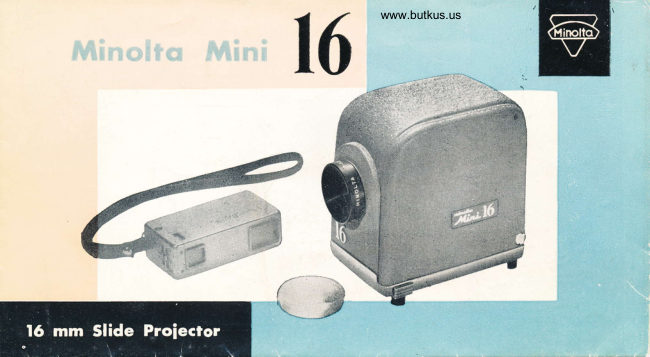
Minolta 16 Slide Projector User manual
User manual for Minolta 16 Slide Projector. 8 pages in English. Read the original PDF, download or print a copy without registration.
8 pagesEnglish3.0 MB PDF
Loading your manual…Open PDF directly
Document details
- Brand
- Minolta
- Model / document
- Minolta 16 Slide Projector
- Document type
- User manual
- Language
- English
- Pages
- 8
- File size
- 3.0 MB
- Category
- Movie cameras & projectors
- Document date
- Not specified in catalog
Search available document text
Find a term, then jump to its page in the original PDF. Image-only pages may not be searchable; check the PDF for exact wording and diagrams.
Page 4 · Read text
& T f
  Vorious   Usoges
                                               r-
Auto-Chrrnger
If you want to show sev-                i
eral pictures in sequence,
use an "Auto-Changer."
Place the mounted slides
into right hand section
of the  "Auto-Changer."
Then, as you move the
lever in and out, slides
are sent to the viewing
position and then stoclied           ?fin the left hand section.     F

Alrequlpl Adopter                  1iTo use an "Airequipt",changer, first attach theadapter, as you would any           : &\t
other carrier and then
insert the tongue of the
Airequipt changer in the       As o Hondy Mlcroscope
channel. When the windowof the changer is in proper        Above photo shows the projected
position, tighten the set        image of Nylon Stocking at the
screw. The adapter comes          projecting distance of about 7 ft.
with every proiector._
View original page 4Page 5 · Read text
Venmo @mike-butkus-camera  Ph. 2083
PayPal Name  Lynn@butkus.org      www.PayPal.me/lynnbutkus
View original page 5
Related documents and language editions
From the M. Butkus archive. Original publisher and archive notices are retained.
Check the model and edition against your equipment.
PDF verified 2026-10-10.