Film cameras
Another Voigtlander Vitessa User manual
User manual for Another Voigtlander Vitessa. 40 pages in English. Read the original PDF, download or print a copy without registration.
40 pagesEnglish3.3 MB PDF
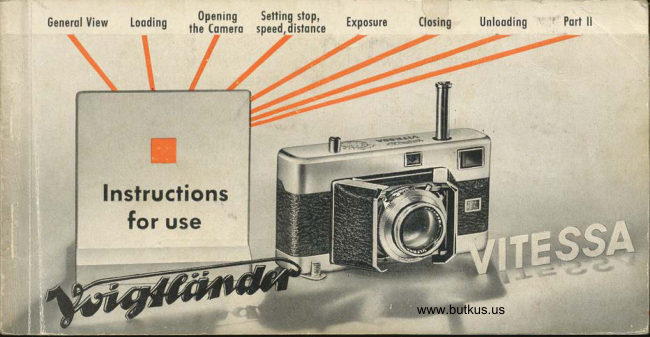
Loading your manual…Open PDF directly
Document details
- Brand
- Voigtländer
- Model / document
- Another Voigtlander Vitessa
- Document type
- User manual
- Language
- English
- Pages
- 40
- File size
- 3.3 MB
- Category
- Film cameras
- Document date
- Not specified in catalog
Search available document text
Find a term, then jump to its page in the original PDF. Image-only pages may not be searchable; check the PDF for exact wording and diagrams.
Page 3 · Read text
Genr
T I HE MOST IMPORTANI POrNf of these instructions for ihe VITESSA is on
this poge: Before you stort toking pictures or investigqte the mechonism of
fhe comero, pleose reod the first port of this booklet very corefully    the                                                                       -sections with the "red guide" running through them   ond get to know                                                      -                   thevqrious operotions reolly well.
The guide is in the form of o detoiled picture book to help you lo corry out
eoch operotion correctly. So pleose follow the red guide step by step.
You will find further explonotions of specific techniques ond hints on qcces-
sories in the second port of these instructions. Sfudy these too, os soon os you
hove become fomilior with the woys of hondling your comero.


                           VOTGTTANDER A.G. BRAUNSCHWEIG
View original page 3Page 4 · Read text
,psr'j[i,noo.,il',la   Generof view   Loodins i r,,?r,'lillo               Exposure     ao'ino        Unlooding      Appendix                                                 I
I
      THE GREAT ADVANTAGES
         of lhe 24x36 mm. VITESSA spring from its entirely new design, ond the high-quolity
            Voigtlcinder lens wilh which  it is fitted.
         o The combi- plunger   operoted by one finger    lensions lhe shutter, tronsporfs the film                   by one frome, odvonces-   the film counter, ond of -lhe some time octuotes   f he pressu re plole.
                During film tronsport this is qutomolicolly lifted off the film, ond immediotely offer-
               words is pressed flot ogoinst  it ogoin.
         o The combined precision view- ond ronge-finder is coupled to the lens. The eyepiece
                        is compensoling the porollox error wilh close-ups outomoficolly.
         o The SYNCHRO-COMPUR between-lens shutter is speed-synchronized  for flosh bulbs
              ond elecfronic flosh up to the foslesi shutter speed of r/soo second.
         o Any Voigtlcinder Filler moy remoin on lhe lens mounf when lhe comero is closed.

                                                           www.butkus.us
View original page 4Page 8 · Read text
0pening Setling stoP,      Exposure                     Unlooding      Appendix
                   lhe-Comeio speed,distonce


Hold the cqmero in your left hqnd @, wifh lhe fourfingers firmly gripping the lower edge of the fronf
doors @. Lift up the lotch ond give it o quorler turn so
thot if poinls to "Off" @. Grip the lqtch ond pull the
comero bock off the body @, using your left ihumbwhich lies ogoinst ihe bock to help in pushing it off.
                                                   www.butkus.us
View original page 8Page 9 · Read text
'       lL.i
The beginning of fhe film
musl now be fixed tothe tqke-
up spool. Turn the film
trcnsport shoft unlil the slit
in the loke-up spool nexf lo
it is visible @. Now push the
film end into the slit of ihe
spool os for os possible @
-to onchor ilsecurely pullthefilm cortridge ccross
the picfure operlure
ond inserl  it in the
film chomber @.


-6-
View original page 9
Page 10 · Read text
Opening  Setting sloP,      Exposure        (losing        Unlooding      Appendix
                 the'Comeio speed,dislonce


Hold the cqmero with ihe left hond lo slop the ccrlridge from
dropping ouf @, and lurn over @. Turn the milled edge of thefilm counler disc in fhe direclion of fhe orrow unfil theO  mork
is opposile lhe index line on the body @. Finolly, sef lhe round
film indicotor in the bock @, To ovoid errors loler on, decidefrom lhe slqrt on lhe numbers or colour marks you propose lo
use for fhe different film types.
                 -7  -                        www.butkus.us
View original page 10Page 11 · Read text
Push the cqmero back
ond body logether ogoin
@.   lf the bock will
not close completely @,
slightly move lhe lolch or
the rewind cronk to ond
fro @. Then push the bqck
fully home, turn bock lhe
lotch fo lock il, ond fold
down @.
View original page 11
Page 12 · Read text
0pening Setting stoP,      Exposure        Closing     Unlooding Appendix
                   the'Comero speed,dislonce

Hold the comerc in both hands, poinl  it downwords, ond press lhe releose. The doors will spring open, cnd
expose fhe shulier qnd lens. During opening use your lefi index finger lo cqlch ond orresl the combi-
plunger which shools ouf ot lhe sqme time @.  lf the lens does not come fully forword ol once, genlly
pull one of fhe front doors outwqrds. The open cqmerq oppeqrs os shown in illustrofion @,


                                                   www.butkus.us
View original page 12Page 13 · Read text
To prepore the film for
        exposure, press down the
combi-plunger os for os if will go,
ond immediotely let go ogoin @.Press the releose bulton, oia,
l<eeping  it depressed @, work the
                                     Lefcombi-plunger once more @.go off fhe releose button, onZ push
fhe plunger fully home for the third
time @. The film counler now shows"0", ond the film is recdy for the
firsl exposure @.
View original page 13Page 14 · Read text
Setting stop,      Exposure        Closing        Unlooding      Appendix
speed, dislonce


  To sel lhe operlure or
   slops furn fhe selling
  wheel underneoth  fhe
   shuller housing @. Use
   your left index finger to
  work lhe wheel @. The
   operture scole    which                    -   rotqtes during setting                           -   is  eosily reod from
   obove @. The required
   operture number must
    click into position opposile
   the tip of the A mork @.


                       www.butkus.us
View original page 14Page 16 · Read text
Exposure        Closing        Unlooding      Appendix


The figures on the shutfer speed
scole stond for froctions of o
second    "1" is one second.        -Inlermediqle speeds cqn be sef,
excepf between r/ro ond Llzsse-
cond, ond between tlruo ond
1/666 second. Af ihe extreme lefl
                                    thisis the "B" setling @; ot
seiting lhe shutter remoins open
os long ss the releose is kept
pressed down. At the right is the
selting for t/uoo second. This con
only be sei before tensioning the
shutler @.

                      -  13 -                        www.butkus.us
View original page 16Page 17 · Read text
To sel the Dislonce lurn the focusino
 wheel qt the bqck of the cqmero (Dl
 Hold the eye-piece of the view- oXd
 rongefinder righf up ogoinst your eye,           fiffii so thqt you see fhe wholL viewfng imoge
 right up to the corners. In the miaateif
fhe viewfinder oreo you will see o
 !'ight diomond-shoped focusing oreo@. Ar long cs the rongefindei is in-correclly focused,   f he focusing crreo                     ffishows o double imoge of the sub-iect 6dt.  $-
Now turn the focusing wheel uhtit i6-"
two imoges in lhe focusinq orea ((iD
ond @) coincide ond fuse int6 one shd6
imog.e @. With horizonlol piclures
wqfch lhe verticql lines of the subieci6).
for uprighf views focus on the hoiizonj-oilines @.        #ffiR

          -14-
View original page 17Page 18 · Read text
Exposure        Closing     Unlooding Appendix


                            Turning the focusing wheel olso moves the focusing scole @. In the centre of ihe
                           depth of field scole @    see p.34 for operfure ond deplh of field      is fhe                                                        -                                                                                                       -    The                             triongulor index mork                                                                    f  which points exoclly to lhe focused disionce.
                             distonce scole qlso corries two red zone settings for quicl< focusing withouf
                              using the rongefinder. When the distonce is set to the V mork @ everything
                         between 8 ond 16 feet will be shorp; when sef to the 0 mork @, the zone of
                           shorp focus exiends from 16 feet to oo. Necessory, however, ore good lighf
                             conditions ond setting the operture lo the red dot on the operlure scole
                           (between 5.6 ond 8).lffil
                                                                    -  15 - www.butkus.us
View original page 18Page 20 · Read text
Exposure        Closing        Unlooding      Appendix
For single exposures hold the comero os
shown in the illusfrotions.
      @ :  horizonlol shofs
      @ :  upright shots.
Hold your breoth while exposing, ond genlly press the
releose   never jerk  it. After exposing remove lhe comero
ond press-  the combi-plunger down os for os oi will go.


 )                                                 www.butkus.us
View original page 20Page 21 · Read text
For..ropid          exposure                   sequences rhe                              camero                                         remcins in shooiino        qndposilion.,             the combi-plunger                               should                                   U" *"if.uJ-or'r;;;;";;illuslrqtions.         @cnd@ :  horizontolshots
_19_     @ ond@ :  uprighishots.
View original page 21
Page 22 · Read text
Closing        Unlooding      Appendix

Generol hinls: By pressing down ihe combi-plunger
immediotely  ofter eoch exposure @the VITESSA is olwoys
reody for oction. Pressing down the plungerseverol times
withouf exposing does no hqrm.
Atlention: In cqse ihe combi-plunger is nol pressed
down entirely it will get locked in the lower port of its
woy out ond will only be releosed ofier being pressed
firmly down once more. The oulomotic double exposure
lock of fhe VITESSA prevents double exposures (exception
see p. 24) and blqnks.
lllustrotion @ shows the VITESSA working rhythm.
               -19 -
                                                   www.butkus.us
View original page 22Page 23 · Read text
For time exposures (shutter set fo "B") the comero musf hove q firm support. One woy is to fold the
rewind cronk outwords, qnd siond the cqmerq on o level surfqce @. Alternotively, mounl  it on o fri-
pod @. For such exposures q coble releqse with lock is useful; lhis screws into the releose button @.
                            -20-
View original page 23Page 24 · Read text
(losing        Unlooding      Appendix


The front cover of the shuller corries two crescent-shoped finger holds @. To close the fronl doors,
hold the comerq in both honds, simultoneously press wifh boih thumbs on lhe two morks @, ond push
the lens ond shufter into fhe ccmero body. Then close lhe comero by folding down the two doors unlil
they engoge @ ond push in fhe combi-plunger. Finolly the releose must be pressed down to ifs first stop.
                                                     www.butkus.us
View original page 24Page 25 · Read text
Rewinding lhe exposed film
        When the red dot in the film counter window indicofes lhe
               lost exposure @, or the combi-plunger connot be depres-
          sed fully @, the whole film is exposed ond hos to be
          rewound in the following woy: Close fhe comero, depress
           the rewind button once (no constont pressure) ond push
           fhe combi-plunger in ot the sqme time @. Unfold the
           rewind cronk @ ond furn it i.n the direction of fhe qrrow
               until the counter diol stops moving. Now drqw the cqmero
-22-     bock off ond liff the cortridge out.
View original page 25Page 26 · Read text
Unlooding      Appendix
Chonging portly exposed films
Firsl moke o note of ihe number of exposed fromes os shown
by the film counter @. Then rewind the film in the nor-
mol woy, but stop winding immediotely the film counler
ceoses to rotote @. Now open the cqmero bqck, qnd loke
oul the cortridge. When relooding, stort off os before @.
Then holf open the front doors, pf€Ss down the releose ond
keep ii depressed, ond push in fhe combi-plunger re-
peoted ly @ unf  i I the  fi lm counler shows lhe num ber fol low-
ing the one you noted when unlooding fhe film @.


                                      www.butkus.us
View original page 26Page 27 · Read text
Procticol Hints
 lf the beginning of the film is nof properly onchored on lhe loke-up spool, it moy slip out ond
 will nol be odvonced on pressing lhe combi-plunger. To check: Unfold lhe rewind cronk
ond let it hong down. Hold thecomero horizonfolly lo see whether lhe cronk turns when you work
the plunger.  lf it does not move, the beginning of the film hos slipped out ond must be fixed ofresh
to the loke-up spool offer opening the comerq bock (see poge 6).
Deliberote double exposures (e. g. for trick shots) ore quite eosy, despite the qulomalic double
exposure lock. Proceed qs follows. Afferthe exposure depress the rewind bution, let go, ond then
fully push in the combi-plunger. This lensions the shutter without odvoncing lhe film, ond
you con moke the second exposure. Then corry on in fhe normol woy qs olreody described.
lf in doubt oboutthe correcl exposure, expose block-ond-white film generously; q certoin omount
of overexposure does nol motter much. Underexposure, however, olwoys gives poor results.
With colour film, exposure must be occurote; use on electric exposure meter of olltinres.
For detoils obout film speeds see poge 37.

                          -24-
View original page 27Related documents and language editions
VoigtländerPDF
Voigtlander Vintessa Meter
User manual
12 pages · EnglishRead →
VoigtländerPDF
Voigtlander Vitessa
User manual
38 pages · EnglishRead →
VoigtländerPDF
Voigtlander Vitessa Exposure Meter
User manual
8 pages · EnglishRead →
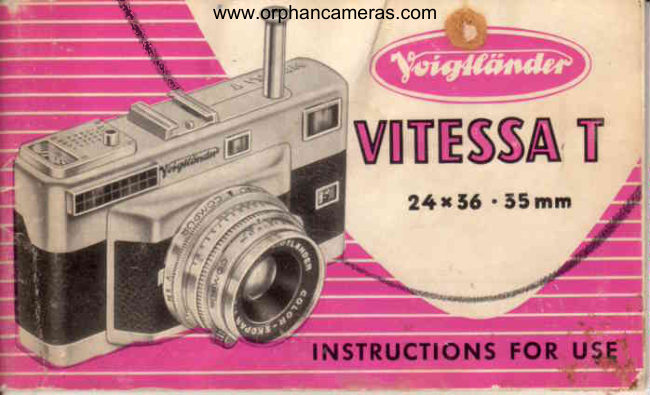
VoigtländerPDF
Voigtlander Vitessa T
User manual
46 pages · EnglishRead →
VoigtländerPDF
Voigtlander Vintessa I
User manual
45 pages · FrenchRead →
VoigtländerPDF
Voigtlander Vitessa - Gebrauchsanleitung
User manual
44 pages · GermanRead →
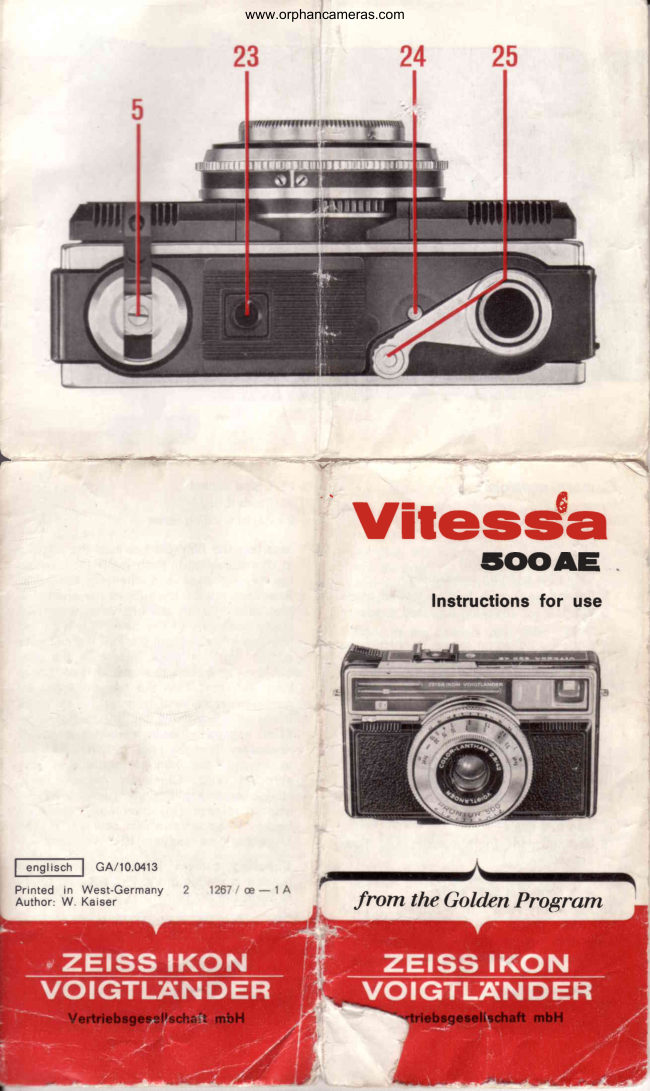
VoigtländerPDF
Voigtlander Vitessa 500 AE
User manual
9 pages · GermanRead →
VoigtländerPDF
Voigtlander Vitessa 500L
User manual
15 pages · GermanRead →
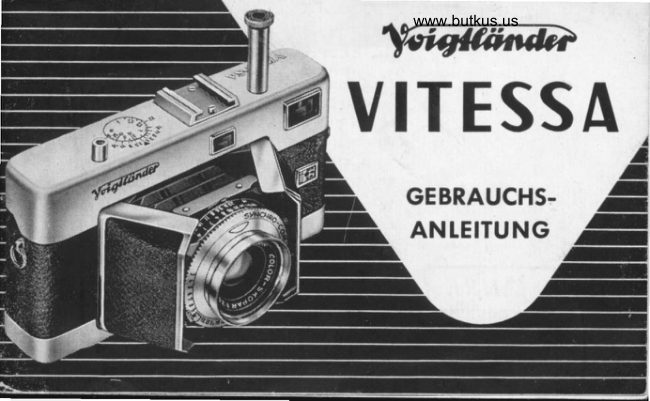
VoigtländerPDF
Voigtlander Vitessa Gebrauchs-Anleitung
User manual
40 pages · GermanRead →
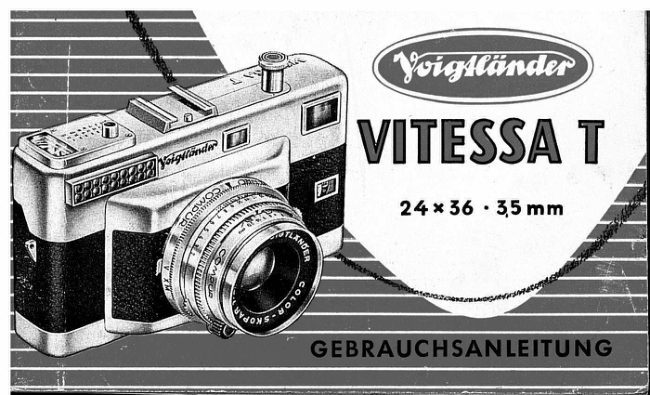
VoigtländerPDF
Voigtlander Vitessa T
User manual
45 pages · GermanRead →
VoigtländerPDF
Voigtlander Vitessa 1000 SR
User manual
9 pages · Not specifiedRead →

VoigtländerPDF
Voigtlander Vitessa Belichtungsmessrs
User manual
13 pages · Not specifiedRead →
From the M. Butkus archive. Original publisher and archive notices are retained.
Check the model and edition against your equipment.
PDF verified 2026-10-10.