Film cameras
Sinar F Operating Instructions Color User manual
User manual for Sinar F Operating Instructions Color. 8 pages in English. Read the original PDF, download or print a copy without registration.
8 pagesEnglish3.9 MB PDF

Loading your manual…Open PDF directly
Document details
- Brand
- Sinar
- Model / document
- Sinar F Operating Instructions Color
- Document type
- User manual
- Language
- English
- Pages
- 8
- File size
- 3.9 MB
- Category
- Film cameras
- Document date
- Not specified in catalog
Search available document text
Find a term, then jump to its page in the original PDF. Image-only pages may not be searchable; check the PDF for exact wording and diagrams.
Page 2 · Read text
o"  www.butkus.us10"                                            +

For sharpness control in depth as shown, first focus sharply in the H axis, then in the       The built-in angle indicator does away
H'axis (or along V and V'as appropriate). The line focusing knob of the SINAR{        with trial-and-error fiddling for sharp-
carries an angle indicator which shows the required tilt angle and direction from        ness distribution control.
the difference between the two focus settings.                                                                                                                                 It shows precisely the required angle
                                                                                                                                                      tilt and direction; here 8" in the direc-
                                                                                         tion increasing the camera extension
                                                                                              (+).
View original page 2Page 3 · Read text
www.butkus.us


20"   10"


Procedure for sharpness              2. Use the coarse adjustment onlY        3. Turn the fine focusing drive to focus
                                              (without moving the fine focusing          sharply on the opposite H' (or V')distribution control                                                         drive) to focus a suitable image point              line.
Carry out the steps in the sequence           sharply on the horizontal H line. (Or
shown. Practice them first.                   use the V line for a depth control
                                            swing about a vertical axis.)1. Set all camera movements to zero.                                        Where a subject point to be focused   Set the fine focusing movement to                                                   is not exactly on the H or V axis,   zero on the scale (see illustration).                                                 regard the second focusing point H'
                                                (or V') as displaced by the same
                                           amount. Deviations are not critical
                                        and can if necessary be covered bY
                            a   f inal adjustment and comPen-
                                                        sation.
View original page 3Page 8 · Read text
q                       i,
   Hd\


                                                              Swings and tilts for sharp-Setting\jIup the camera                Parallel displacements
                                                               ness control in depthSet up the tripod firmly, with the third        Parallel displacement of the lens and
leg to the front. First extend the tripod       camera back is possible either by direct     To simplify the control of sharpness
legs before extending the centre      movement (a) or by indirect adjustment        distribution in depth, the SINAR-I has
column; this provides greater stability.           (b). The latter is particularly suitable for       unique aids which are based on the
                                        long extensions, as the base rail re-      proved SINAR two-point focusing
                                       mains lined up with the shooting direc-       principle with great effective base
                                             tion and the centre of gravity of the        length from one edge of the image to
                                      camera is low. This arrangement per-       the other. The horizontal tilt axes H
                                              mits also extreme displacements with-      and H' as well as the vertical swing
                                       out complication as the SINARJ still      axes V and V' are marked on the
                                         swings without yawing in this position.       focusing screen.
View original page 8Related documents and language editions

SinarPDF
SINAR
User manual
29 pages · EnglishRead →
SinarPDF
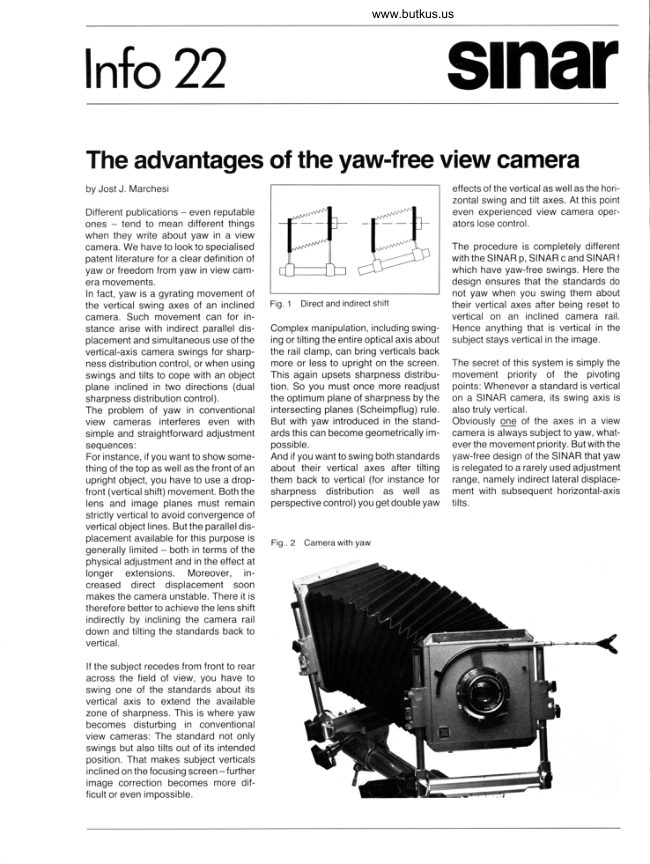
Sinar - Advantages of yaw-free camera
User manual
5 pages · EnglishRead →

SinarPDF
Sinar Camera
User manual
20 pages · EnglishRead →

SinarPDF
Sinar Code booklet - 1981
Product booklet
24 pages · EnglishRead →

SinarPDF
Sinar Copal Shutter
User manual
10 pages · EnglishRead →
SinarPDF
Sinar F
User manual
18 pages · EnglishRead →

SinarPDF
Sinar P
User manual
59 pages · EnglishRead →
SinarPDF
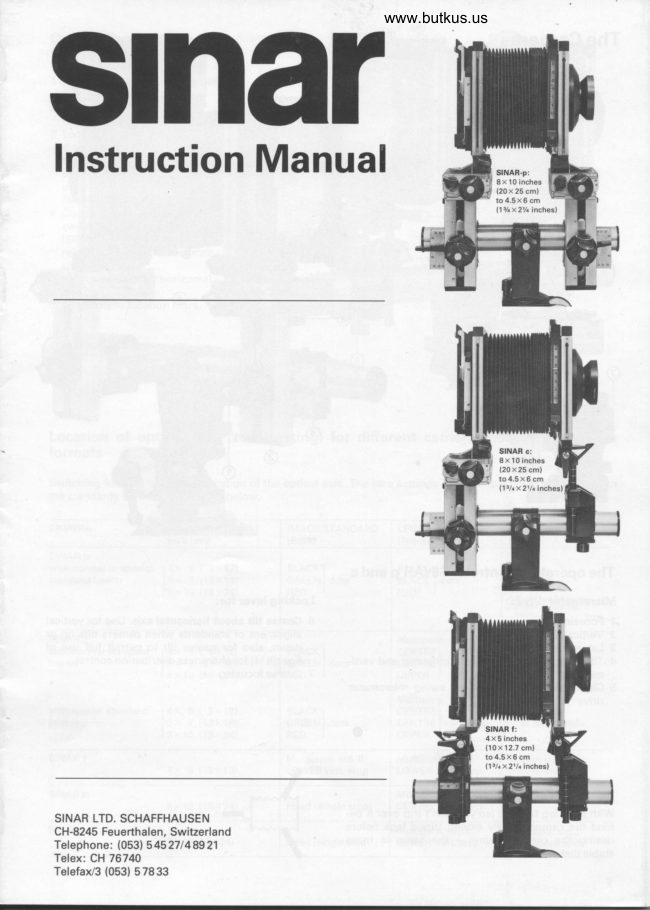
Sinar P / Sinar C / Sinar F
User manual
13 pages · EnglishRead →
SinarPDF
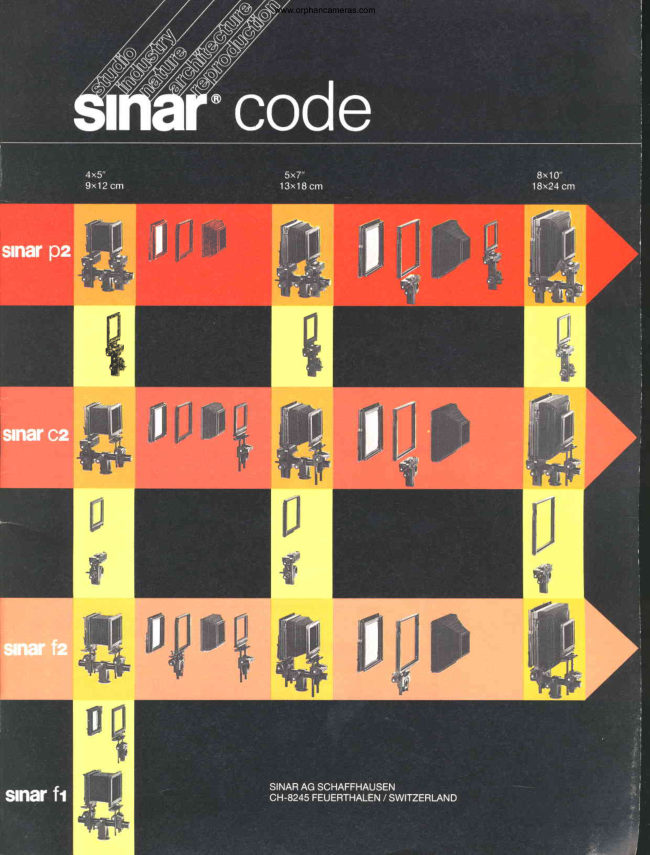
Sinar Code Booklet
Product booklet
27 pages · Not specifiedRead →
From the M. Butkus archive. Original publisher and archive notices are retained.
Check the model and edition against your equipment.
PDF verified 2026-10-10.