Film cameras
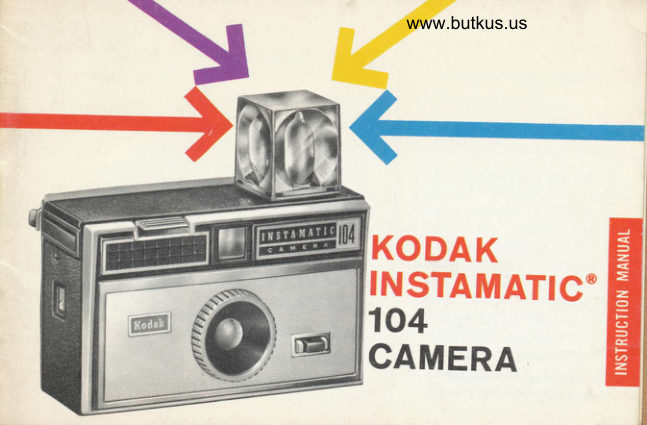
Kodak Instamatic 104 User manual
User manual for Kodak Instamatic 104. 17 pages in English. Read the original PDF, download or print a copy without registration.
17 pagesEnglish3.0 MB PDF
Loading your manual…Open PDF directly
Document details
- Brand
- Kodak
- Model / document
- Kodak Instamatic 104
- Document type
- User manual
- Language
- English
- Pages
- 17
- File size
- 3.0 MB
- Category
- Film cameras
- Document date
- Not specified in catalog
Search available document text
Find a term, then jump to its page in the original PDF. Image-only pages may not be searchable; check the PDF for exact wording and diagrams.
Page 2 · Read text
Your new Kooer INsrervretlc 104 Cam-
                           era is feature-packed to give you instant,
                              effortless picturetaking -by  sunlight or
                           with the new 4-bulb rotating flashcube.
             K(I IlAK
                           Simply do this . .  .
   INSTAMATIC                             r Drop in film cartridge-camera  is loaded
                                                                         ex-            104      o Operate Film Advance Lever -  first
                             posure is readY
         Camera
                       o Aim through EyeJevel Finder - you see
                              a bright, clear image of your subject
                                                            You've                       o Press the Shutter Release -
                           snapped the picture
 o Equipment  is subiect to
minor appearance changes                           . . . read on for the important details
View original page 2Page 3 · Read text
www.butkus.us
  Your camera takes all three_
  1 Black-and-white snapshots
 2 Color snapshots
 3 Color slides

    Before you take any im.
   portant pictures, try a
   test cartridge of fitm to
   check the camera and
   your operation of it. Ex-
  pose pictures outdoors
  and also indoors with
    flash.  lf time is pressing,
  a cartridge of black-and-
   white film can be proc-
   essed very quickly,

  (Pictures, apprcx. 2h actual size)
View original page 3Page 5 · Read text
FI LM
                         Your camera accepts Kooer No. 126 Film
                          in the film cartridge for instant loading
                       and unloading.
                   on           Release    ShutterThe                   be        You can make black-and-white  snap-your            cannot    cameradepressed unless film          shots, color snapshots or color slides, de-
is loaded in the cam'         pending on the type of film You use.era, and the Film Ad'
vance Levet (Page 7)
has been operated  re'
peatedly until locked.
                          Koonx VrntcxnonE Pan Film-For 12 black'
                            and-white snapshots. You can order stand-
                             ard 3y2 x 3Vz-inch black-and-white prints
                          or enlargements from your film negatives
                           through your photo dealer.
View original page 5Page 6 · Read text
www.butkus.us
 Kooncoron-X Film-For lZ or 2O color snap-
 shots. Standard 3V2 x 3r/z_inch color
 prints or enlargements from your film
 negatives are available from your photo         NOTE: dealer.
                                               You obtain color nega-
 Koorcxnour-X Film-For 20 color slides.            tivesFilm.fromTheseKooecoloi-Xnegatives
 This film produces color slides which can        are primarily for  en-
be obtained, mounted in stand ald, 2 x 2_       youlargedcancoloralsoprints,obtainbutinch cardboard mounts for projection or          color slides from the
viewing, through your photo-dealer.                  negatives. From Kooe-                                           cxnoue-X or  KoDAK
Koonx Ermcxnome-X Film-For 2O color          Errecnnoue-X, you ob-
slides. This film produces color slides           fortainprojection.color slides,youreadycan
which can be obtained, mounted in stand_         also have  duplicate                                                                slides or                                                                     enlarged                                                                                  color        2-inchard 2 x              cardboard                     mounts                                      pro-                                   for                                                           prints                                              made                                                           from                                                                              thejection           viewing,      or                                                                    original                  through                                                                                  slides.                        your                                      plioto
dealer.
View original page 6Page 9 · Read text
tlUTII(l(IR PICTU RES
                o Have the sun behind you. The subject
                    must be in bright or hazy sunlight' For
                          cloudy-bright light conditions, see the note
                     on page 11.
                 o Keep at least 4 feet from your subject for
                         sharP Pictures.
                    o View the subject by bringing the rear
                                                                    close                     opening of  itt"  viewfinder just
                                      to your eye to see-the entire outline
                          "no.tghoi ttt"" front viewfinder frame' When ad-
                                 ilt,i*   the field of view, move the head
                       and camera as a unit.
o Hold the camera steady and take the picture by slowly pressing
  down the sHurrER RELEASe all the way'*
  *Make sure that the lens is clean and unobstructed by fingers, case or strap'
View original page 9Page 11 · Read text
Bqtteries: Two photoflash or flashlight, size
                    AAA, batteries* are required. Before in-
                                                                     a                                stalling, clean battery contacts with
                           rough cloth. To install batteries, first open
                               the-battery compartment on the bottom of
                            the camera, as shown left, by sliding the
                                raised nrs of the battery cover to the op-
                                 posite end of the recess. Insert the batteries
         H         base down; the other base aP-as                      -one     illustrated. Press down slightly against the batteries while sliding the
    cover back to close the compartment. The cover must be all the way
    closed to complete the electrical circuit.
     *Alkaline-type battery recommended.
     lmportant: Flash failure usually results from tarnish (often invisible) on battery
    and camera contacts. (1) Clean battery contacts often with a rough cloth' (2) Clean
    A""p Lont"cts in battery compartment often by rotating a pencil eraser several
     times on the contacts.  (i) Ctean contacts inside battery cover by sliding cover back'
     and-forth across battery contacts.  lf flash failure persists, install fresh batteries.

10
View original page 11Page 13 · Read text
as  The cube revolves one quarter turn
pressure is removed from the shutter re-
iease after making an exposure, thus pro-
                                       aviding flash for 4 successive exposures  if
fresh cube is in place. To use a partially
used cube, insert the cube with a fresh
bulb forward, keeping in mind the clock-
wise rotation of the cube to bring suc-
ceeding fresh bulbs to the frontal firing
position. The cube can also be rotated
ilockwise (arrow on top of the camera) by
hand to position a bulb for firing.
  To release the flashcube, Press the
srpcroR bar.
 2. Check Comero-to-Subiect Distonce-The
 distance from the flashcube to the subject
 is important for proper exposure. There-
View original page 13Page 14 · Read text
www.butkus.us#ff.'-gft. fore, make sure that the subject is no
 c.loser than 4 feet or larther away than 9
 feet.* See illustration, opposite.
 3. Flosh fhe picrure-View the subject by
 bringing the rear opening of the viewfinder
 just close enough to youi eye to see the en_                       Range of
 tire outline of the front viewfinder frame;       orererpsure
move head and camera as a unit when                          Exposure_.rli!.,i, "y#",1;
adjusting the field of view_then. slowlv
press the shutter release to flash the bulb      KEEP WITHIN
and take the picture.                      THE FLASH RANGE
  When pressure is removed from the     o Closer than 4 feet?
shutter release, the cube will revolve one           Unsharp, overexposed
quarter turn to bring another bulb into             pictures.firing position for the next exposure.         o Farther than 9 feet?
                                                       Underexposed                                                                                               pictu                                                                                                      res.'rFor.han_dy            reference.                         this                         distance                                 range                                                       is shown        Don't Waste                                                                                Film on These on the flash                                                                                    Extremes             socket on                      the                          top of tfre                                   camera.

                                                                          l3
View original page 14Page 16 · Read text
www.butkus.us

                        SERVICE FACILITIES
      KODAK  lf your             camera                       should                             Eastman Kodak                                           Company                                                       Eastman Xodak                                                                     Company requ     ire                    complete         attention,                                Apparatus                                             Service                                                             Apparatus                                                                            Service service                            pro-          facilities               are                           800                                 Lee Road                                                        3250                                                         Van Ness                                                                    Avenue vided          Rochester      at                                   in                and                                  Rochester,                                    New York 14650                                                    San Francisco,                                                                                    California                                                                              94119 K0DAK        Regional                 Sales                               Divi-
sions at the addresses, op-    Eastman Kodak Gompany      Eastman l(odak Company
posite. Also, service, covered    Apparatus Service            Apparatus Serviceunder the guarantee, is    1901 West 22nd Street       1334 York Avenue
available through indepen-   Oak Brook, lltinois 60523    New York, New York 10021dent service shops in many
cities. For such local, guar-    Eastman Kodaft Company      Eastman Xodak Company
antee-covered  service,    Apparatus Service            Apparatus Service
please see your KODAK    6300 Cedar Springs Road     808 Rivera Road
dealer or refer to the yellow     Dallas, Texas 75235            Whittier, California 90606pages of your telephone
directory under photographic    Eastman Kodalr Gompany      Eastman Kodak Company
Equipment and Supplies-    Apparatus Service            Apparatus Service
Factory Approved Warranty    5315 Peachtree              1065 Kapiolani Btvd.
Service.                            Industrial Blvd.                Honolulu, Hawaii 96807
                              Chamblee, Georgia 30005
View original page 16Page 17 · Read text
G UARAI{T EE
             Within a year after purchase' any repairs necessary to
                inii iobnx INSTAMhTIc camera due to a defect in ma'
                ;;i"i"-;   workmanship  will be made or' at our option'
                 it"           will be replaced without charge' No other              *"it"nty""."tuor guarantee, express or implied' shall be ap'                                  tf,is equipmeni. Nor are we responsible for
                "li"lor,it.i"r"            otnei expenses or inconveniences' or for                     "ilirt,lor     damages occasioned by the equip-
                   "."t"quential                "r,Vment."                            of a defect, the camera should be sent directly                   ln
               or lnrougtr""""  a Kodak dealer to Eastman Kodak Company
                     t"plit firm authorized by us to-make such repairs'                "rIt shouid"     be accompanied by a descriptiotr of the trouble
                      and oiher avallable information regarding
             "n"ount"t"oif," *t"t",   including the date and place of purchase'
        EASTMANKODAKCOMPANY,RochesteT'N'Y'14650
Pr' No' 63-30'3'1                                              Printed in the united stotes of r{morico9-66-CH-CXXX
View original page 17Related documents and language editions
KodakPDF
Kodak Instamatic 100
User manual
18 pages · EnglishRead →
KodakPDF
Kodak Instamatic 300
User manual
17 pages · EnglishRead →
KodakPDF
Kodak Instamatic 324
User manual
17 pages · EnglishRead →
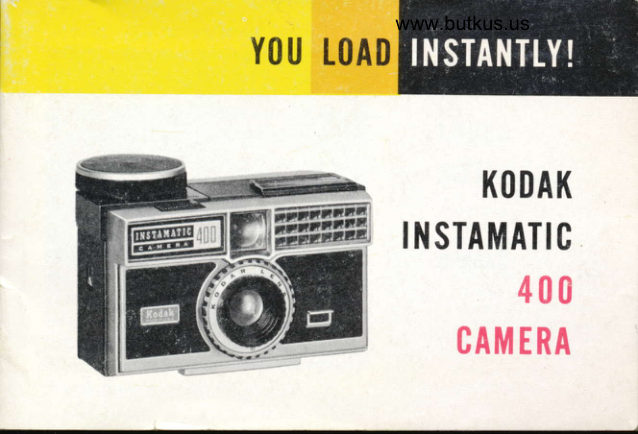
KodakPDF
Kodak Instamatic 400
User manual
37 pages · EnglishRead →
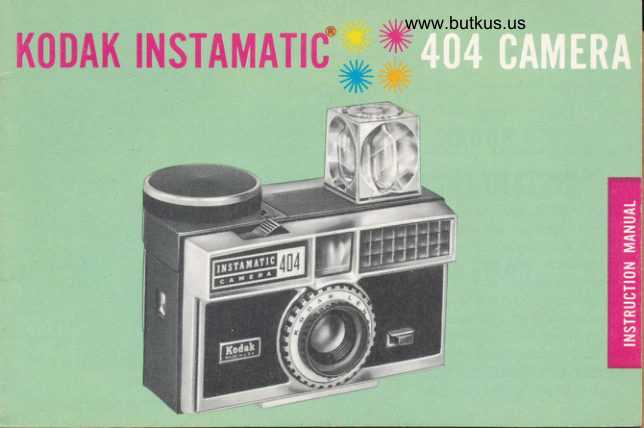
KodakPDF
Kodak Instamatic 404
User manual
17 pages · EnglishRead →

KodakPDF
Kodak Instamatic 414
User manual
16 pages · EnglishRead →
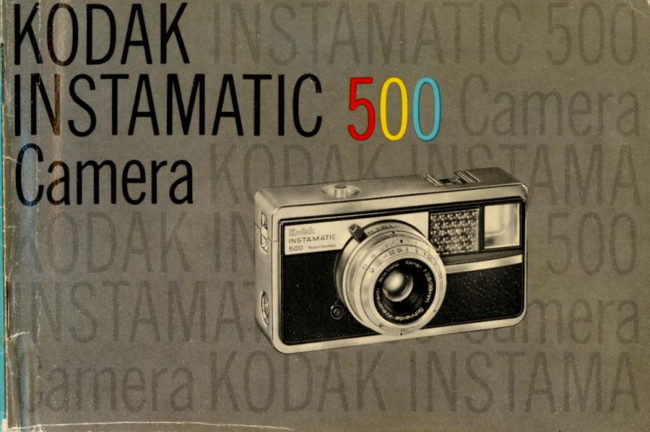
KodakPDF
Kodak Instamatic 500
User manual
21 pages · EnglishRead →
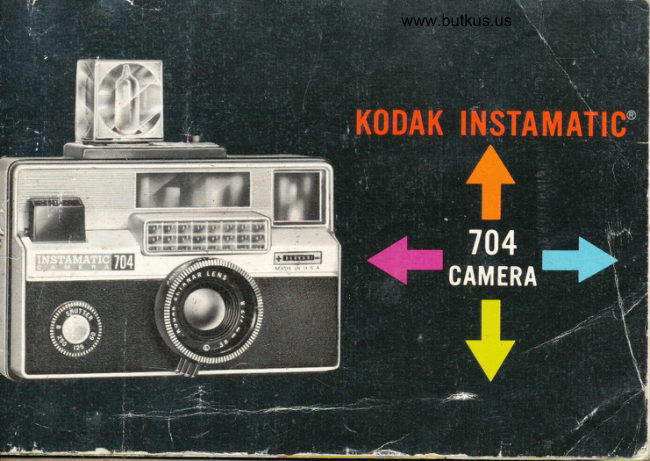
KodakPDF
Kodak Instamatic 704
User manual
20 pages · EnglishRead →
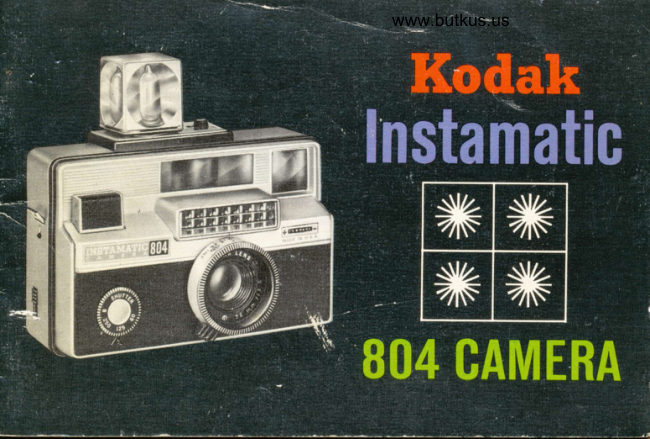
KodakPDF
Kodak Instamatic 804
User manual
21 pages · EnglishRead →

KodakPDF
Kodak Instamatic X45
User manual
18 pages · EnglishRead →

KodakPDF
Kodak Instamatic X90
User manual
23 pages · EnglishRead →
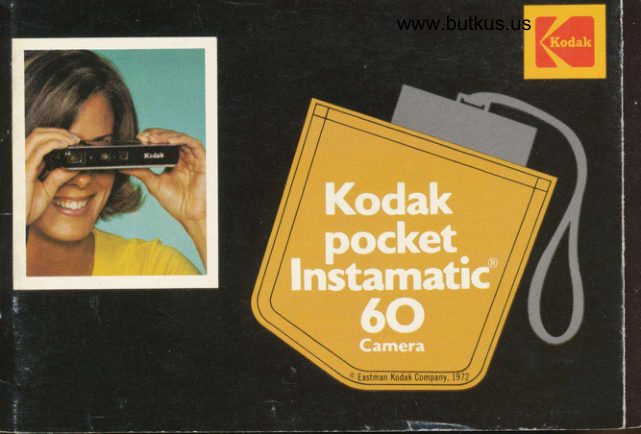
KodakPDF
Kodak Pocket Instamatic 60
User manual
33 pages · EnglishRead →
From the M. Butkus archive. Original publisher and archive notices are retained.
Check the model and edition against your equipment.
PDF verified 2026-10-10.