Lenses & filters
Nikon 50-300 User manual
User manual for Nikon 50-300. 9 pages in English. Read the original PDF, download or print a copy without registration.
9 pagesEnglish1.9 MB PDF
Loading your manual…Open PDF directly
Document details
- Brand
- Nikon
- Model / document
- Nikon 50-300
- Document type
- User manual
- Language
- English
- Pages
- 9
- File size
- 1.9 MB
- Category
- Lenses & filters
- Document date
- Not specified in catalog
Search available document text
Find a term, then jump to its page in the original PDF. Image-only pages may not be searchable; check the PDF for exact wording and diagrams.
Page 3 · Read text
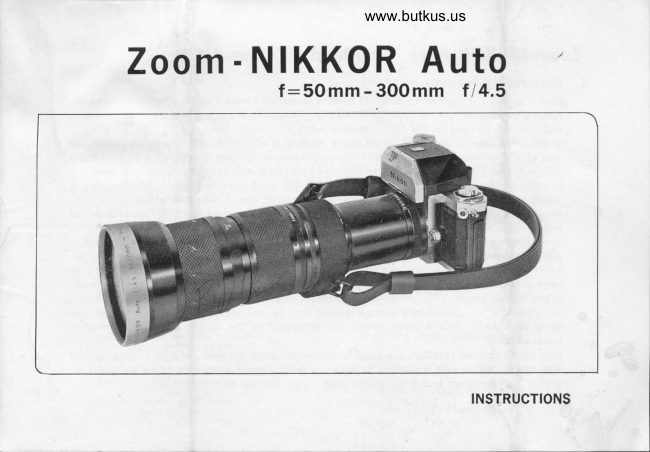
- 300mm f 14.5Zoom-NIKKOR Auto  f               -50mm
1. Outstanding Features
    This originally and ingeniously designed zoom lens system covers a zooming ratio as wide as 6X,
     ranging from 50mm (normal) to 30Omm (telephotol focal length, yet provides high resolution and
    high contrast pictures for the entire zooming range.
     Unlike other conventional zoom lenses where zooming is effected by almost only one constituent
     lens group, so that the optical burden is imposed merely on this group, resulting in unsatisfactory
     picture quality, the Zoom-NIKKOR Auto 5Omm-300mm tl4.5is so designed its zooming operation
      is uniformly distributed to all groups, to minimize the burden on each group, thus making it
     possible to achieve an excellent picture quality in spite of such a wide zooming range.
    From the viewpoint of focal length distribution and moving mechanism, the lens system is divided
     into four groups; the first positive, the second negative, the third positive and the fourth positive
    one. The first and third positive groups combined as a unit are moved together in one direction
    and at the same time the second negative group in the opposite direction, so that not only the
    zooming ratio is increased but also the unbalanced correction of aberrations which, caused by
    varying focal length, is liable to take place in conventional zoom lenses, has been eliminated
    to the highest extent. The occurrence of chromatic aberrations on.the side of longer focal length,
    and unsatisfactory picture quality not improved even by stopping down the aperture, both also
    being inherent to general zoom lenses, are prevented by the proper combination of glass
     materials used.
    With regard to color rendition, the careful selection of glass materials and of coating method
    also cnables us to gain a superior balance and faithful representation of colors on color film,
    even though the zoom system comprises such a great number of lens elements.
View original page 3Page 6 · Read text
www.butkus.us

        4. Manipulation            il           1) Zooming
                For zooming, turn the zooming ring. The focal length for each position is indicated by the figure
           .       opposite to the index. The figure is engraved at 9 positions in the range from 50mm to 3OOmm,
             Any intermediate position can be used.
            2l Focusing and depth-of-field
                For focusing, turn the focusing ring, the subject distance being read by means of the distance
                 scale on the ring.
             The depth-of-field will be seen on the finder screen by depressing the depth-of-field preview
                                       To find its approximate numerical value, use the nomograph E\                 control button on the camera.              and the scale E on the last page of this instructions.
               Example:I
             When the focal length and subject distance are given as TOmm and 5m respectively, bring the top
               edge of the scale E along the horizontal line 70 on the nomograph E, and the position 5m to
                the central index line. Provided the f-number be f122, the depth-of-field will be read by the
                   positions where the curve 22 on either side intersects the distance scale @, that is, about 3Qm
                    (10.5ft.) and LZm (4O ft.) in this example.
            3l Infrared photography
              When taking infrared photographs using infrared film, use R-line in the nomograph  I  as below:
                 Placing the scale E on the nomograph E (See Fig.E) for each focal length, move laterally the
                 position of the distance found by focusing on the finder screen to R-Line. Take reading of the
              compensated distance in this position with the central index line. Then, turn the focusing ring
               so that it is set to this compensated  value.
View original page 6Related documents and language editions
AiresPDF
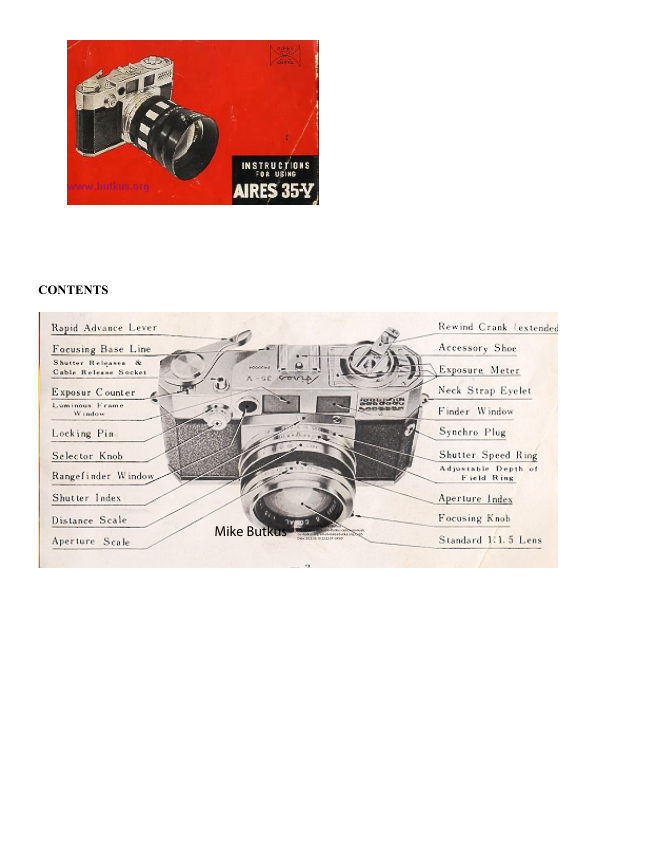
AIRES 35-V lenses
User manual
15 pages · EnglishRead →
AccuraPDF
Accura Zoom Duplivar Slide / negative duplicator
User manual
11 pages · EnglishRead →
EdnalitePDF
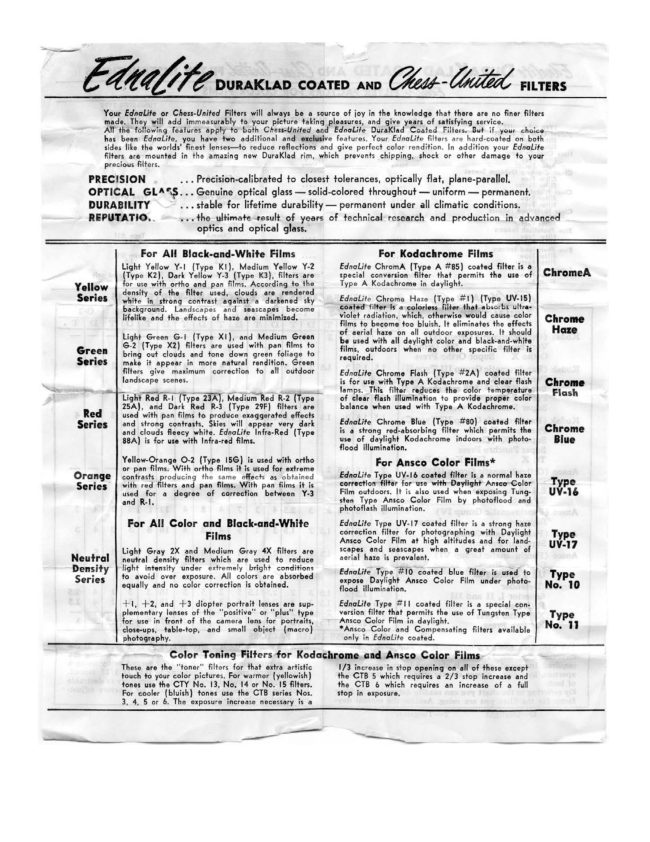
Ednalite filters flier
Product booklet
2 pages · EnglishRead →
FocalPDF
Focal auto diaphragm lensesand tele-extenders
User manual
11 pages · EnglishRead →
Various brandsPDF
JC Penny Lens instructions
User manual
8 pages · EnglishRead →

KonicaPDF
Konica Autoreflex A lenses
User manual
66 pages · EnglishRead →
Various brandsPDF
Lens Guide - General (1960s)
Product booklet
97 pages · EnglishRead →
MinoltaPDF
Minolta Maxxum zoom lenses
User manual
20 pages · EnglishRead →
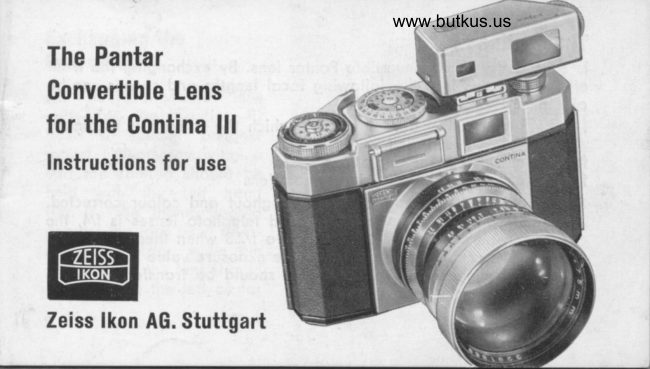
Zeiss IkonPDF
Pantar lenses for Zeiss Ikon
Product booklet
17 pages · EnglishRead →
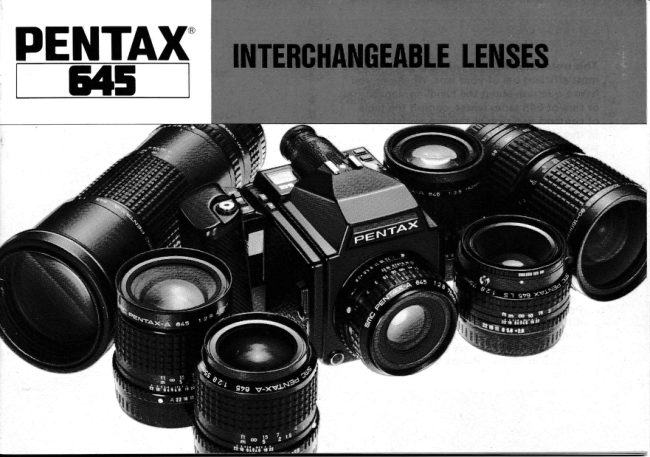
PentaxPDF
Pentax 645 lenses - '89
User manual
32 pages · EnglishRead →
PentaxPDF
Pentax 67 Interchangeable Lenses
User manual
30 pages · EnglishRead →
PentaxPDF
Pentax SMC Pentax A lenses
User manual
46 pages · EnglishRead →
From the M. Butkus Camera Manual Library. Original publisher and archive notices are retained.
Check the model and edition against your equipment.
PDF verified 2026-10-10.