Film cameras
Soligor T-4 adaptor User manual
User manual for Soligor T-4 adaptor. 3 pages in English. Read the original PDF, download or print a copy without registration.
3 pagesEnglish1.2 MB PDF
Loading your manual…Open PDF directly
Document details
- Brand
- Soligor
- Model / document
- Soligor T-4 adaptor
- Document type
- User manual
- Language
- English
- Pages
- 3
- File size
- 1.2 MB
- Category
- Film cameras
- Document date
- Not specified in catalog
Search available document text
Find a term, then jump to its page in the original PDF. Image-only pages may not be searchable; check the PDF for exact wording and diagrams.
Page 3 · Read text
HOW TO USE THE SOLIGOR T4 UNIVERSAL
AUTOMATIC SYSTEM

Operation of these lenses is extreme-
ly easy, simple and fast. To assure
proper operation, follow these step
by step instructions:
 1) Open the mount retaining bayo-
    net, by turning the outer ring (1)
   in a counter-clockwise direction
   as indicated by the arrow "O"
    t2t.
2) Set the diaphragm control (3)
   opposite the reference mark (4)
   on the lens barrel.
   Note: Lenses for Miranda, Petri,
     Nikon, Pentax, Exakta and            22t5 I  8s{15568  il t622    .*--@    Canon (yellow and red en-
      graved mounts), operate over
     the range of black engraved
      diaphragm openings.
       Lenses for Minolta, Leicafiex,
     Topcon and lcarex (green en-
       graved) operate over the green
       engraved diaph ragm openi ngs.
3) For lenses which are coupled to
   the camera exposure system, note
   the mark on the T-4 lensmount
    "set pin here".
4) Alignment pin (5), indicated by
   an arrow on the T-4 mount. fits
   into the alignment slot (6) in-
    dicated by an arrow on the lens
    base. To permit the T4 mount to
    seat properly into the lens base,
    turn the diaphragm control ring sligMly to the left or right, holding
    the mount pressed down.
5) When the mount is in place, close the mount retaining ring by
    turning the ring (1) in a clockwise direction, as indicated by arrow     ,,L,'|'7l-.
6) To remove the T-4 lensmount from the lens, push the lever (81 and
    turn the mount retainingwww.butkus.usring (1) in a counter-clockwise  direction
     (2) and lift the mount from the lens base.
View original page 3Related documents and language editions
AiresPDF
AIRES 35-V lenses
User manual
15 pages · EnglishRead →
AccuraPDF
Accura Zoom Duplivar Slide / negative duplicator
User manual
11 pages · EnglishRead →
EdnalitePDF
Ednalite filters flier
Product booklet
2 pages · EnglishRead →
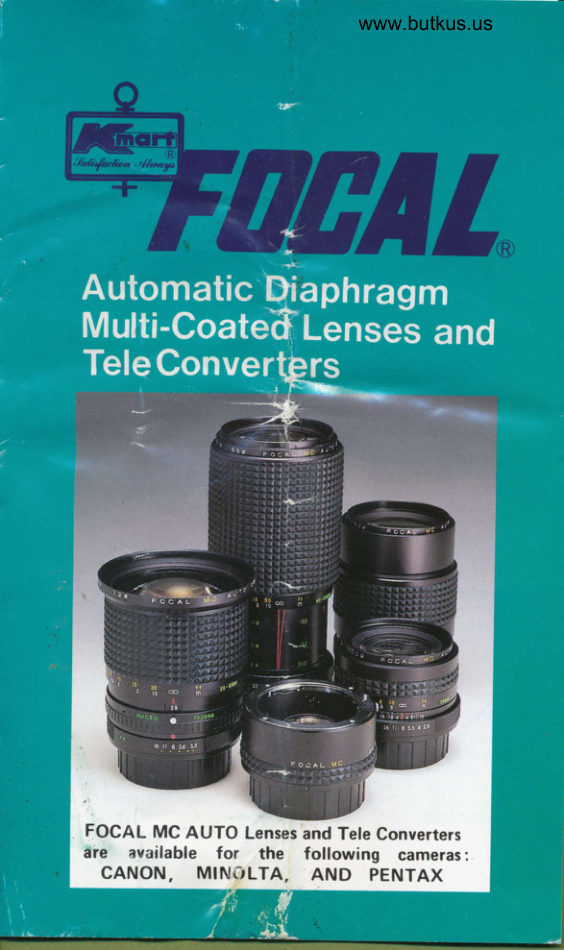
FocalPDF
Focal auto diaphragm lensesand tele-extenders
User manual
11 pages · EnglishRead →
Various brandsPDF
JC Penny Lens instructions
User manual
8 pages · EnglishRead →

KonicaPDF
Konica Autoreflex A lenses
User manual
66 pages · EnglishRead →
Various brandsPDF
Lens Guide - General (1960s)
Product booklet
97 pages · EnglishRead →
MinoltaPDF
Minolta Maxxum zoom lenses
User manual
20 pages · EnglishRead →
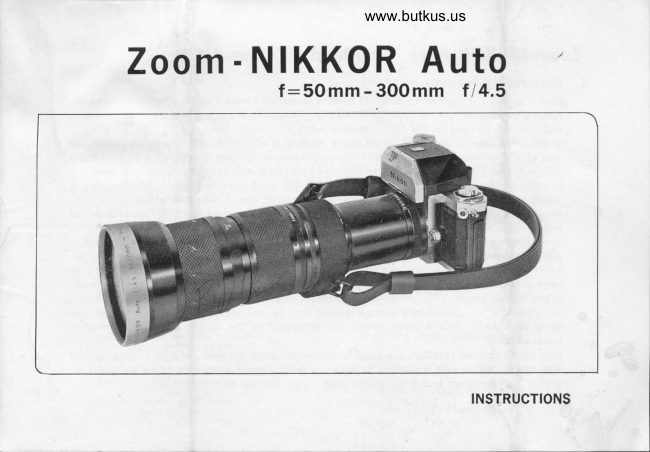
NikonPDF
Nikon 50-300
User manual
9 pages · EnglishRead →

Zeiss IkonPDF
Pantar lenses for Zeiss Ikon
Product booklet
17 pages · EnglishRead →

PentaxPDF
Pentax 645 lenses - '89
User manual
32 pages · EnglishRead →
PentaxPDF
Pentax 67 Interchangeable Lenses
User manual
30 pages · EnglishRead →
From the M. Butkus archive. Original publisher and archive notices are retained.
Check the model and edition against your equipment.
PDF verified 2026-10-10.