Lenses & filters
Yashica Pentamatic Yashinon R lenses User manual
User manual for Yashica Pentamatic Yashinon R lenses. 12 pages in English. Read the original PDF, download or print a copy without registration.
12 pagesEnglish1.5 MB PDF
Loading your manual…Open PDF directly
Document details
- Brand
- Yashica
- Model / document
- Yashica Pentamatic Yashinon R lenses
- Document type
- User manual
- Language
- English
- Pages
- 12
- File size
- 1.5 MB
- Category
- Lenses & filters
- Document date
- Not specified in catalog
Search available document text
Find a term, then jump to its page in the original PDF. Image-only pages may not be searchable; check the PDF for exact wording and diagrams.
Page 1 · Read text
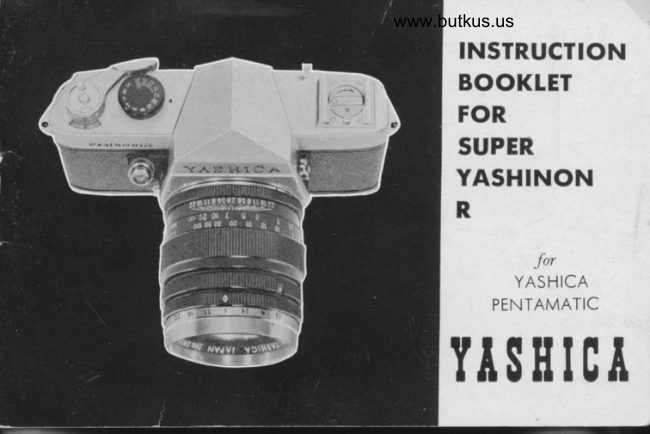
www.butkus.us
    INSTRUCTION
    BOOKLET
    FOR
    SUPER
    YASHINON
     R


                                        l),r
            YASHICA
           PEN TAMATIC

       S II IC T   TI
View original page 1Page 4 · Read text
www.butkus.us
To Interchonge Lens

  To remove the lens, hold the comero
  ond turn the lens counter-clockwrse
  pushinq the lens lock button until the
  red dot on the lens olign to the red
  dot on the comero.
 To mou't the lens, olign the red dots                           www.butkus.us
  oT the comero ond on the lens, the
                                              As F,-i'..:'A,  lens will engoge wilh lhe mount. Then  sfi          I
  turn the lens clockwise until the lens
   stops.
View original page 4Page 5 · Read text
SUPER YASHINON R Telephoto Lens

Le ngth      : 69mm                           Depth-of-Field of Vision
Elements  :4group6element                              When you focus the comero onwidth of ongle : 23.5"                          o subiect, lhere is o  certoinMount      : Boyonet Mount                                          distonce in front ond bock of              (Yoshico Mount)                                        the subiect within which otherAperture  z 2.8-22                                           obiects will olso oppeor shorp.Distonce     3.5 ft (l meter)-1nf.                 '                                This is known os lhe "Depth-of-Filter Size : 52mm for Screw-in                                          Field" ond it vories with the        54mm for Slip-on                                           lens operture.
View original page 5
Page 7 · Read text
Princlpol Uses of rhe Yoshinon
                Telephoto Lens

The Super Yoshinon R telephoto lens hos two times the mognifying power
of the stondord lens. Accordingly, one con toke close-up pictures without
octuolly getting very close to the subiect. For exomple, one con toke
close-up shots of person on the for bonks of streoms or of the expres-                                                       t
sion on the foces of octors from the bolcony of o iheoter.  lt is olso
very useful in toking close-up shots of flowers ond insects for study ond
documentotion. Comporing these telescopic close-ups with the one
token with stondord lens, one gets the feeling of overwhelming pro-
ximity, which is o greot oid in emphosizing certoin ospects of the scene
being token. This however, olso tends to emphosize ony blur coused by
 unintentionol comero movement so one should toke core to  compensote
for fhis by use of o tripod or shooting comporotively stotionory obiects.
View original page 7Page 11 · Read text
Prlnclpol Uses of the Yoshlnon
           Wideongle lens

The Super Yoshinon R Wideongle lens is very useful when one
wishes to toke shols of wide lotitude but is in o position, e. 9.,
o smoll room or o boot. where he is physicolly unoble to move
bockwords o sufiicient distonce. lt is olso ideol for toking shots
of mountoinOus scenery from volleys neor fhe mountoin. The sense
of neorness to fhe subiect being photogrophed is greotly empho-
sized. Becouse'bf the width of the foce of the picture, blurring
coused by comero motion is not so noticeoble.
View original page 11Page 12 · Read text
www.butkus.us
APERTURE PRESET DEVICE

   To set the Aperture Presef Ring
   Depress the Aperture Preset Ring  gently to turn, ond to
    set the operture number opposite  the white diomond mork.
   Yoshinon Super R hos o convenient device for focusing                                                              -   for criticol focusing, set lhe Aperture Preset Ring ot the
    desired f : stop number. Turn the Aperture Control Ring
   to the lorgest operture (f , Z.A), ond the focusing screen
    will brighten up for eosy focusing. After you hove focused
   the subiect turn the Aperture Control Ring until it  stops,
   ond this operotion will set the diophrogm to the desired
    pre-set f  : stop.
View original page 12Related documents and language editions
AiresPDF
AIRES 35-V lenses
User manual
15 pages · EnglishRead →
AccuraPDF
Accura Zoom Duplivar Slide / negative duplicator
User manual
11 pages · EnglishRead →
EdnalitePDF
Ednalite filters flier
Product booklet
2 pages · EnglishRead →
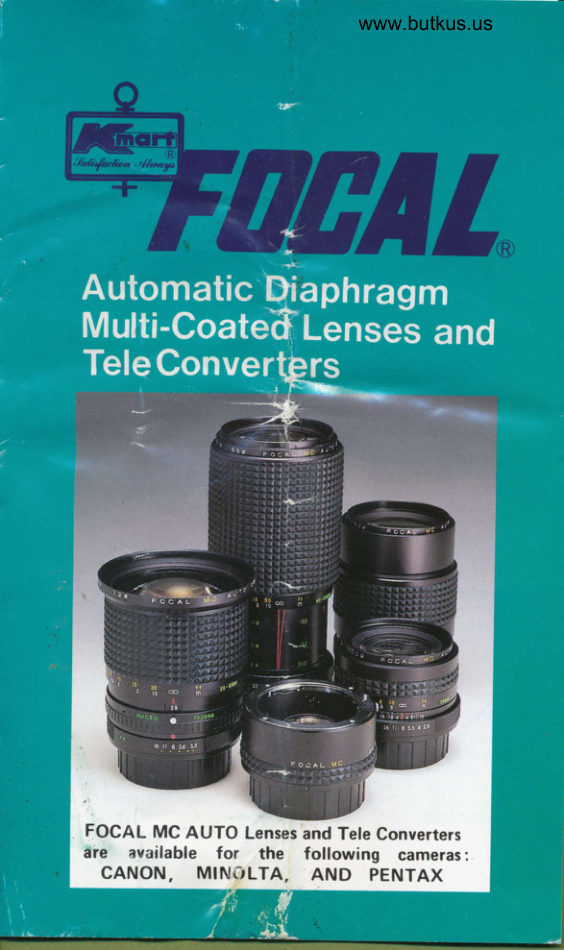
FocalPDF
Focal auto diaphragm lensesand tele-extenders
User manual
11 pages · EnglishRead →
Various brandsPDF
JC Penny Lens instructions
User manual
8 pages · EnglishRead →

KonicaPDF
Konica Autoreflex A lenses
User manual
66 pages · EnglishRead →
Various brandsPDF
Lens Guide - General (1960s)
Product booklet
97 pages · EnglishRead →
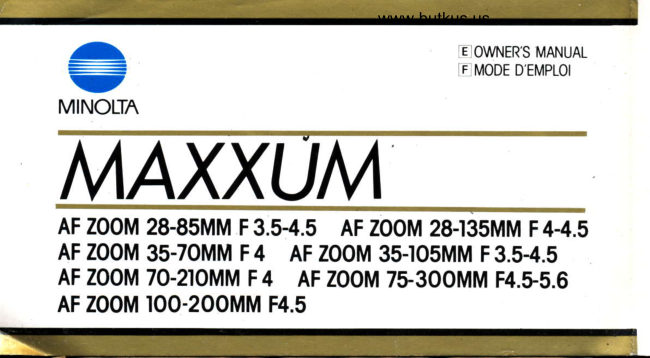
MinoltaPDF
Minolta Maxxum zoom lenses
User manual
20 pages · EnglishRead →
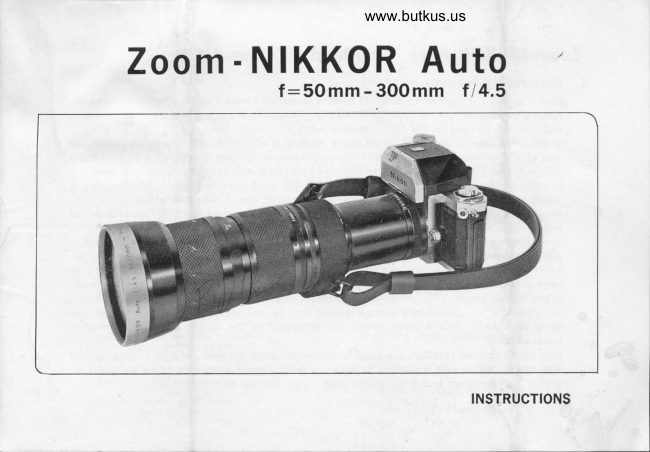
NikonPDF
Nikon 50-300
User manual
9 pages · EnglishRead →
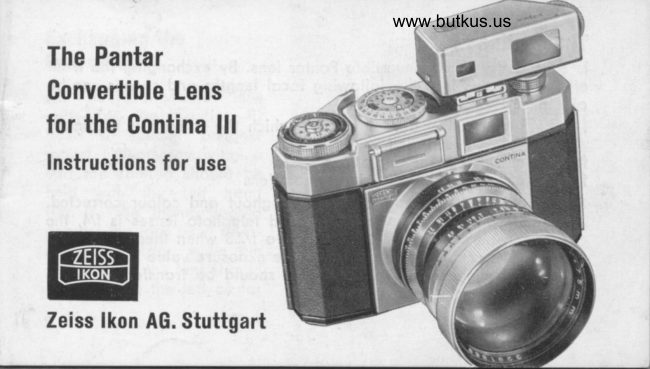
Zeiss IkonPDF
Pantar lenses for Zeiss Ikon
Product booklet
17 pages · EnglishRead →

PentaxPDF
Pentax 645 lenses - '89
User manual
32 pages · EnglishRead →
PentaxPDF
Pentax 67 Interchangeable Lenses
User manual
30 pages · EnglishRead →
From the M. Butkus archive. Original publisher and archive notices are retained.
Check the model and edition against your equipment.
PDF verified 2026-10-10.