Film cameras
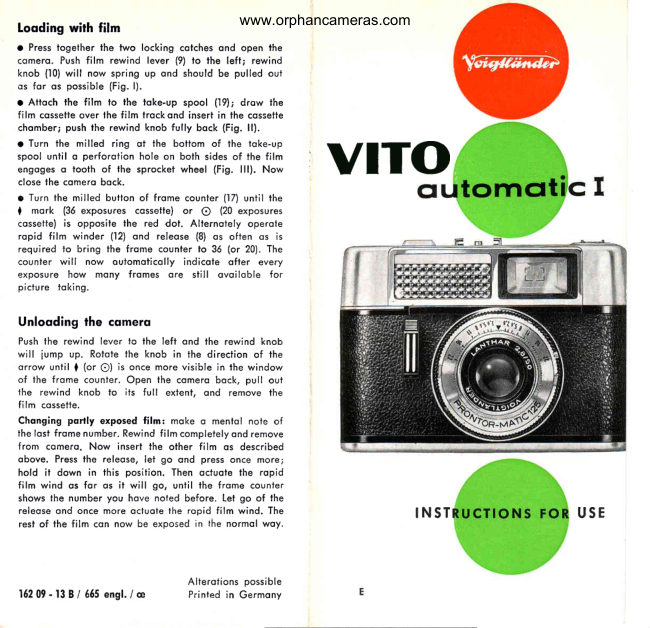
Voigtlander Vito automatic I User manual
User manual for Voigtlander Vito automatic I. 5 pages in English. Read the original PDF, download or print a copy without registration.
5 pagesEnglish0.7 MB PDF
Loading your manual…Open PDF directly
Document details
- Brand
- Voigtländer
- Model / document
- Voigtlander Vito automatic I
- Document type
- User manual
- Language
- English
- Pages
- 5
- File size
- 0.7 MB
- Category
- Film cameras
- Document date
- Not specified in catalog
Search available document text
Find a term, then jump to its page in the original PDF. Image-only pages may not be searchable; check the PDF for exact wording and diagrams.
Page 2 · Read text
www.orphancameras.comLooding with film
a Press togelher the two  locking cotches ond open lhe
comero. Push film  rewind  lever (9) to the  left; rewind
knob (10) will now spring up ond should be pulled out
os for os possible (Fig. l).
o Attoch the film  to  lhe loke-up spool  ('19); drow  lhe
film cossetteover fhe film trockond insert in the cossette
chomber; push the rewind knob fully bock (Fig. ll).
a Turn the milled ring  ot the bottom of  the foke-up
spool unfil o perforotion hole on bolh sides of the film
engoges o tooth of the sprocket wheel (Fig. lll). Nowclose lhe comero bock.       ,vlro
o Turn the milled butfon of frome counter (17) until the
I  mork  (36 exposures cossetie) or O  (20 exposures
cossette) is opposite fhe red dot.  Alternoiely  operofe
ropid film winder (12) ond releose (8) os ofien os  is
required to bring the frome counier to 36 (or 20). The
counter will  now  oulomoticolly indicole  ofter  every
exposure how mony fromes  ore   still  ovoiloble  for
piciure toking.

Unlooding lhe cqmero
Push the rewind lever to the left ond the rewind knob
will iump up. Rotofe the knob in the direction of the
orrow until  |  (or O)  is once more visible in fhe window
of the frome counter. Open the comero bock, pull out
the rewind knob  to  its  full  extent, ond remove the
film cossetie.
Chonging portly exposed film: moke o mentol nole of
the losi frome number. Rewind film completelyond remove
from comero. Now  insert the other film os described
obove. Press the releose, let go ond press once morei
hold  it down  in  this position. Then octuofe the ropid
film wind os for os  it will go, until the frome counter
shows the number you hove noted before. Let go of the
releose ond once more ocluote the ropid film wind. The                                    I N S T             U S E
resl of the film con now be exposed in the normol woy.


                                    Alterotions oossible
16209-138 / 655ensl./ e          Printed in Germony
View original page 2Page 4 · Read text
www.orphancameras.com
Toking pictures outomoticolly                   Mqnuol operlure conlrol
Hoving looded with film ond odjustedihe film       This is essentiolwith shutterspeedslonger thon
type indicoior (very importont!)                       1/:os€cohdond when toking flosh pictures.lt is
                                                   olso someiimesused with colour reversolfilm
@ turn ring (7) to "AUTO" -                    when you might need, perhops,to correct the
                                                 operturevolue os directed by the film mokers.
@ chooseyoul shutterspeed -                   Monuolcontrolis obtoinedby turningring (7)to
    turn shutterspeed ring (6) so thot red mork       the ronge of operture numbers (2.8 to 22)i the
    clicks in opposiie1/zo,lleoor lhzssecond;          outomoticexposuredevice is now out of oction,                                           howeverthe exposuremeter is still working ond
@ now focus -                                 olwoys shows in the viewfinderthe light volue,                                               occordingto the prevoilinglight conditions.    either with the red symbols:o for portroits
    (4 feet),V for groups (10feet) ond O for lond-               r Flqsh piclures -  insert the floshgun  in the occessory
                                                                             (11) ond                                                                                     the                                                                                              flosh                                                                                            leod                                                                                                                                                (3);                                                                                                                         in                                                                                                        the flosh                                                                                                           socket   scopes(35 feet) . . . or direct by turning lens          shoe                                                                                                        (6)                                                                        set shutter                                                                     speed                                                                                               ring                                                                                                             to r/ro                                                                                             second.                                                                                         You                                                                                                      con now
    ring (1) occordingto the distoncein feet.               colculote lhe .correct operture number by dividing the
                                                              guide number of the flosh-bulb or electronic flosh unit
@ Toking lhe picture -                                      by the distonce in feet (operture :  guide number   .
   look through the viewfinderond frome your            distonce).
   subiect;you con press the releose(8) when         o Time exposures -  Press bution  (l4o) ond turn shutter
   you see o green or green/ red signol in the          speed ring  (6) to  "8". The shutter will now remoin
    circulorexposureindicoiorof the top of the          open while you ore pressing the releose button. But
   viewfinder(diogromso ond b).                        youtripod,mustetc.)ploceondlhescrewcomeroo cobleon oreleoserigid supportin socket(toble,(15).

                                                               o Aperlure  correclion  wifh  colour  reversqt film.  Firsf
                                                                reod  off  the operture number which you  find  outo-
            Bul pleose nole:                                    ofmolicollyviewfinder).reflecledSoy lhisin thenumberexposureis 5.6;indicotorif you hove(ot topto
                                                           use o smoller operture, turn ring (7) fo 8;  in cqse of
         When the circulor signol is holf           o  lorger operture to  4.  lf   it  is required lo decreose
           green/ holf red, correct exposure           or increose the operture by two volues, set  (in this  .
                is still possible.But when the red          exomple) to either  l'l  or 2.8.O  port is lorger ihon the green, or
           even fills the entire field  (dio-
          grom  c), outomotic exposure is
           impossibleunder the prevoiling     The crystcl-fromeviewfinder
              light conditions.                                                                    cleorly  shows  exocily  whot   will  be  recorded  on
          The numbersyou con see in the         the film  -  in noturol  size.Q  exposure indicotor ore the lens         But you should remember thqt ot shori subiect distonces            operture                    volues.More obout these         the viewfinder imoge shifts slightly. The two short lines                "Monuol           under        Aperture Control"        neor lhe top of lhe luminous frome indicote the correcl                "Aperfure          ond                      ond Depth-of-field".       subiect froming  for o distonce of 3 feel  -  downwords
                                                                        or sidewoys, occording to whether you hold the comero
                                                                   horizonlolly or upnght.O
View original page 4Page 5 · Read text
www.orphancameras.comAperture  ond  Depth-of-field
Depth-of-field is thot port, in depth, of the subiect
                                                                                                                                                                                                                                                                                                                                                                    butkus

                                                                                                                                                                                                                                                                                                                                                        ou=29,oreo which is sufficientlyshorp on the film  -  in                           mike                                                                                                                                                                                                                                                                                                                                                                                                                                 DigitallyDN:o=orphancameras,email=mike@butkus.org,Date:cn=mike2017.10.14signedbutkus,by22:27:12mike                                                                         butkus                         c=US-04'00'front  of, ond behind the focused distonce. This
ronge depends on the operiure setting, which you
con olwoys reod  off  in the viewfinder.  lf two
numbers ore visible ol the some time (e.g. B
ond  ll), toke the overoge volue.
    Nole: When using the lorge opertures (e. g.
       t 2.8 or   f  4), the depth-of-field will be less
   thon when using o smoll operiure such os
       f S o r f  l  l .
By iusi looking through the viewfinder, you con
esiimole if your picture will hove sufficientdepth-
of-field. But if you wont to be very occurote, you
should refer to the focusing scole on ihe lens
ring  (l).The   depth-of-field extends from  the
operture number which  is shown in the view-
finder on the left of ihe focused fooioge to the
some operture number on its right scole (5).


Setting the film speed                                   F i s .l l
You should moke  ii o rule to set the speed (in
ASA  or  DlN, os morked on  ihe  film corion)
before you put the film  in the comero. Correct
exposure depends on  it!
You will find ihe ASA ond DIN scoles (14 ond 16)
next to the block shuller speed ring. First depress
key (2) with the thumb; then ploce your index
finger on the rigid grip on the other side of the
ring, ond turn lhe film speed scole so thot the
correct ASA or DIN number clicks in opposite
the red mork.                                           F i s .l l l
View original page 5Related documents and language editions
VoigtländerPDF
Voigtlander Vito Automatic
User manual
25 pages · EnglishRead →
VoigtländerPDF
Voigtlander Vito B
User manual
37 pages · EnglishRead →
VoigtländerPDF
Voigtlander Vito BL
User manual
38 pages · EnglishRead →
VoigtländerPDF
Voigtlander Vito BR
User manual
29 pages · EnglishRead →
VoigtländerPDF
Voigtlander Vito C
User manual
20 pages · EnglishRead →
VoigtländerPDF
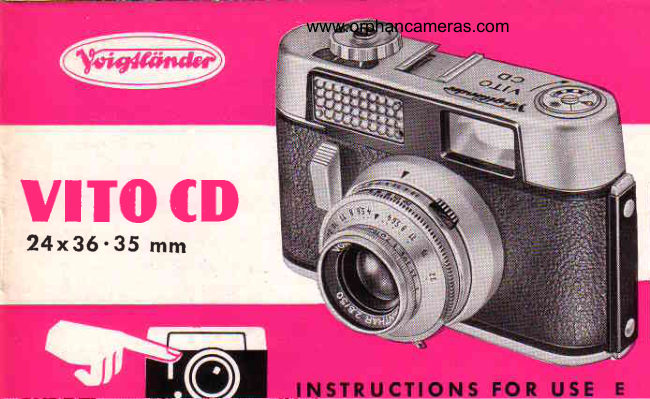
Voigtlander Vito CD
User manual
21 pages · EnglishRead →
VoigtländerPDF
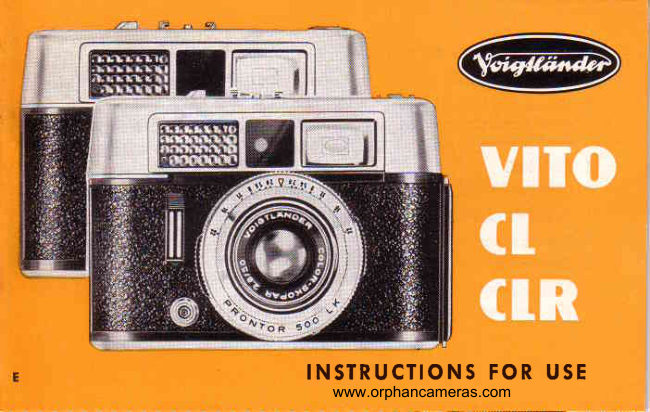
Voigtlander Vito CL_CLR
User manual
26 pages · EnglishRead →
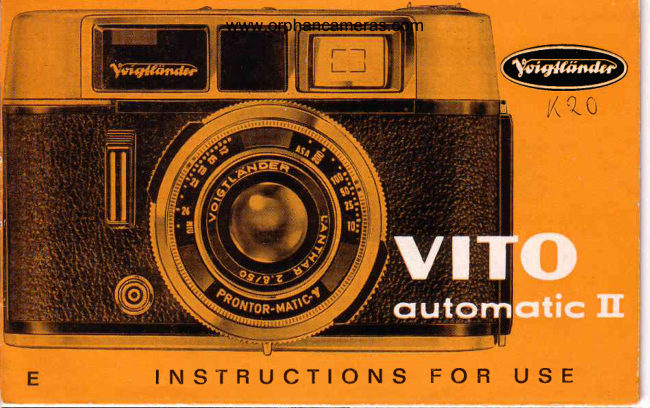
VoigtländerPDF
Voigtlander Vito automatic II
User manual
22 pages · EnglishRead →
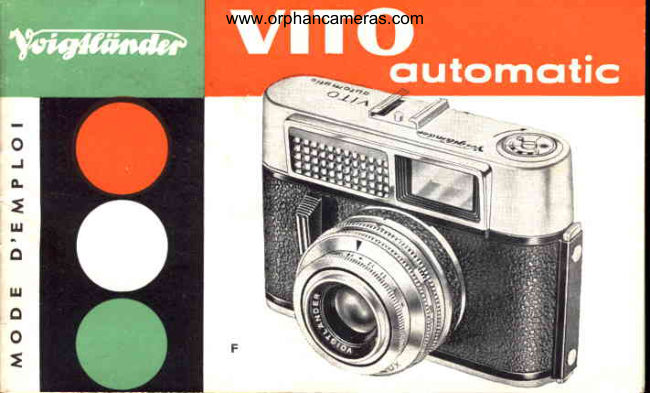
VoigtländerPDF
Voigtlander VITO Automatic
User manual
18 pages · FrenchRead →
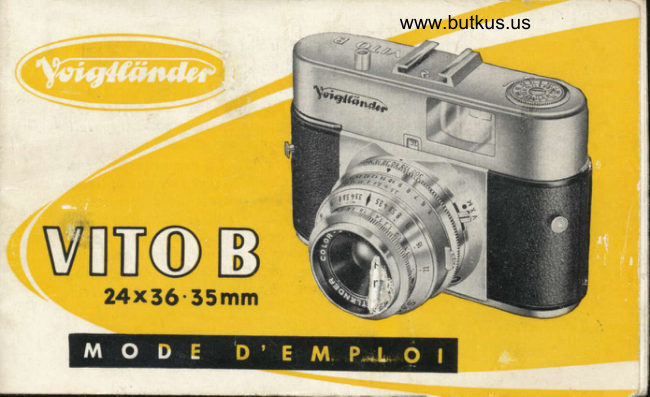
VoigtländerPDF
Voigtlander Vito B
User manual
33 pages · FrenchRead →
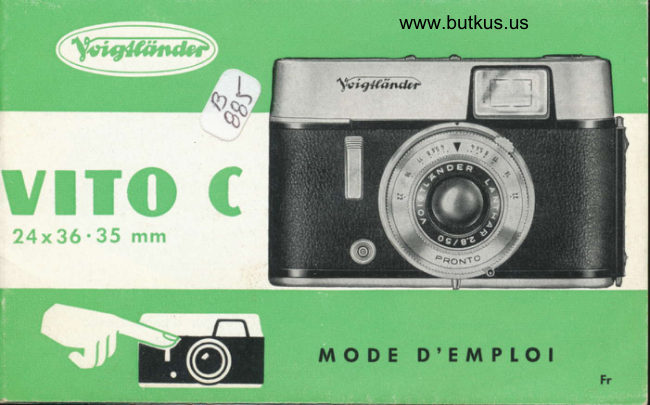
VoigtländerPDF
Voigtlander Vito C
User manual
24 pages · FrenchRead →
VoigtländerPDF
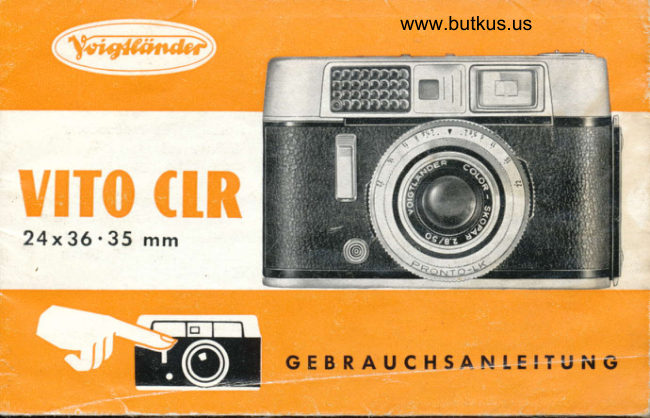
Voigtlander CLR Gevrauchsanleitung
User manual
29 pages · GermanRead →
From the M. Butkus archive. Original publisher and archive notices are retained.
Check the model and edition against your equipment.
PDF verified 2026-10-10.