Film cameras
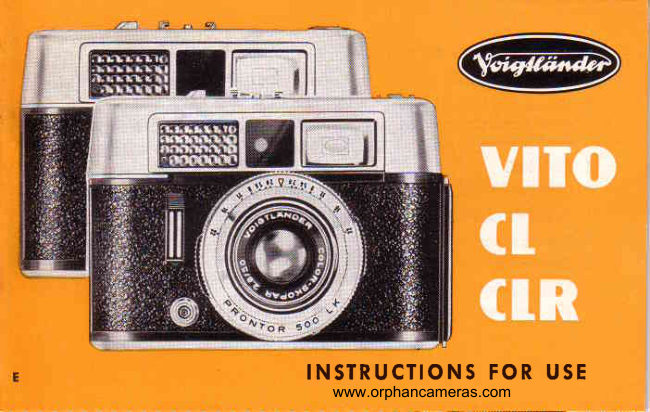
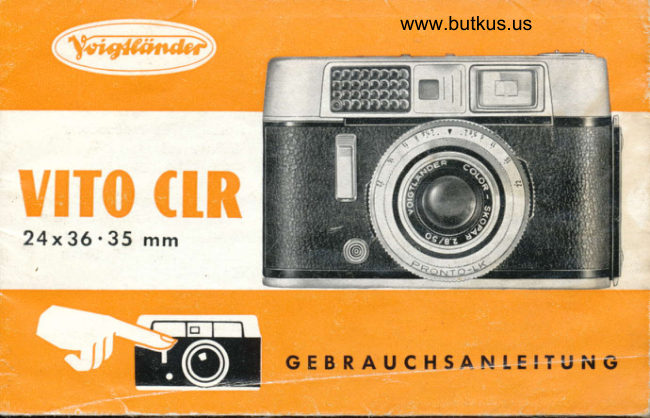
Voigtlander Vito CL_CLR User manual
User manual for Voigtlander Vito CL_CLR. 26 pages in English. Read the original PDF, download or print a copy without registration.
26 pagesEnglish1.8 MB PDF
Loading your manual…Open PDF directly
Document details
- Brand
- Voigtländer
- Model / document
- Voigtlander Vito CL_CLR
- Document type
- User manual
- Language
- English
- Pages
- 26
- File size
- 1.8 MB
- Category
- Film cameras
- Document date
- Not specified in catalog
Search available document text
Find a term, then jump to its page in the original PDF. Image-only pages may not be searchable; check the PDF for exact wording and diagrams.
Page 4 · Read text
R ' G H T H E R E

            is the most imporfont piece of odvice in this cqre-
           fully prepored booklet: pleose reod  it corefully
         before doing onything else. Prqcticemokesfor per-
          fection, so try out the vorious controls without q
           film in the cqmerq.
         Also reme'mberthot the VITO, though extremely
          siurdy, is qn opticol ond mechonicolprecision in-
         strument.lt, therefore, needs coreful ond sensible
          hond'ling.The cqmero will repoy coreful treotment
          with pe,rfectpicturesfor mony yeors to come.


                      www.orphancameras.com
View original page 4Page 5 · Read text
Poge
l nd e x:  S e t t in gthe film speed                 ...... . . .   2
          Insertingthe film                           2
         Settingthe fi lm counter                     3
         Film indicotor                             3
          Settingthe exposureond operfure             4-s
         Settingthe distonce                         6-7
         Apertureond depth of field                  8
         Viewfinder-  releose-  ropid winding lever    9
          Self-timer-  flqsh shots                   10-11
           Filters-  close-upshots                   12-15
        Photogrophingogoinstthe light             16
         Hints for colour shots                    17
       H ints for exposure reoding                  18-1 9
         Unloodingthe comerq                    20
        Chongingportly exposedfilms              20

                    -  I  -
View original page 5Page 6 · Read text
Gelting   the  Camera  Recdy    .  .  . with  Every New  Film
Selting the fitm speed: depressthe uncouplinglever (3).ond hold it in this
positi6n.Turn the shutterspeed ring (7) to the right or left until the speed
ioting on the red DIN or ASA scole (1 ond 16) correspondingto the speed
of the film in the comero,is opposiielhe red dot on the shutterspeedring.
Then releosethe uncouplinglever.
This film speed setting is essentiol,os the correct funciioningof the outo-
motic exposurecontrol dependson it.
Insertingthe film: pressthe lockingcqiches(4)togetherqnd 90.9! the comero.
PushthJ film reversinglever (23)to ihe left. The rewind knob (11)springsup;
pull it out fully (seeillustrotionlll).
Anchor the beginningof the film to the hook (26)by o perforotionhole.
Drow the.orsJtte ocrossthe film trock ond insert in the cossettechomber.
Now turn the toke-upspool by its lower milled ring until both perforoied
edgesof the film engogethe sprocketof the tronsportshofi, ond push bock
rewindknob fully (seeillustrotionlV). Shutthe comero.
 - 2 -
                                 www.orphancameras.com
View original page 6Page 7 · Read text
Setfingthe film counter:turn the milled knob (,|8)uniil
the diomondI mork (for o 36 exposurecossette-   illus-
trolion o) or the O mork for o 20 exposurecossette-
illuslrotionc) is opposiiethe red dot. Operotethe ropid
winding lever ond the releoseolternotelyuniil the film
counterindicotesNo.36 (illustrotionb) or No.20 (illus-
trotion d) for ihe first exposure.
From this point onwordsthe film counteroutomoticolly
shows the number of exposuresstill ovoiloble every
time the film is odvonced.ln other words, it runs bock
towords No. l.
The film indicqtor
is merely intended to remind you of the type of film inseried
in the comero;   it does not offect the exposure. Set  it before
looding the  film  (while the rewind knob  is pulled  out) by
                   "white"   :   block-ond-white film;  "blue"   :turning the  disc:
                                "yellow"   :   ortificiol light typedoylight type colour film, ond
colo u r  f ilm.
                                                                              - 3 -
View original page 7Page 8 · Read text
Seffing  lhe Exposure    .  .  . shutfer Speed ond Aperture
@ Presel the shutter speed
   Turn the shutterspeed ring (7) until fhe requiredspeed setting clicks into
   positionoppositethe triongulorA mork.The exposuretimesfrom 1/soolo 1hs
   secondore outomoticollytimed ofter depressingthe shulter releose(9). At       "B"   the     setting the shuiter remoinsopen os long os you keep the releose
   depressed.
   Speeds of from 1/sooto 1/oosecond ore suiloble for monuolly held exposures. For longe'r
    times, po'rticulorly ot  "8", hold lhe comero firmly  or moilnt  it on'o  iripod. A coble
    releose con be screwed into the socket ('15).
@ Align the two pointers in the viewfinder by turning the operture ring            i
   lever (2)while pointingthe comeroot the subiecf.This is oll: you hqve now            l
   set the correctoperturecorrespondingto the shutterspeed.                                                                                                                                                                                                                                                                                     '
       lf the two pointers connot be oligned in the viewfinder within the ronge of the operture
    scole (from fl22 to  fi2.8), light  conditions ore not suitoble for on exposure with  the
    preselected shutler speed. ln this cose seleci o different spe.ed, provided ihis  is possible
     in ihe cose of the subiect to be token. -   In unfovouroble light conditions the reflecled
    imoge of the meter ndedle moy disoppeor from view.
    _ 4 _                                                                                                                                                r
                                   www.orphancameras.com
View original page 8Page 9 · Read text
The olignment of the pointers is normolly mode in the viewfinder, in other words in                      "Lookingthe exposure position.                               from obove"  into the control window  ('13) is only
required  if the operture, ond thus the depth of field zone, hos first to be determined.
The olignment of the pointers in ihe viewfinder, however, musl olwoys be checked prior
lo exposure ond,   if necessory, correcled.
             r;-l
          1_"-J


               poinlers  not oligned                       correcf olignment
                                                                                                                - 5 -
View original page 9Page 10 · Read text
Seffing the Distonce on the VITO CL
Theredsymbolsof thethree-pointsettingore foundon the distoncescole(5)
betweenthe distqnces
            o = PORTRAIT: subiectdislonce 4r/tfeet
          V = GROUP:    subiectdislonce1l   feet
        O = LANDSCAPE:subiecidisionce33  feet'
Dependingon the subiect,either sei the octuql distonceon the scole or
simplyr"iit  to one of ihe three symbols.This givesyou the following depth
of field zones,omong others:
Aperture I      o (!ttrteel)         Y  (11feet)     O (33feet)
    f /5.6       3rlo to 5   feet       81/nto 161/zfeet      161lzfeet to oo                                                                 .|31/u
   tlB           3./, lo 5rl+ feet        71/z lo 23   feet              feet to oo                                                                '10
  +/11        3r/t lo 6   feet           6'/, to 40   feet              feet to oo
- 6 -
                                 www.orphancameras.com
View original page 10Page 11 · Read text
Setting the Distonce
            on fhe Y|TO CLR
You will seethe focusingoreoof ihe
coupled rongefinder in the form of o
bright circle in the centre of the view-
finder. The outlines of the subiect in
the focusing oreo ore duplicoted os
long os the setting is not correct (see
iop illustrotion).
Turn the lens mount(5) uniil the double
outlines merge into one in the focus-
ing oreo (see lower illustrotion).The
comero  is now  sei  of  the  correct
distqnce.
You moy, of course, sel fhe distonce
on the distonce scole or with fhe help
of the red symbols.
                                                   - 7   -
View original page 11Page 12 · Read text
Aperture and Depth of Field
The depth of field zone de,pendson the operturesettingond coversihoi pqrt
of the subiectoreo which,from froni to bock, is reproducedon the film with
odequoteshorpness.Noie thot:
      lorge opertures(e. g. ft2.8) -  yield limited depth of field,
      small opertures(e. g. il16)  -  yield grealer depth of field.
Reodingthe depth of field: qfter hoving set ihe distonce,hold the comero
so thoiyou con reod the operturemorks on the depth of field scole (6) os
well os ih" ditton.e scole (5) ot the some time. The depth of field extends
from the distoncefigure obove the left hond operiure numberon the right
of the A mork.
       Beor in mind the depth of field when odiusting the operture to motch o pre-
        selected shutter speed.  lf your subiect colls for o greoter depth of  field zone
        thqn con be obtoined  of the correct operture setting, you moy hove to presel
        o longer exposure time in order to orrive ot o smolle'r operture.
 - 8  -
                                www.orphancameras.com
View original page 12Page 13 · Read text
Voigtliinder Crystol-FrqmeViewfinder
\The     brilliontreflectedfromeviewfindersysiemshowsthe subiectin octuol
 size.When sighting,therefore,you cqn keep both eyes open ond still hove
 o cleqr view of ihe obiectssurroundingthe subiect.
 pleose note: with subiects ot o distonce of between 3rl+ ond 61/2tee|,.the limiis of the
  iiJta  of ulew ore dispioced downwords or sidew.oys (dependin.gon whether you ho.ld the
 comero horizontolly'or upright), os shown by the two short ltnes on the crystol Trome'

 Releosing
 o'lwoyspressthe releosegently ond smoothly.Do not ierk ii os this would
 produceblurred pictures.
 Rcpid winding lever
 ofter every exposurepull out the lever os for os it will go. This tensionsthe
 shutter,odvoncesthe film ond moves the film counter.An ouiomotic lock
 pr"v"nir  it from being operotedo secondtime befors Y9u have mode on
 exposure.Similorly,the ihutter con only be releosedofter operoting the
 ropid winding lever.
                                                                                                                  - 9 -
View original page 13Page 14 · Read text
.  Seff-fimer
  Hoving set lhe exposure (shutter speed ond operture) ond  the distqnce,
  tensioned ihe shutter, push the smoll red lever(17) sidewoys os for os  it will
   go. On pressing the releose, the exposure tokes ploce outomoficolly ofter
  obout ten seconds. You, therefore, hove time to toke your ploce quickly in
   fronf  of  the cqmero. However, do  nol use the self-timer with  the shutler
   sel ql "B".
  Synchronized  Flash Shofs
  Thefloshgunenoblesyou not onlyfo tokeexcellent,lifelikepicturesot night
  omid your fomily or on sociol ond festive occosions, but olso to give por-                                                     "sunny"   lroits token oui  of doors on cloudy doys o  lovely           effect, or  lo
   brighten up dork shodows to o certoin extent.
    ln the cose of block-ond-whitefilm, the flosh gun con be used on ils own without
   odditionotliohtinqos well os in coniunctionwith doylight or orlificiol light (electric
   bulbs).Wheri usirigdoylighttype.colo-urfilm. or ortificiol light typg colour film, refer
   io the insiructionsfor use regordrngtrlms. Your photogropnlcoeoler wlll oovlseyou
    in coseof doubt.
    - t 0 -
                                  www.orphancameras.com
View original page 14Page 15 · Read text
Mountingthe flosh gun
Light weight ond smoll flosh guns, such os the "Voigtlcinder Flosh Gun", con be inserted
in the occessoryshoe provided for this purpose. Lorger flosh guns or lomp holde,rsof
flosh guns (electronic flosh guns) con be mounted on the side of the cqmero with o
speciol brocket. The electric connection between flosh gun ond comero is effected by
the flosh coble which is plugged into the flosh socket (14).
Speed ond operture for flqsh shots
The fostest speed for flosh guns with type MX-l/PF-l or AG-l  bulbs is 1/sosecond. In
ihe cose of electronic flosh guns, speeds of up to 1/roosecond con be used.
As for os the operture setting is concerned, you will find detoils on the pocking moteriol
or printed literoture of ihe flosh bulbs or electronic flosh guns in the form of so colled
"guide       numbers". The operture setting is obtoined by  dividing the relevont guide
number by the distonce in feet between the subiect ond the flosh gun. T h u s  :  oper-
ture  :  guide number : distonce.
                                     t':?:!,"                                                                          : operruresetins4.        Exo m p r e :    Yyil",dtstonce                                               d  reel
                                                                                                                                -      l l   -
View original page 15Page 16 · Read text
Voigtliinder        Filters     These ore hord cooted ond hove o 32 mm dio. push on
mount.,Every filter, with the excepiion of the ultro-violel ond skylight filter, colls for
o slighily lohger exposure or o  cbrrection of the operture.
Yellow   filter G  l.5x    Slight  filtering  effect fo,r outdoor  shots. ldeol  for  sports,
                          oction subjects ond picturesioken when the sun is low in the sky.
                              Filter foclor; l.5x  or open the lens operture byllz  stop.
Yellowfilter G 3 x                               otheroutdoorsubiects;                           lr"t';::tJ.[i!"i"l"i"lllo;i.1[::.."'d
                              Filter focior: 3x  or open the operture by l1lz slops.
Green  filter   Gr  4x    Brightens green lones in londscopes. Recommended for  orti-
                                ficiol  light portroits ond for copying coloured originols.
                              Filier foctor: 4x  o.r open ihe operture by 2 stops.
Oronse filter Or 5 x                    dromoticeffecis'Reducesotmospheric                                i[:*il    o::l:"?lYiJ:r
                              Filfer foctor:5x  or open the lens operiure by 2t/z stops.
Ultrq-violet filter UV  Absorbs ultro-violet rodiotion  in high mountoins or  ot the
                        seoside. Eliminotes unpleosont blue costs in  colour shots.
                               :    Requires no increose in exposure.
SkylighiTlter Sf         Its effect corresponds to thot of the ultro-violet filter com-
                        bined with o weok conversion filter. The ultro-violet rodioiion
                             of the light is fully obso.rbed.Requiresno increosein exposure.
- 1 2 -

                                 www.orphancameras.com
View original page 16Page 17 · Read text
Cfose-ups  with  the VITO CLR Proximeter
DO not missthis foscinotingond interesiingfield. You enter on eniirely new
world, o microcosmof smoll obiectsond onimols.
Whetheryou ore interestedin flowers,fish or insectlife, coins,smoll obiets
d'qrt or postogesfomps,you ore oble to record it oll iust os you see it with
the VoistldnderPROXIMETER.
The speciolodvontogeof this ideol focusingunil is thot it mokes possible
monuollyheld close-upsdown to o distonceof l0 inchesfrom the subiect.
The comerqis reody to shoot of ony time, on importontfoctor in the coseof
movingor live obiects.At the sometime the proximetercompensotesfor the
finderporollox.
The VoigtlcinderPROXIMETERsystemuses two supplementorylenses.One
is o positivemeniscuswhich fiis in front of the comero lens,the other is.o
spheiicol-prismoticlens unit which fits over fhe rongefinderond deflectsthe
two meosuringroys.This couplesthe rongefinderond the lens for the close
ronge os occurotelyos over the normol focusingronge from 3t/zfeet to oo'
                                                                                                              - 1 3 -
View original page 17Page 19 · Read text
lnstructions for use of focqr lenses
t Focusing: opprooch the subiect with the comero, preferobly on tripod, until you see
    it in the viewfinde,r in the desired size. Then, occording to the distonce (see toble,
  columns ll to lV), fit the oppropriote Focor lens or both lenses (l  in front of 2) over
  the comero lens mounf.
  Meosure the exoct distonce between the centre of the lens ond the centre of the
  subiect ond set the lens to the oppropriote distonce shown in column  I of the toble
  corresponding to columns ll to  lV.
oAperlure  ond depth of  field:  io ensure odequote depih  of  field, set the operture
  down to of leost f/5.6 or f/8. When copying documetris,f/l 1 or f/16 is recommended.
                            "Proxirect"                                   ottochment into lhe occessoryshoe of the comeroo Viewfinder imoge: fit the
  so thot  it  is situoted in front of the viewfinder. Then turn the front ond reor scole
  rings to the exoct distonce between the lens cenire ond subiect. You con now see the
  viewfinder imoge free from porollox. The slight shodow in the corners, which is due
  to the circulor shope of the Proxirect ottochmeni, will  of course not oppeor  in the
  octuol picture.
o Exposure: The Focor lenses do not offect the exposure time. The filters must be ploced
   in front of lhe Focor lenses, ot the some time ollowing for the increose of exposure
  foctor.
                                                                                                              - 1 5 -
View original page 19Page 20 · Read text
Photogrophing    ogoinsf   the  Light
This is one of the most beoutifulphotogrophicsubiects.Inlerestingoutlines
of lighf on people ond obiects,os well os shqdowsproiectedto the front,
give the pictureo depth which it is impossibleto ochievewiih ony other
form of lighting.
When toking these pictures,however,do not omit to use the lens shode
which cleorsthe woy to the lens only for those roys which ore requiredto
build up the picture,ond eliminotesony hormfulsidelight.The lotier,regord-
less of whefher it comes from the sun, the sky, from woler or from on
oriificiolsourceof light, would be lioble to couseslight refleclionsor would
hove the effeci of diminishingshorpnessond controsi.
The lens shode is not only essentiolwhen photogrophingogoinstthe lighi
or with ortificiollight, it is equollyusefulwhen toking photogrophsin bod
weotherto protectthe lens ogoinstroin or snow.
- 1 6 -

                                 www.orphancameras.com
View original page 20Page 21 · Read text
Hints  for  Colovr  Photogrophs
Subiectswith lorge coloured oreos, but withoui considerobledifferencein
brightness,moke the best colour pictures.lf possible,ploce pe_opleogoinst
o quiet neutrql bockgroundin order io moke them stond out. Outdoor por-
troitsore besttoken in slightlyhozy sunlight'
ln the coseof londscopes,mokesureto get o colourfulond lively foreground
into the picture.For mountoinviews ond oi the seoside,use the ullro-violet
or skylightfilter io reduceor eliminotedisturbingblue costs.
Sunlightiendsto be orongein tone in the eorly morningond loie evening.
Subiectsilluminotedonly by the blue sky ond not direcilyby ihe sun fre-
quentlytoke on o predominontlybluishtone.
With doylight photogrophs,shodowscon be brighfenedup by meons of
white reflectingscreensor blue flosh bulbs or electronicflosh guns. Mixed
lightingsuch os, for instonce,electriclomps in coniunctionwith doylight,
resultsin colour distortion.
View original page 21
Page 22 · Read text
Meler Reodings...  in o Nuishell
                             A reliobleexposuresettingis normolly
                                  obtoined by  pointing the exposure
                                 meter stroightot the subiectfrom the
                               comeroposition.This so colled reflec-
                                     ted light meosurementis suitoblefor
                                               oll overogeconditionsin the obsence
                                          of excessivecontrostsof  light ond
                                shode.
                                         Out of doors, porticulorly with open views,
                                                                                  if  is odvisoble to point the comero slightly
                                        downwords  os the  bright  sky  reflects for
                                       more intense light thon the octuol subiect.
                                           Exceptionsore inieresting cloud studies withg                                people, buildings or other londscope feo-
                                               tures deliberotely rendered os silhoueltes,
                                              olso beoch ond snow scenes.
     - 1 8 -

                                    www.orphancameras.com
View original page 22Page 23 · Read text
ln some insfonceso more occurote
woy of toking reflectedlight reodings
is colledfor, nomelyclose-upreodings.
This moy orise with bright obiects
ogoinsto dqrk bockground,in the cose
of close-upswith the oid of Focor
Iensesond, in principle,with oll photo-
grophsof people,porticulorlyportroits.
For o close-upreoding,opproochthe
subiectunlil you only toke in ihe ports
thol octuolly motter.Be coreful not to
cost o shodow over the oreo which
you ore meosuring.


                                                 - 1 9 -
View original page 23Page 24 · Read text
Unlosding  the Camero.   .  . ofter the Lqsl Exposure
Rewindingqnd removinglhe film: pressihe reversingleverto the left, leiting
the rewind knob iump up. Turn the rewind knob in the directionof the orro,i
until the I or o mork reoppeorsin the film counterwindow.Thenopen the
comero,pull ouf the rewind knob folly ond removethe cossette.
Chonging   Partly  Exposed   Films
With boih cqmerosyou con olwoys removeo portly exposedfilm between
exposuresqnd exchongeit for onother(e.g. to switchover from block-ond-
white to colourfilm).
Remember or, befter still, mo.ke o note of the number of the lost exposed frome ond
rewind the  portly exposed film  into  its cossette. Wt'r"n rrfr"qrentiv   reloodirr   if-ri,
tilm,. proceed os olreody described up  to  the point  of  setting' the'film   ioriii"r.  io
the  I mork.
Then depres.s.thereleose, lei go, press down ogoin ond hold  it down in this position.
Keep on puttrng out the ropid winding lever os for os it will qo until the film'counter
Indrcotes once more the number of lhe frome of which you hove previously mode onote. Now               lgt sg  gf the reteose, work rhe ropid windins'  ieuui-oloi.-"irJ-p'r"ilriii     tJexpose the film in the normol monner.
- 2 0  -

                                 www.orphancameras.com
View original page 24Related documents and language editions
VoigtländerPDF
Voigtlander Vito Automatic
User manual
25 pages · EnglishRead →
VoigtländerPDF
Voigtlander Vito B
User manual
37 pages · EnglishRead →
VoigtländerPDF
Voigtlander Vito BL
User manual
38 pages · EnglishRead →
VoigtländerPDF
Voigtlander Vito BR
User manual
29 pages · EnglishRead →
VoigtländerPDF
Voigtlander Vito C
User manual
20 pages · EnglishRead →
VoigtländerPDF
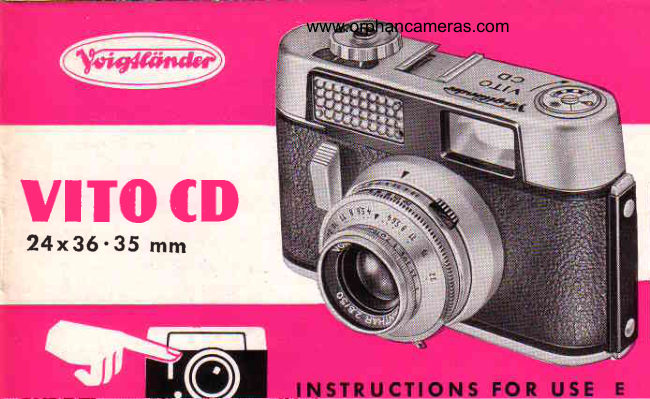
Voigtlander Vito CD
User manual
21 pages · EnglishRead →
VoigtländerPDF
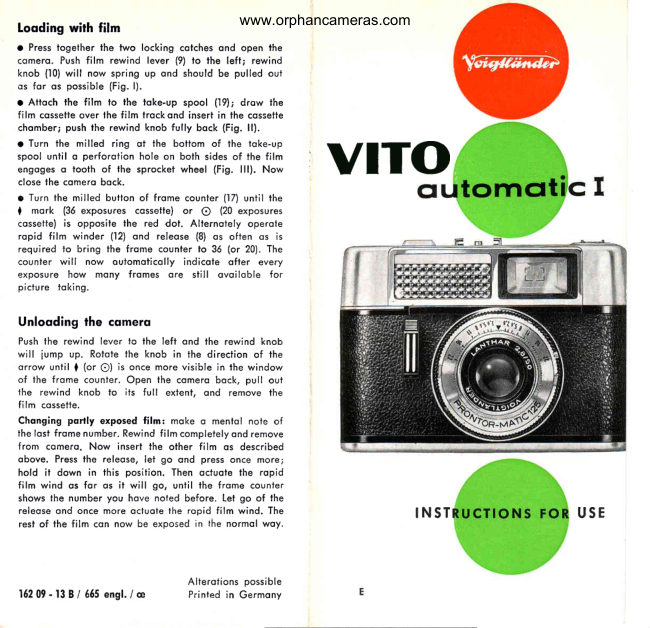
Voigtlander Vito automatic I
User manual
5 pages · EnglishRead →
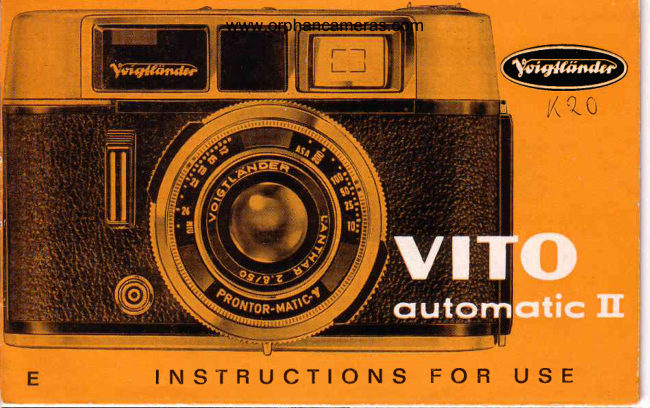
VoigtländerPDF
Voigtlander Vito automatic II
User manual
22 pages · EnglishRead →
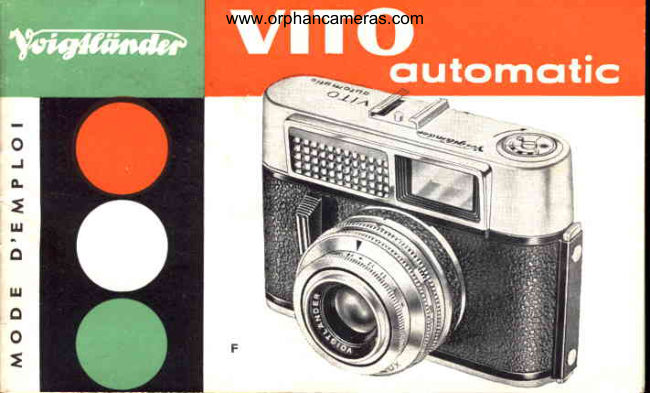
VoigtländerPDF
Voigtlander VITO Automatic
User manual
18 pages · FrenchRead →
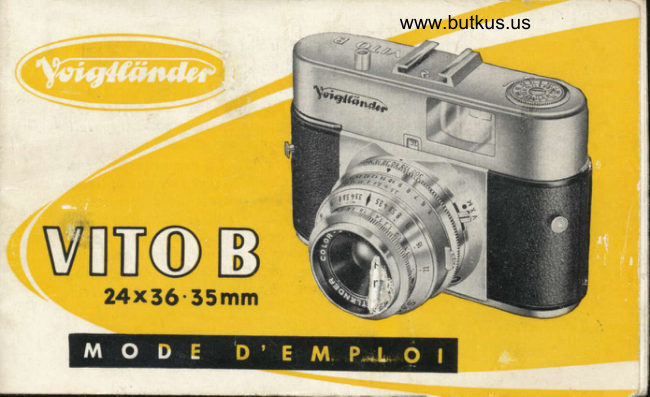
VoigtländerPDF
Voigtlander Vito B
User manual
33 pages · FrenchRead →
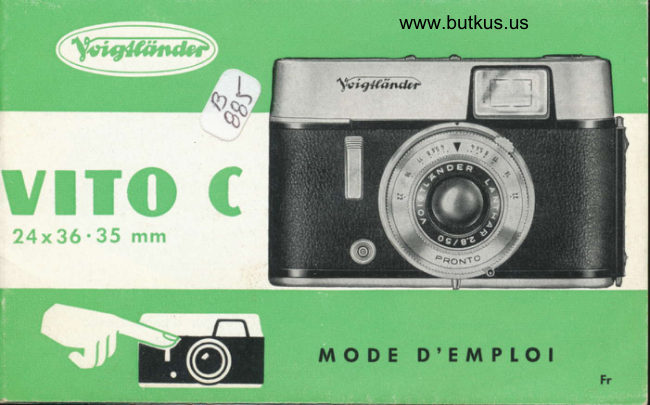
VoigtländerPDF
Voigtlander Vito C
User manual
24 pages · FrenchRead →
VoigtländerPDF
Voigtlander CLR Gevrauchsanleitung
User manual
29 pages · GermanRead →
From the M. Butkus archive. Original publisher and archive notices are retained.
Check the model and edition against your equipment.
PDF verified 2026-10-10.