Film cameras
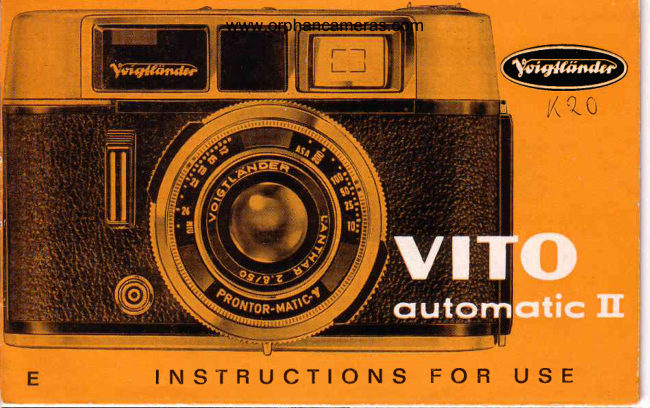
Voigtlander Vito automatic II User manual
User manual for Voigtlander Vito automatic II. 22 pages in English. Read the original PDF, download or print a copy without registration.
22 pagesEnglish1.1 MB PDF
Loading your manual…Open PDF directly
Document details
- Brand
- Voigtländer
- Model / document
- Voigtlander Vito automatic II
- Document type
- User manual
- Language
- English
- Pages
- 22
- File size
- 1.1 MB
- Category
- Film cameras
- Document date
- Not specified in catalog
Search available document text
Find a term, then jump to its page in the original PDF. Image-only pages may not be searchable; check the PDF for exact wording and diagrams.
Page 2 · Read text
www.orphancameras.com
      @                        k  K t O


I N S T R U C T  I O N S F O R U S E
View original page 2Page 5 · Read text
www.orphancameras.com
Set  the  Dislonce
On o cleor sunny doy, there is no need to set the distonce ring (2) to the
exoci footoge. According to your subiect, simply set this ring to one of the
three symbols which you will find between the footoge figures' -

    O     :  PORTRAITS-  corresponding to o distonce of   4Llzleet
                                                                                                                   'll
    V        :  GROUPS    -  corresponding to o distonce of       feet
    O       :  VIEWS        -  corresponding to o distonce of 33   feet

only when the light is very poor, ond when toking flosh pictures (see p. 12)
should you set the red triongle V  to the exoct distonce by turning the
distonce ring; this is porticulorly importont in the cose of  portroits ond
groups.
      You will find o row of operturenumberson both sidesof the red index mork
       oppositethe disloncering; ihe'depth of field' con be reod off here (seep. 13).
 - 2 -
View original page 5Page 6 · Read text
www.orphancameras.com
. . . A n d S h o o t i n g  i s S i m p l e
                             "A";   Set the control ring lo       this engoges the oulomotic
   exposure control, ond the exposure meter pointer now              1]
   moves freely in ihe viewfinder (on the right) ond on top
    of the comero.

@ Pre-sef the Shuiler Speed - by turning the milled ring (3) to bring the red
   dot opposite the required exposure iime. 30 :   1/30 second  .  .  . 500 :
   l/500 second. See p.12 for informotion on the "8" setting.
@ Tqke the picture - by looking through the viewfinder while sighting the
   subiect. lf the exposure meter pointer is wiihin the white oreo; press the
   releose .  .  . ond you hove token your picture.

      lf the pointer,even.with lhe longestexposuretime of 1/rosecond,movesinto the
    tip of ihe red oreo beyond2.8,tha lighf is insufficientfor on expoiure.
   The       dots beiween                   the operture                                          2.8,5.6,'l                                                                                       I ond                                             22 indicote                                                                 positions                                                                ihe                                figur-es.l5.                                                                                     for,l3.                                        "Aperture   the intermediote                 volues                        4,8 ond                              see                                      olso                                           ond                                                Depihof                                                                  Field"                                                            on p.

                                                                                        - 3 -
View original page 6Page 7 · Read text
www.orphancameras.com


                                                    Setting the Film Speed

                                                      Inserting the Cqssette

Now thot you know how beoutifully eosy         Seiling the Film Counler
                       "VITOpicture toking  is with the       outomo-
iic ll", we  sholl show you how to lood         Sefiing the Film Type
ond  unlood  the  film.  Noturolly, your
photogrophic deoler will glodly do  it for        Unlooding the Film
you  -  but  it  is so simple thot sooner or        Chonging Portly Exposed
loter you will wont to do  it yourself.             Films
- 4 -
View original page 7Page 8 · Read text
S e t f i n g    t h e  F i l m  S p e www.orphancameras.come d

T h e s c o l e s f o r  t h e A S A o n d D I N  f i l m
speeds ore situoted on the front of the
 l e n s . M o k e   i t o n o b s o l u t e r u l e t o s e t
t h e  f i l m s p e e d b e f o r e  l o o d i n g o  f i l m
cossetie into the comerq. Correct ex-
posures depend on this setting.

T o s e i t h e s p e e d ,t u r n t h e  l o r g e m i l l e d
ring (5) to the left or io the right io
bring the red index mork opposite the
f i l m s p e e d f i g u r e f o r  t h e f i l m  l o o d e d .
T h e e o s i e s tw o y t o  t u r n t h e m i l l e d r i n g
is io use both thumbs. The film soeed
 i s u s u o l l y m o r k e d o n  t h e f i l m p o c k i n g .
                                               - 5 -
View original page 8Page 9 · Read text
www.orphancameras.com
Inserling   the  Film  Cosselte
Press together ihe locking colches (4) ond open ihe comero bock.
Push the film reversing lever (20) to the left. The rewind knob (.|9)springs
u p ; p u l l  i t o u t f u l l y ( s e e F i g . l l l ) .
Anchor the beginning of the film to the hook (23).Drow the cossetteocross
                                                                                                                                                            Ithe film trock, inserl it into the cossette chomber, ond fully push bock the
film rewind knob. Now turn the milled ring ot the boitom of the toke-up
spool until lwo teeth of the film sprocket engoge two film perforotions (see
Fig. lV). Then close the comero bock.                                                                                     t

You con lood with ony mokeof perforoted35-mm.film on the morket.Theusuoldoylight
cossettesyield 36 or 20 exposures36 x 24 mm.-  in block-ond-whiteor in colour.
                                                                                                      '?
The cossettesore light-iight.Nevertheless,do not exposethem to sirong light. Above
oll olwoys lood ond unloodthe comeroin the shode-  even the shodowof your own
bodywill do.
- 6 -
View original page 9Page 10 · Read text
www.orphancameras.com
S e l t i n g    t h e F i l m  C o u n t e r
T u r n t h e m i l l e d b u t t o n ( . l 5 )u n t i l t h e d i o m o n d I
mork (for o 36-exposurecqssette-  illustrotion o)or the Q mork (for o 20-exposurecqssette-  illu-  J]-
strotion c) is opposite the red dot. Alternotely
o p e r o t e i h e r o p i d w i n d i n g  l e v e r o n d  t h e r e l e q s e
u n t i l t h e f i l m c o u n t e r i n d i c o t e sN o . 3 6  ( i l l u s t r o -
t i o n b ) o r N o . 2 0 ( i l l u s t r o t i o nd )  r e s p e c t i v e l yf o r
the first exposure.
Fromthis point onwordsthe film counteroutomoiicolly
showsthe numberof shotssiill ovoilobleeverytime thefilm is odvonced.In oiher words,it countsbockwords sr
to No. I.
T h e  F i l m  T y p e    I n d i c a t o r    ( 9 )
is intendedonly to remindyou of the iype of film your
comerois loodedwith - bui it hos no effecton the ex-
posure.Set the indicoior- by roioiingthe disc - ofier
hovingpulledout ihe rewindknob' -
       White  :  block-ond-whitefilm;
       Blue    :  doylighttype colourfilm;
       Yellow :  ortificiol light type colour film.
                                                                      - 7 -                 ffiw
View original page 10Page 11 · Read text
www.orphancameras.com
Unlooding   lhe  Film   ...  qfier  lhe  Losl  Exposure
Push ihe reversing lever (20)to the left, letting the rewind knob (24) iump up'
Turn the knob  in the direction of  the orrow  until the  I  or the Q  mork
reoppeors in the film counter window (15).Then open the comero bock, fullypull out the rewind knob, ond remove ihe cossette.              I
                                            IChonging   Portly  Exposed  Film                                       F
        "VITO               ouiomotic ll" you con olwoys remove o portly exposed filmWith the
in the middle ond chonge it for onother one (for instonce to switch over from
block-ond-whiteio colour film).
Remember- or, betterstill, mokeo note of - the numberof lhe lost exposedfrome,ond
rewind the poitly exposedfilm into its cossetteos describedobove.-When reloodingthis film loier oh, pioceedos olreody describedup lo the point of settingthe film   I
counterto fhe I or Q mork.
Then pressthe releose,let go, pressogoin, ond hold it down in this position.Keepon        /
pullinbout the ropid windingleveros for os it will go, until the film counterogoin
indicotesthe numberof the frome you noted before.Now lel go of the releose,work
the winding lever once more, ond corry on shooling.
- 8 -
View original page 11Page 12 · Read text
www.orphancameras.com
 flI                                          The Crystol-frqmeFinder
                                           The Releose- The RopidIr:)                                            Winding Lever
                                             Monuql Conlrol

                                                  Flosh Exposures     We  ore olso going to give you o few
        further'hints for                        correct ond ropid opero-       Aperlure ond Depfh of Field                 "VITO        tion  of  ihe       outomolic ll".  Finolly,
       you will leorn something more obout the       Using FilterseiII     scope of your comero, how to use filters,
      ond whot to nole with colour shots.           Colour Shofs
                                                                                                               - 9 -
View original page 12Page 13 · Read text
www.orphancameras.com
The Chryslol-frome   Viewfinder   shows exoctly ond  cleorly whol
                                                  will be included on the film. More-
                                        over, ihe finder shows the subiect
                                                 in full noturol size. When sighting,
                                    you con therefore keep both eyes
                                  open ond hove o cleor view of the
                                     surroundings of  your  subiect os
                              w e l l .

                                  The dot  indicotes the frome centre.
                                       With  subiects qi  obout 31/zfeet the
                                             limitsof the field of view ore disploced
                                 downwordsor sidewoys,occordingto
                                     whetheryou hold ihe comerohorizontol-
                                                    ly or uprighf.Thisdisplocementis shown
                                      by the iwo short lines neor the top of
                                        the brilliontimogefrome.
                                                   - 1 0 -
View original page 13Page 14 · Read text
www.orphancameras.com
The Releose Hold the comero perfectly still during exposure, ond press the
             releose (7) ge.ntly ond smoothly. Never ierk  it, os thot would
            produce blurred pictures. The threoded socket (11) below the
             releosewill toke o coble releosefor longer exposures(seep. l2).

The Ropid Winding lever   Afier every shot pull out the ropid winding lever
             (21)osfor os it will go (eitherwith one full swing, orwith severol
             short ones).This fensionsthe shutter,odvonces the firm by one
             frome, ond odvonces the film counter.

           An outomotic lock prevents operotion of the ropid winding
              lever o second time before you hove mode on exposure.Also,
            you con releose the shutter only ofter operoting the ropid
            winding lever. The outomotic confrol with operture indicotion
             only comes into oction then, too.

                                                                                                                -   l l  -
View original page 14Page 15 · Read text
Without  Aulomofic  www.orphancameras.comControl


                                           "Monuell"When  you  turn  the  conirol  ring  to  the             ronge, you  disengoge  the
outomotic  exposure  control.  You con now  combine  ony one  of  the operture
numbers with ony shutter speed  ot  will. On  setting the shutter speed ring  io
"B",     the shutter remoins open os long os you keep he releose depressed.

This monuol  setiing  of  the comero  controls  is obove  oll necessory for  flosh
shots. Here the following  hints moy be useful:  -

o Mountinge -  Fit the flosh gun into the occessoryshoe on the top of lhe comero, ond
   plug the flosh coble of the gun into the flosh socket (10).
o  Shutter speed -  Turn the milled ring (3) io 1/aosecond. You con use ony flosh bulbs
   or electronic flosh unit on fhe morket.
o  Aperture - The correct setting on the scole (13) con be obtoined from the so-colled
   guide numbers usuolly quoted on the flosh bulb pocking or  in the leoflets issued
   with the flosh unit. To obtoin the required operfure, divide the oppropriole guide
  number by the subiect distonce in feel. Aperture:   guide number  : distonce.
-12-
View original page 15Page 16 · Read text
www.orphancameras.com
Aperfure   ond  Depth   of  Field
The depth of field zone covers thot port of the subieci oreo (in froni of, ond
behind, the focused disionce) which is reproduced in ihe picture with occept-
oble shorpness.This depth of field depends on ihe operture setting, which
you con reod off  in the viewfinder or  in the little window on top of the
                 "AUTO".comero, when set to

Note the following rule: -
         Lorge operlures (e. g. I/2.8) yield  limited depth of  field;
         Smqll operlures  (e. g. f/.|6) yield greoter deplh  of  field.
After settingthe distonce,the depth of'field con be eosily reod off :  it extendsfrom
the distoncefigure below ony given left-hondoperturenumberto the distoncefigure
below the correspondingoperiurenumberto the right of the index mork y.
lf you need o smolleroperturethon shownby lhe pointer,pre-seio longer exposure
iime (if permissiblefor the subiectl).This outomoticollyyields o smolleropertureond
increosesthe deoih of field.
                                                                                       - t 3 -
View original page 16Page 17 · Read text
www.orphancameras.comUsing Filters
                " V I T O
W i t h   t h e       o u t o m o i i cl l "  y o u . c o n . i g n o r e o l l   f i l t e r  f o c t o r s f o r  s p e c i o l e x p o s u r e i
simply mouni the {ilter in front of lhe lens ond lhe exposure is outomqticolly correcti

 Filter              Lightens        Dorkens        A p p l i c o t i o n s
lisht Yellow                                                                             I Sport ond oction shots,
                        I   1""..                                                       I pictures with low sun                   ureen          B l u e
Medium Yellow     'i                                        J Londscopes (summer, snow),
G 3              Oronge                                                    I ouidoor portroils
Green Gr 4        Green          Red           S p r i n g o n d s u m m e r s u b i e c t s ,
                                     VioleJ            o r t i f i c i o l  l i g h t p o r i r o i t s ,
                               B l u e               c o p y i n g o f c o l o u r e d o r i g i n o l s
Oronge Or 5      Oronge        B l u e            Londscooes,cloud effects,
                Red          G reen           d i s t o n t v ; e w s
                  Yellow
Ultro-violet        Cuts down ullrq-violet rodiotion ot hioh olliiudes oT neoT rne seo,
UV             E l i m i n o t e su n p l e o s o n lb l u e c o s l s i n c o l o u r s h o l s .

Sky  filler         A c o m b i n q t i o no f  t h e u l t r o - v i o l e ft i l f e r o n d o w e o k c o n v e r s i o nf i l t e r
                                                l l c o m p l e t e l ye l i m i n q t e st h e u l t r o - v i o l e lp o r t o f  t h e s p e c t r u m .
- 1 4 -
View original page 17Page 18 · Read text
www.orphancameras.comColour  Shols
ore iust as eosy io toke os block-ond-whiie pictures. Subiects with lorge oreos
of  colour, but without greot brightness differences, moke lhe best colour
pictures. PIoce people ogoinst o quiel neutrol bockground whenever possible,
to moke them stond oui; outdoor porlroits qre best token by slightly hozy
sunlighi.


Wiih londscopes oim io gel o colourful ond live foreground inio ihe piclure.
For mounioin ond seoside pictures use ihe ulfro-violef (UV) or the sky filter,
which both eliminote disiurbing blue cosis.


With doylight shots you con light up shodows by whiie refleciing screens or
with o blue flosh bulb or electronicflosh. Avoid mixed lighiing (e.g. tungsten
lomps used iogether wiih doylight), os this leods io colour disiorlion.
                                                                                       - 1 5 -
View original page 18Page 19 · Read text
www.orphancameras.com
   Useful Smoll  Accessories

o  lf you hove ony difficultyin estimotingdistonces,use ihe
  Voigtlcinderslip-in rongefinder.
O Voigtlcinderolso moke o flosh gun. This will enobleyou
   to moke delightful shots indoors, in dull weoiher, ond
  even in twilight.This flosh gun gives oll the light your
  picture needsond qssislsyou in the recordingof lively
  scenesin oll iheir nqturolness.
                    "Aiminga Our speciolbrochure       high" tells you in detoil
  obout our full ronge of comerooccessories.Your Deoler
   will be pleosedto give you o copy.


   _ 1 6 _
View original page 19Page 20 · Read text
www.orphancameras.com
Successful Resulls


                            "VITO                                    outomotic ll" dependond long  life of your voluoble
lorgely on proper cqre qnd correcl operqtion.
o  Therefore olwoys hondle ihe comero gehtly, ond never
   use force.
 a  Prolecl the cqmero ogoinsi hord knocks ond do nol drop
     it. When trovelling by cor, do not keep the cqmerq in
   the glove deporlment. ln the long run ihe vibrolion lhere
   moy horm the photo-electricexposure meler.
 o  Cleon the lens only wifh o  sofl, fluffless, cloth. First
   corefully dust off coorse porticles of gril (or sond ot the
   seoside) with o sofl soble brush. Finger morks ond olher
   troces of greose on ihe lens surfoce or lhe viewfinder
   window con be removed with o  piece of  colton wool
   moistened with pure olcohol or ether.
View original page 20Page 21 · Read text
www.orphancameras.com


                                                                F i s .l l l


l5  Viewfinder  eyepiece                           Film sprocket

17  Film trock
                                              Toke-up spool with hook for
l8  Film cqssetle chqmber                       ottoching ihe film leoder

19 Rewind knob, fully extended
                                            Rewind knob, pushed into the
20  Film reversing lever                       comero body

2l  Ropid winding lever for
    tensionino the shutier ond                     Shqft of rewind kiob, must engoge
    odvoncin! the film                            the cossette spool
View original page 21Related documents and language editions
VoigtländerPDF
Voigtlander Vito Automatic
User manual
25 pages · EnglishRead →
VoigtländerPDF
Voigtlander Vito B
User manual
37 pages · EnglishRead →
VoigtländerPDF
Voigtlander Vito BL
User manual
38 pages · EnglishRead →
VoigtländerPDF
Voigtlander Vito BR
User manual
29 pages · EnglishRead →
VoigtländerPDF
Voigtlander Vito C
User manual
20 pages · EnglishRead →
VoigtländerPDF
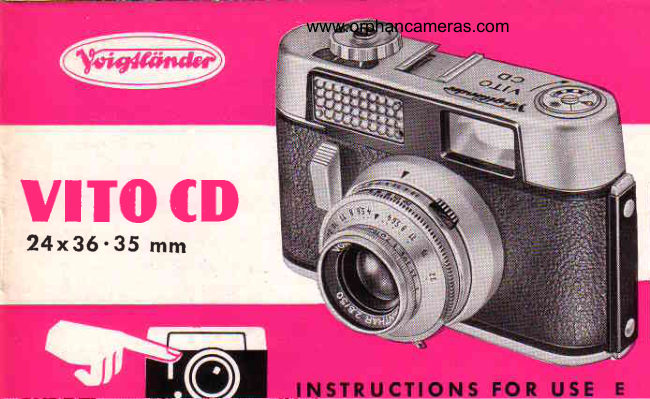
Voigtlander Vito CD
User manual
21 pages · EnglishRead →
VoigtländerPDF
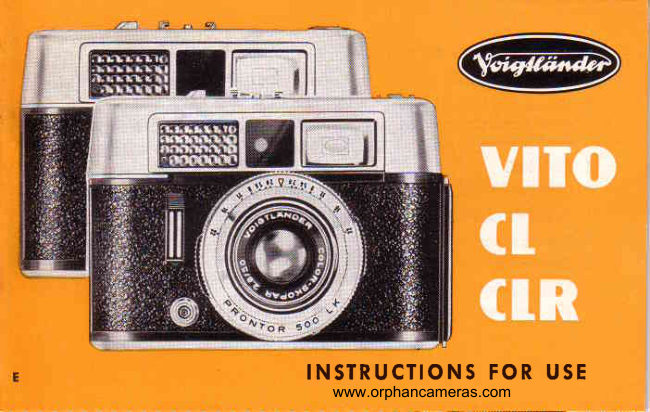
Voigtlander Vito CL_CLR
User manual
26 pages · EnglishRead →
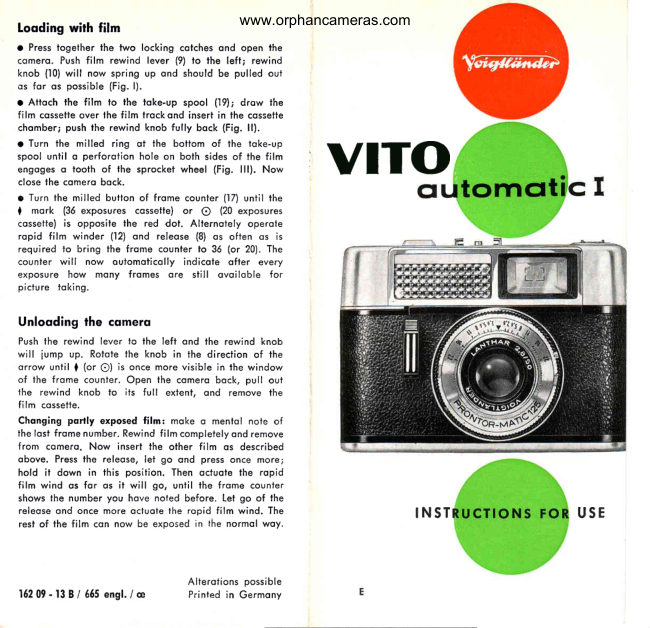
VoigtländerPDF
Voigtlander Vito automatic I
User manual
5 pages · EnglishRead →
VoigtländerPDF
Voigtlander VITO Automatic
User manual
18 pages · FrenchRead →
VoigtländerPDF
Voigtlander Vito B
User manual
33 pages · FrenchRead →
VoigtländerPDF
Voigtlander Vito C
User manual
24 pages · FrenchRead →
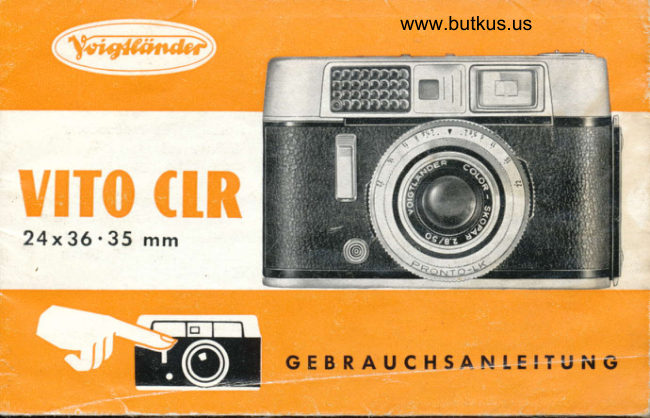
VoigtländerPDF
Voigtlander CLR Gevrauchsanleitung
User manual
29 pages · GermanRead →
From the M. Butkus archive. Original publisher and archive notices are retained.
Check the model and edition against your equipment.
PDF verified 2026-10-10.